Feb 12, 2026
February 2026: Sparky can read images! Plus, refreshed profile and settings.
Explore Flint’s February 2026 product updates, including updated profile and settings design, reading images in documents, and deeper district analytics.
This month’s updates are focused on giving districts clearer data, improving document reading, and a smoother experience across the platform.
Here’s what’s new.
🤓 Sparky can read documents better, including images
Sparky can now understand images inside documents. That means things like scanned worksheets, image-based PDFs, slide decks with screenshots, and visual-heavy primary sources can be read by Sparky. Learn more about uploading content.
👤 Your profile page got an upgrade
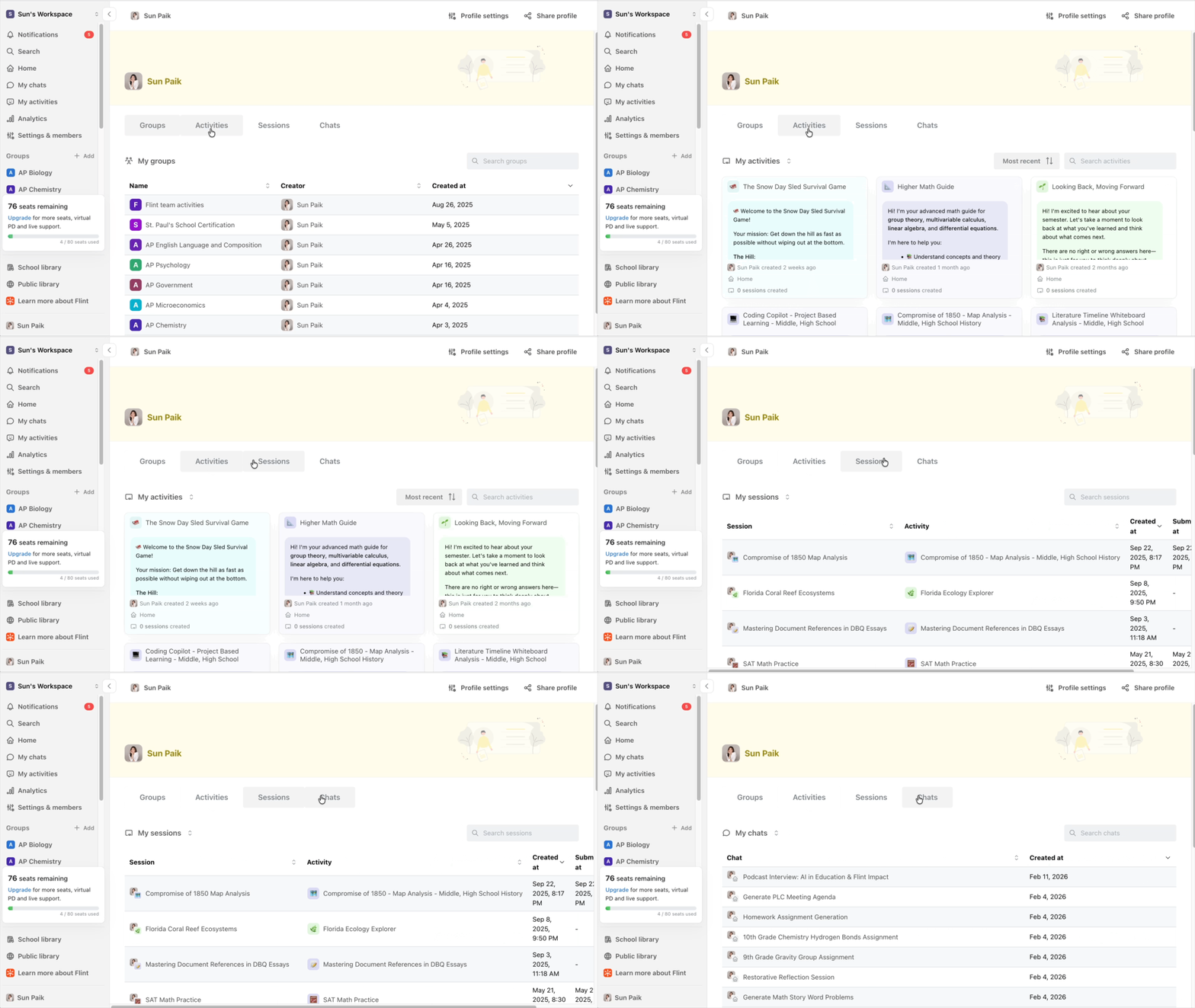
We’ve redesigned the user profile experience to make navigation faster and clearer. You can now easily toggle between groups, activities, sessions, and chats. For more information on profile settings, check out our guides on editing profile onboarding answers and memories in Flint.
🏫 Improved workspace settings
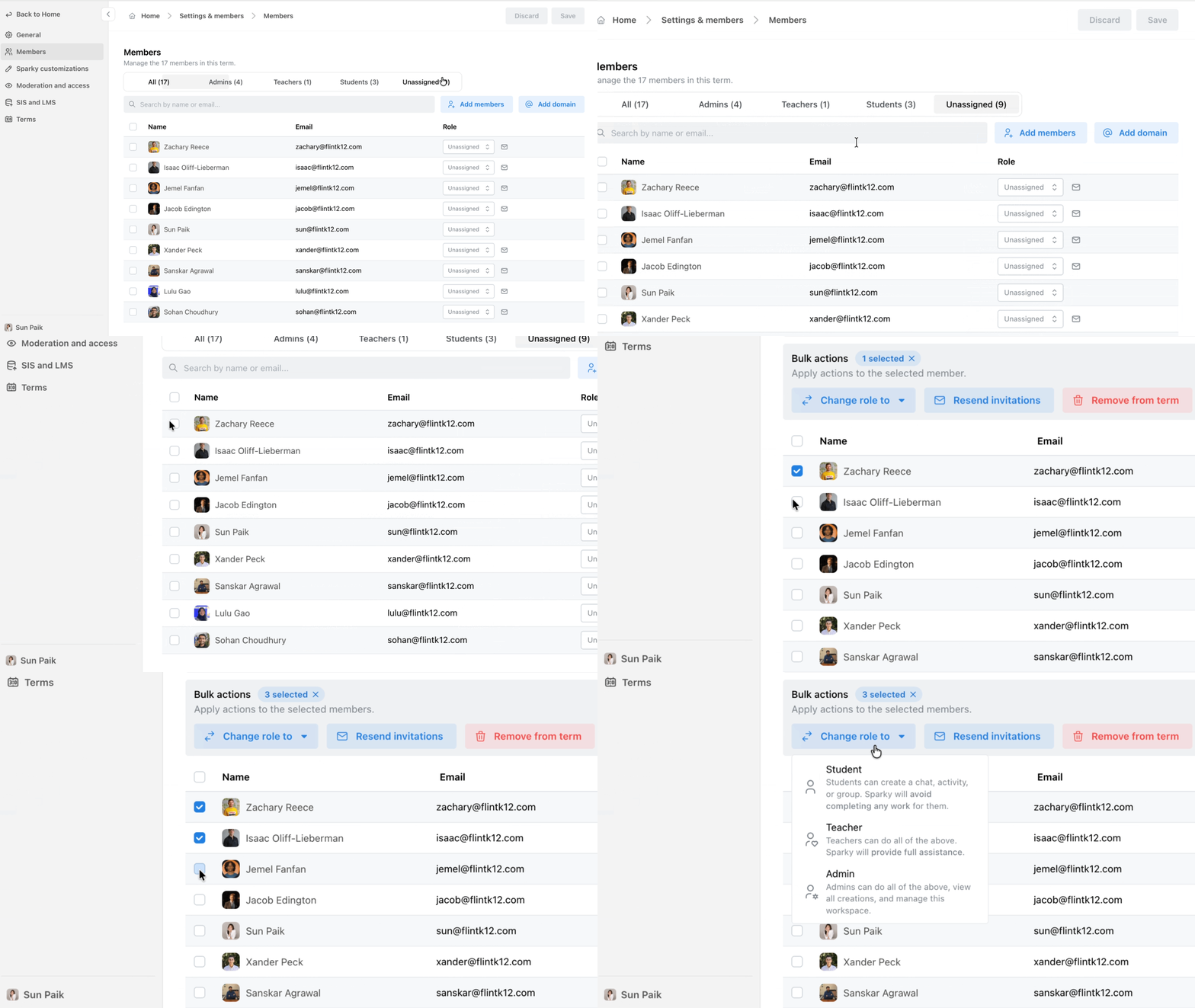
Workspace Settings now has a cleaner, more intuitive layout. Admins can now bulk add members and change roles through CSV, quickly access Sparky customizations, navigate moderation guidelines, terms, and SIS/LMS integrations more easily. Learn more about assigning roles to students and teachers.
📊 District analytics are here
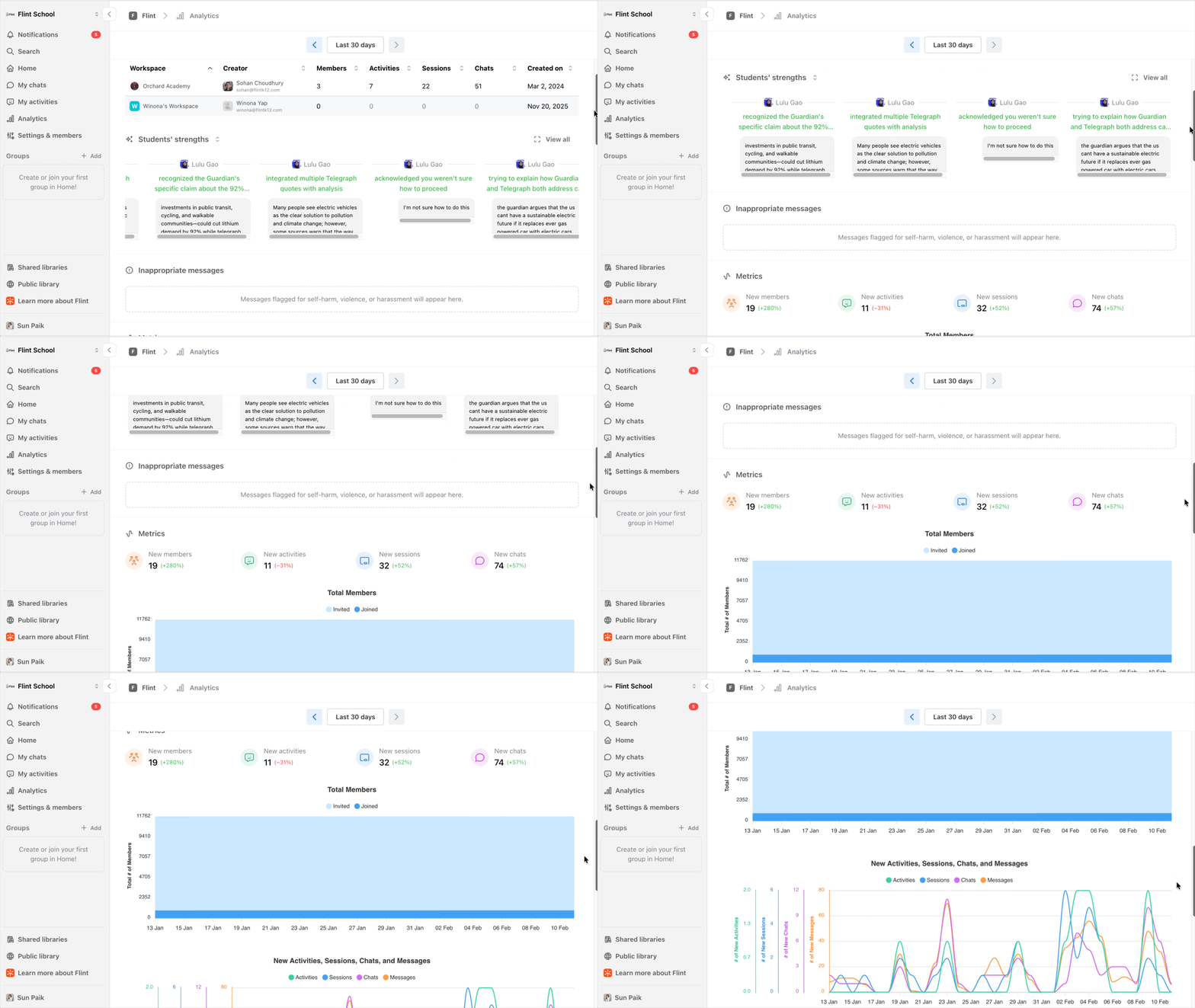
We’ve launched District Analytics, a high-level view of how schools within your district are using Flint. This allows district leaders to clearly understand usage trends across all school workspaces. Learn more about district analytics


