Mar 2, 2026
March 2026: Video generation, grade level, voice customization, and more.
Check out our March 2026 updates, including video generation, customizable AI voices, grade-level support, timed student responses, AI image watermarks, and upgraded image generation.
This month's updates bring powerful new creative tools and more ways for teachers to customize the learning experience.
Check out our March 2026 updates below 👇
📽️ Generate videos with Sparky
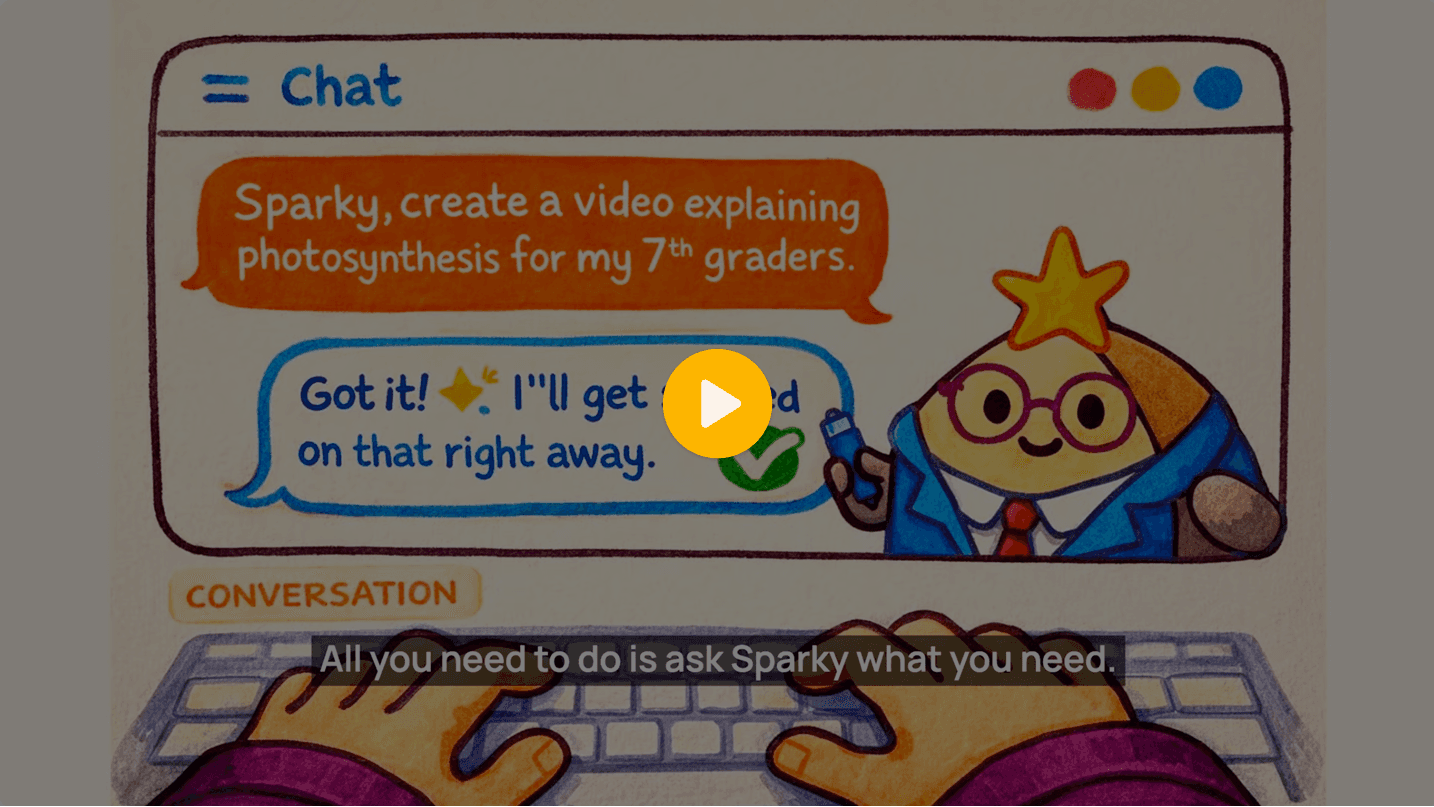
Sparky can now create short videos to bring lessons and concepts to life. Whether you're looking to explain a process, tell a story, or create engaging visual content, video generation makes it easier than ever to capture student attention. Learn more about video generation.
📚 Grade levels are now in Flint
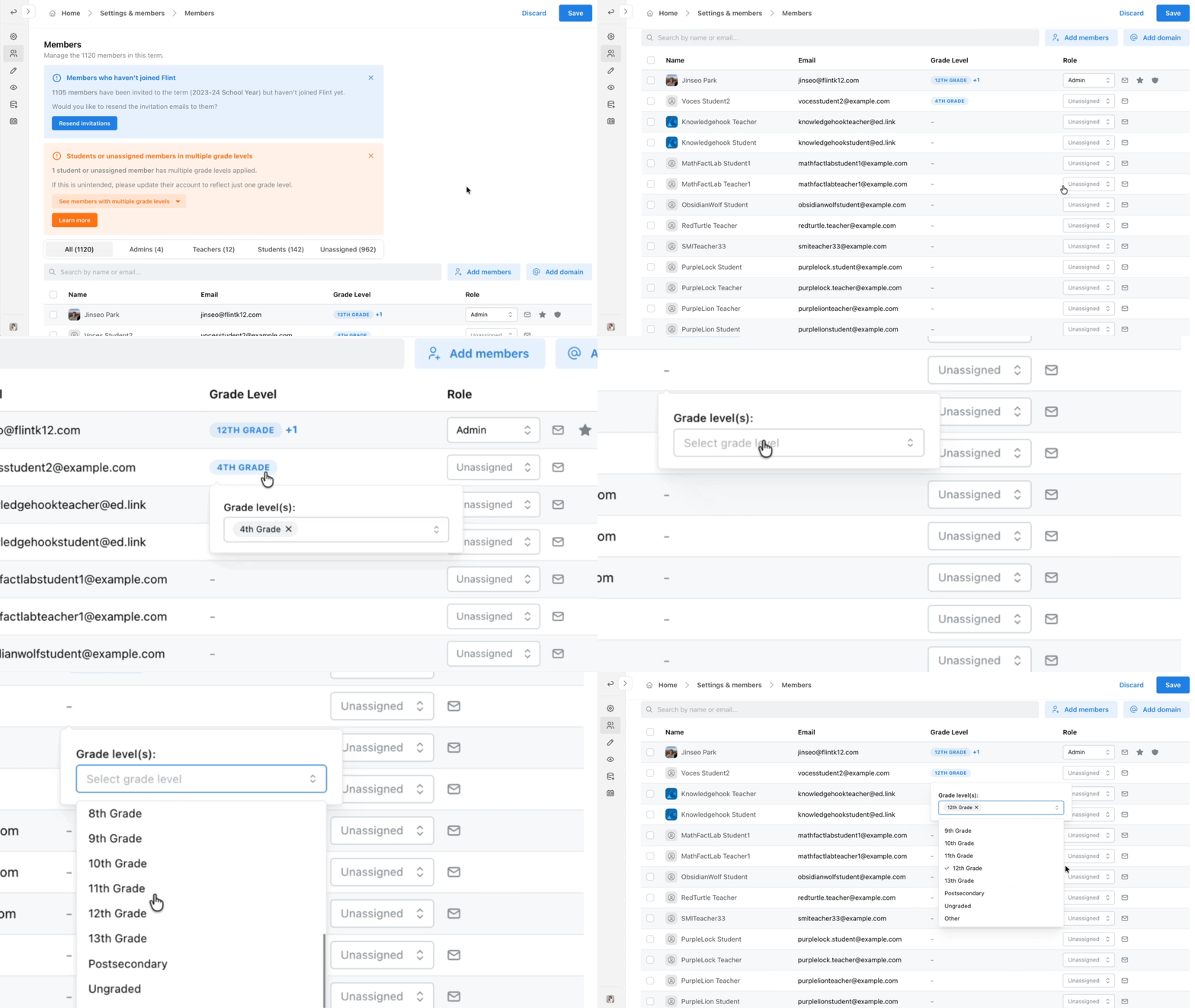
Flint now supports grade levels! Grade levels can be automatically synced via your SIS/LMS integration or manually assigned and edited in workspace settings, giving you flexibility in how you set up your classroom. Learn more about managing grade levels.
🎙️ Customize Sparky's voice in activities
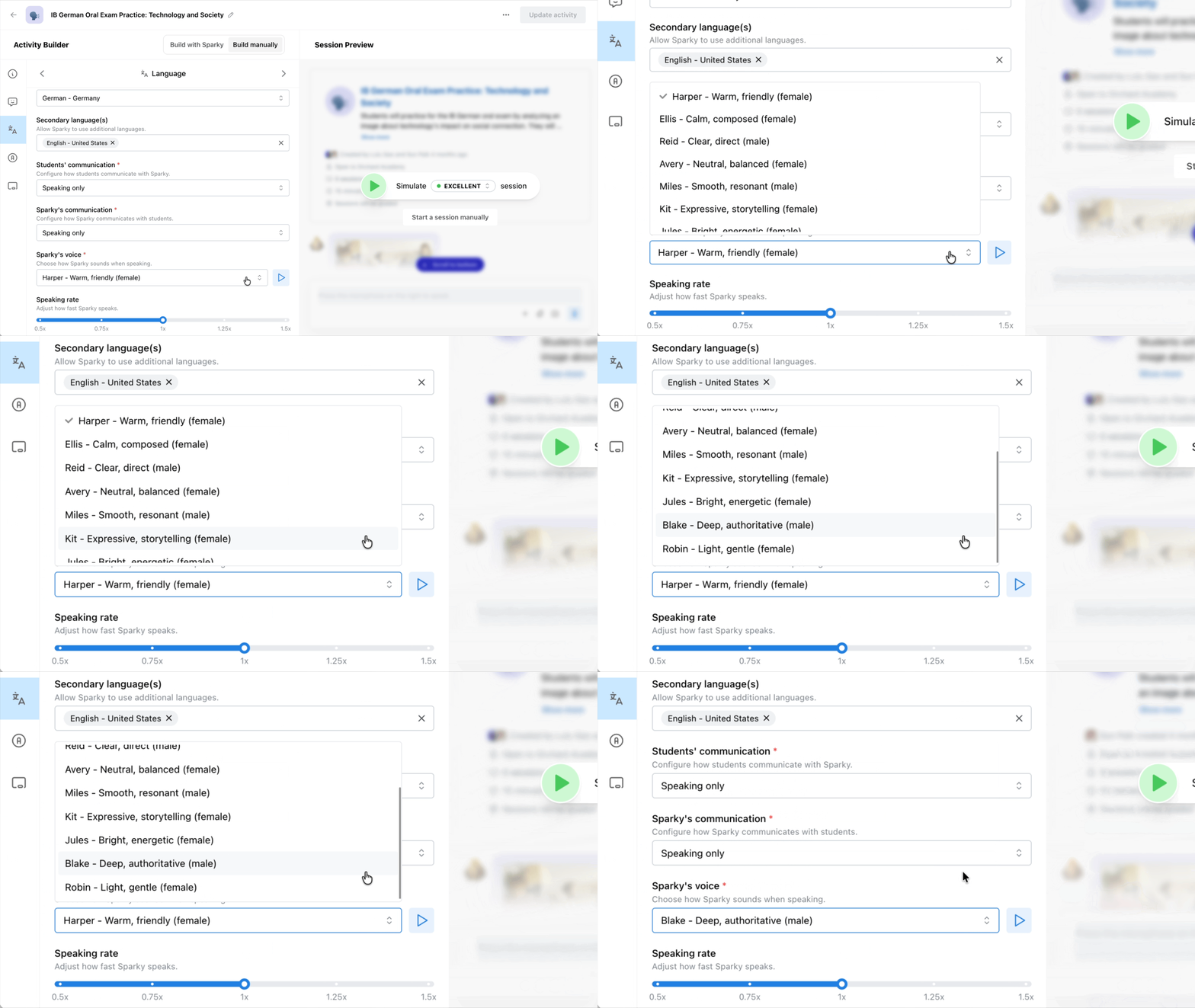
One of our most-requested features is here! You can now customize Sparky's voice to better fit your classroom. Choose from a range of voices, including more feminine or masculine options, and adjust the tone to fit your world language practice, role-playing activities, and more. Learn more about customizing Sparky's voice.
⏱️ Time-box student responses
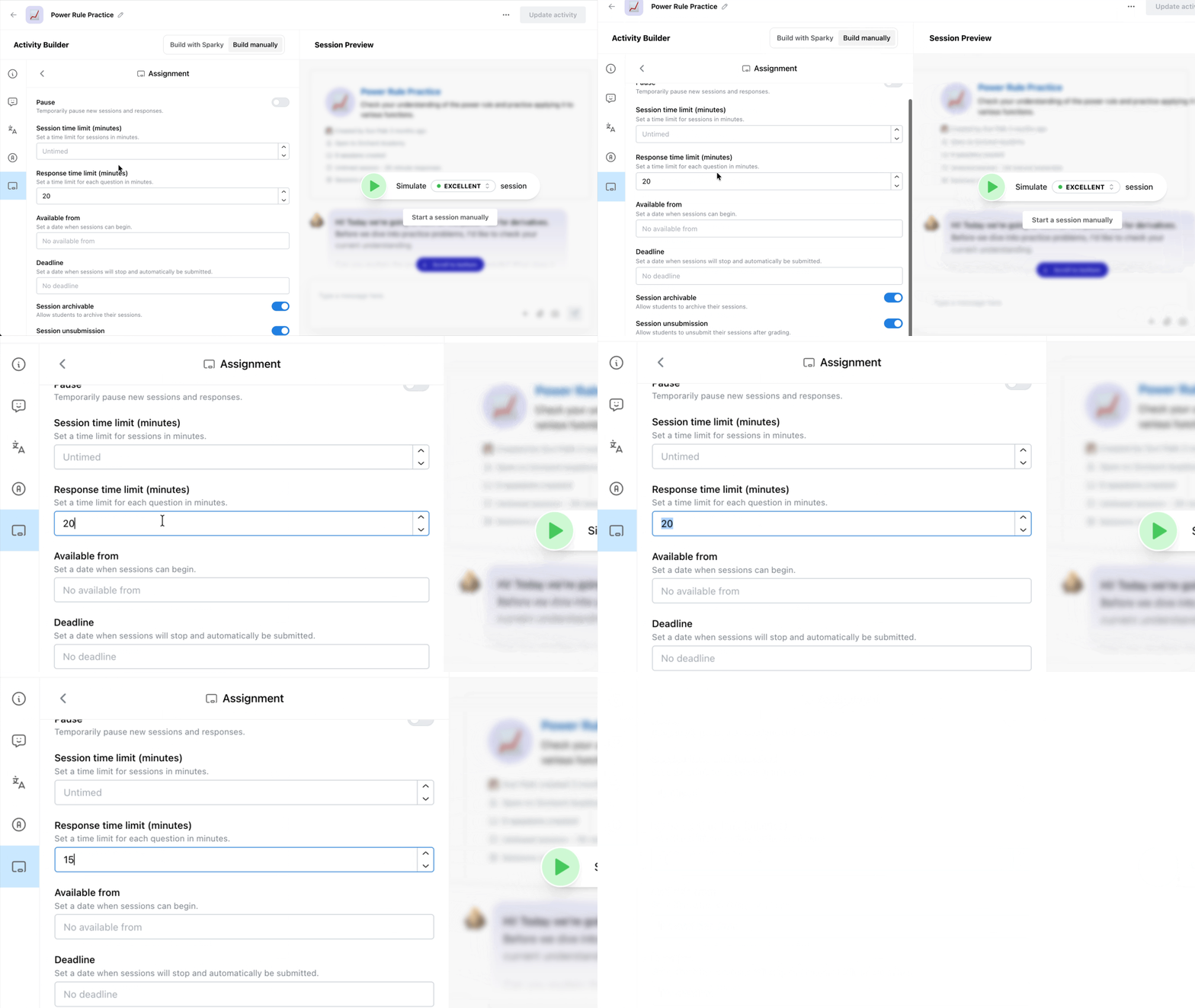
Teachers can now set time limits for student responses within activities. Whether you want to encourage quick thinking or simulate timed assessments, time-boxing gives you more control over pacing. Learn more about setting timers.
🏷️ Watermark AI-generated images
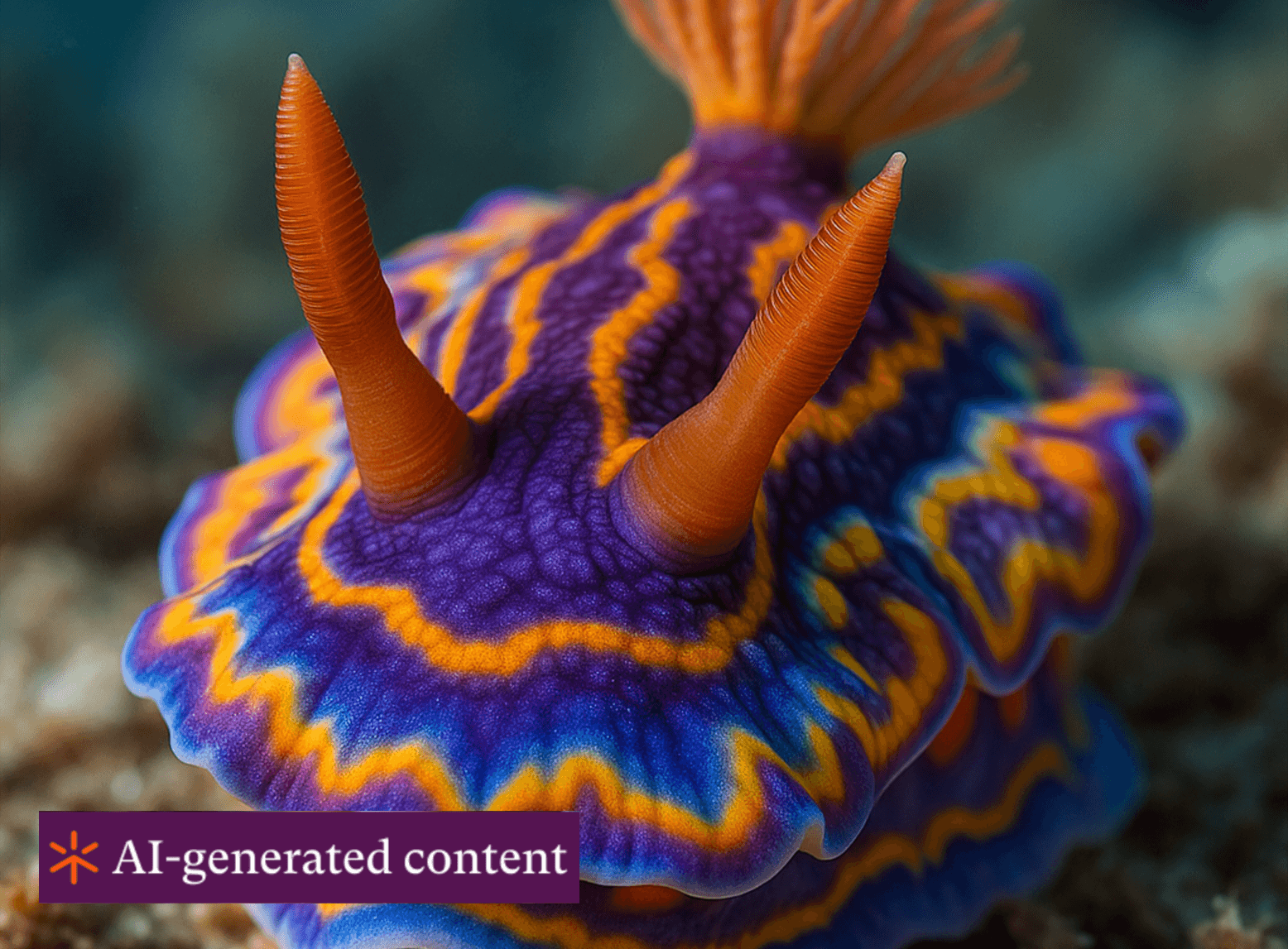
You can now add an "AI-generated image" watermark to images created on Flint. This helps promote transparency and responsible AI use, which is perfect for teaching students about digital literacy. Learn more about watermarks.
🖼️ We upgraded our image generation model
We've upgraded Sparky's image creation to GPT Image 1.5, delivering sharper, more accurate, and more visually compelling images. From science diagrams to creative illustrations, expect better results every time.


