ComparisonSep 28, 2026
Best AI Platforms for UK Schools and Trusts in 2026
Eight AI platforms for UK schools and trusts, compared on where pupil data goes, what safeguarding staff can see, curriculum fit and cost.

Alex McPherson | Special Projects Lead (UK)

Most AI platforms sold to UK schools were built for American school districts. They sort pupils into US grades, align to US state standards and store pupil data in the United States. The platforms built in the UK tend to be for teachers only, which is useful for lesson planning but leaves pupils out.
This guide compares eight platforms a headteacher, trust leader, IT lead or designated safeguarding lead (DSL) is likely to shortlist in 2026. We've judged them on the questions UK schools keep asking us: where pupil data is stored and processed, what safeguarding staff can see, how well the platform fits the English curriculum, and what it costs. Flint is one of the eight, and we've tried to be as specific about our own gaps as about everyone else's. We're also in the AI Tutoring Pioneers programme, which Flint's entry below explains. Claims about other platforms link to each vendor's own documentation, checked in September 2026 (TeacherMatic's in October 2026).
What UK schools should check
Start with who actually uses it. A tool only teachers use carries different risks from one pupils talk to. Once pupils are using an AI platform, the Department for Education's generative AI product safety standards on filtering, monitoring and reporting apply in full. The DfE first published these as "expectations" in January 2025 and updated them on 19 January 2026, adding standards on cognitive development, emotional and social development, mental health and manipulation. We've set out how Flint meets each of the eleven standards on a separate page.
Next, where pupil data is stored and where the AI runs, which are two separate questions. Several platforms now store data in the UK or EU but still send every prompt to an AI model running in the United States. Ask about both.
Then ask what your DSL sees. Can safeguarding staff read pupil conversations? When a pupil discloses something worrying, does someone get alerted, or does a member of staff have to go looking?
Curriculum fit matters more than it first appears: year groups rather than US grades, the National Curriculum programmes of study, and GCSE subject content.
Finally, cost. Work out what the platform will cost your school or trust once everyone is using it, and whether you can still afford it in three years' time. Then check there's a simple, free way to try it with your own classes before you commit.
The platforms
1. Flint
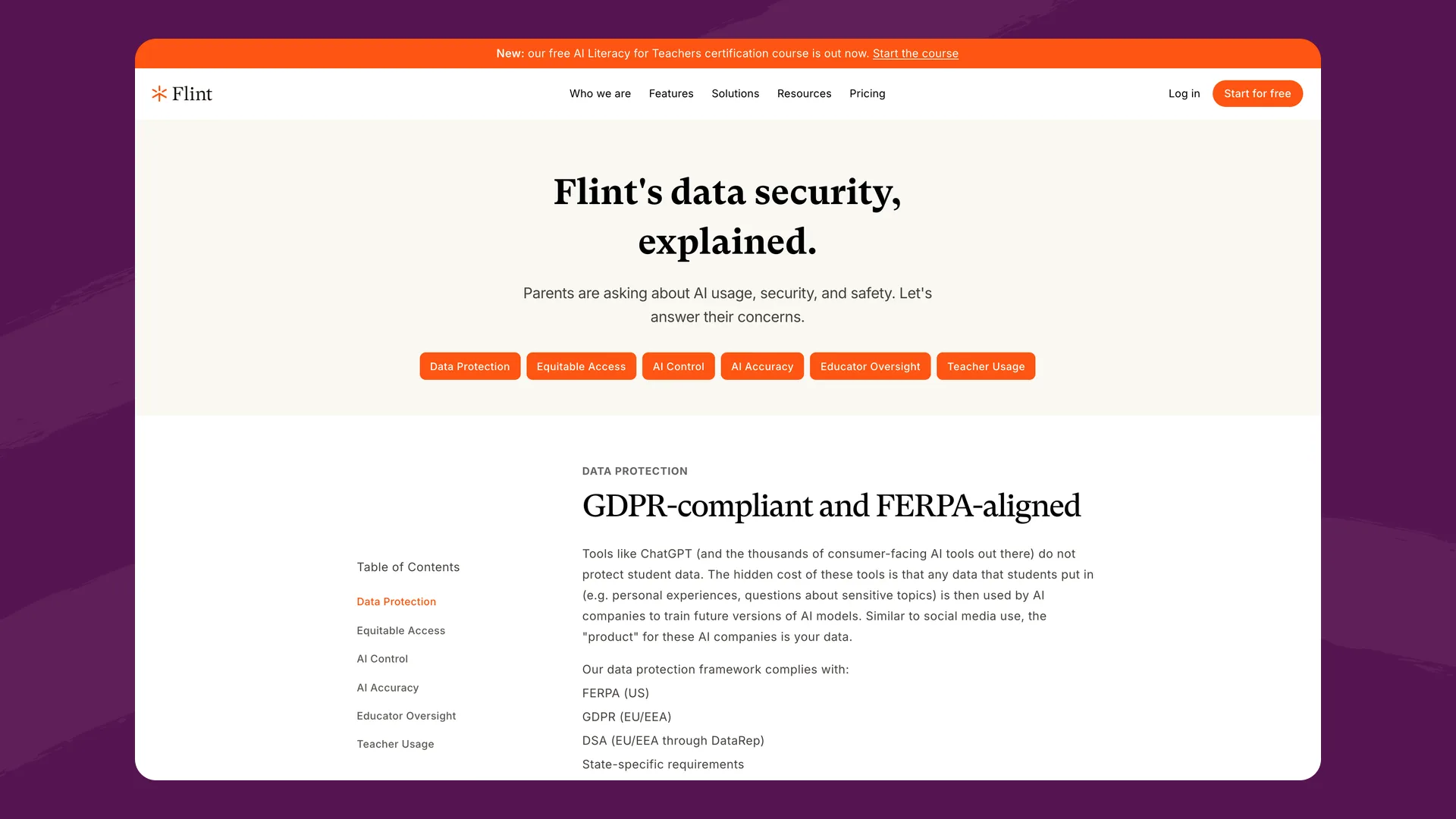
Flint's security and privacy page (flintk12.com/security), captured September 2026.
What it is: A personalised learning platform for schools. Teachers build AI activities (Socratic discussions, essay feedback, maths practice, revision) and pupils work through them with Sparky, Flint's AI tutor. Teachers and school leaders can see every conversation.
Best for: Schools and trusts that want pupils, not just teachers, using AI, with UK data residency and safeguarding oversight built in.
AI Tutoring Pioneers programme. We're in the AI Tutoring Pioneers programme, which isn't the UK buying Flint and forcing schools to use it. It's a co-build. We're working with a set of schools with a focus on disadvantaged pupils to collect feedback, measure results, and figure out how schools across England might use AI tutoring in the future. Schools and edtech companies need to talk, and this is a great example of that.
Where pupil data goes. UK schools use a separate UK deployment at uk.flintk12.com. Pupil data is stored in London. AI conversations with Claude run through Amazon Bedrock using EU-only routing, image generation and speech go through OpenAI's EU endpoint, and document scanning, document export and code execution all run in the UK or EU. If the EU document-scanning service is down, the request fails rather than falling back to a US server. A few supporting services sit outside the UK and EU: web search queries, the support chat widget, and product analytics and error tracking. Analytics and error reports on the UK deployment have IP addresses, names and pupil content stripped out before they leave. Flint's sub-processor list names every provider.
Safeguarding. Sparky checks every pupil message for self-harm, violence, harassment, hate, sexual content, illicit content and relationship-building (a pupil treating the AI as a friend or confidant). Schools can add up to 20 categories of their own, written in plain English. Alerts go by email to the class's teacher and moderators, and to the general moderators a school chooses, so a school can route them to its DSL. Schools choose which categories of alert each class and moderator receives, and how often: a class moderator can be notified instantly, and school admins can choose immediate, hourly, daily or weekly emails. Self-harm alerts are always sent immediately and can't be switched off. Schools can also set their own guidelines for how Sparky responds, so its replies follow the school's support policy and procedures. Pupils can't delete their conversations, and class teachers and school admins can read them all.
Curriculum. Flint uses UK year groups (Nursery and Reception through Year 13) and includes presets for the National Curriculum programmes of study and the DfE's GCSE subject content for 33 subjects. Teachers can also upload their own schemes of work.
For trusts. Flint mirrors a trust's structure: trust leaders see analytics, including flagged conversations, across every school, while each school sets its own AI guidelines and moderation rules.
Integrations. Google and Microsoft sign-in. Rostering from SIMS, Bromcom, Google Classroom and Microsoft Teams.
Pricing: Free for up to 80 users, counting staff and pupils. Paid plans start at $3,000£2,234 a year for up to 150 users.
Where it falls short: Some things UK schools ask for are still in progress, and we're working through them with the schools in the AI Tutoring Pioneers programme. Safeguarding alerts arrive by email today rather than going straight into CPOMS or MyConcern. Parts of the interface still use US wording, such as "standards" where UK teachers would say "specification points", and list prices are in dollars.
Website: flintk12.com
2. Aila (Oak National Academy)
What it is: A free AI lesson assistant from Oak National Academy, the government-funded curriculum body. Teachers describe a lesson and Aila builds a plan, slides, quizzes and worksheets drawn from Oak's own resources.
Best for: Teachers in England who want quick, curriculum-aligned lesson resources at no cost.
Key strengths: Aila is aligned to Oak's curriculum across all National Curriculum subjects at key stages 1 to 4, and Oak says it goes beyond the DfE's product safety standards. A separate model moderates content and blocks high-risk topics such as self-harm. Oak publishes an algorithmic transparency record on GOV.UK, names its data protection officer, and says it doesn't send personal data to OpenAI, whose models power Aila.
Data: Oak's privacy policy says "the majority" of its technology runs in the EEA, with some suppliers outside the UK and EEA under contractual safeguards.
Pricing: Free, with fair-use limits.
Where it falls short: Aila is for teachers only. Oak states it is "not intended for use by pupils", so it does nothing for pupil learning directly. Oak's own FAQ says output is weaker in STEM and modern foreign languages, and Aila doesn't work well on mobile.
Website: labs.thenational.academy
3. Teachmate (formerly TeachMate AI)
What it is: A UK-built suite of 160+ AI tools for teachers covering planning, reports, resources and admin.
Best for: Schools that want to save teachers time on prep and paperwork with a UK supplier.
Key strengths: Teachmate covers the curricula of England, Wales, Scotland and Northern Ireland, plus IB and international A levels. Its data processing agreement lists sub-processors hosted in the UK, including Microsoft Azure OpenAI and AWS, and customer inputs are kept for 28 days and not used for training. It holds Cyber Essentials and publishes a whole-school ROI calculator.
Pricing: Free tier; Pro at £6.99 a month; whole-school plans "from £2 per teacher per month".
Where it falls short: Teachmate is for teachers only: users must be 18 or over and there are no pupil accounts. It says it has been assessed against every DfE safety standard, though its own blog post on the standards explains that the filtering and monitoring standards don't apply because pupils never use it. No data protection officer is named in its DPA.
Website: teachmate.com
4. TeacherMatic
What it is: A UK suite of 150+ AI generators for teachers, leaders, admin, HR and quality staff, built by people from further education. The Swiss edtech company Avallain took it on in March 2024.
Best for: Colleges, and schools with a strong FE or vocational side, that want staff AI tools inside the learning platform they already run.
Key strengths: TeacherMatic has independent evidence behind it. In a Jisc pilot across eight FE colleges, staff said it saved them two hours ten minutes a week on average, and a second Jisc pilot on marking and feedback ran in eight colleges and universities through 2025–26. It aligns to 38 curricula, including the National Curriculum, GCSE frameworks and BTEC. It plugs into Moodle, Canvas, Blackboard and Google Classroom through LTI, with Microsoft and Google sign-in. Its terms say customer content isn't used to train general-purpose AI models.
Where it falls short: TeacherMatic is for staff only, and its terms tell customers not to let anyone under 18 use it. Its privacy notice lists Amazon Web Services in the USA for hosting and Microsoft Azure in Switzerland for its AI models, with no UK or EU hosting option stated. The terms also say the service isn't meant for personal data and that TeacherMatic isn't a data processor, so there is no data processing agreement to sign, even though its feedback generator takes uploads of student work. Remove names before uploading. We found no statement on the DfE product safety standards.
Website: teachermatic.com
5. Google Gemini for Education
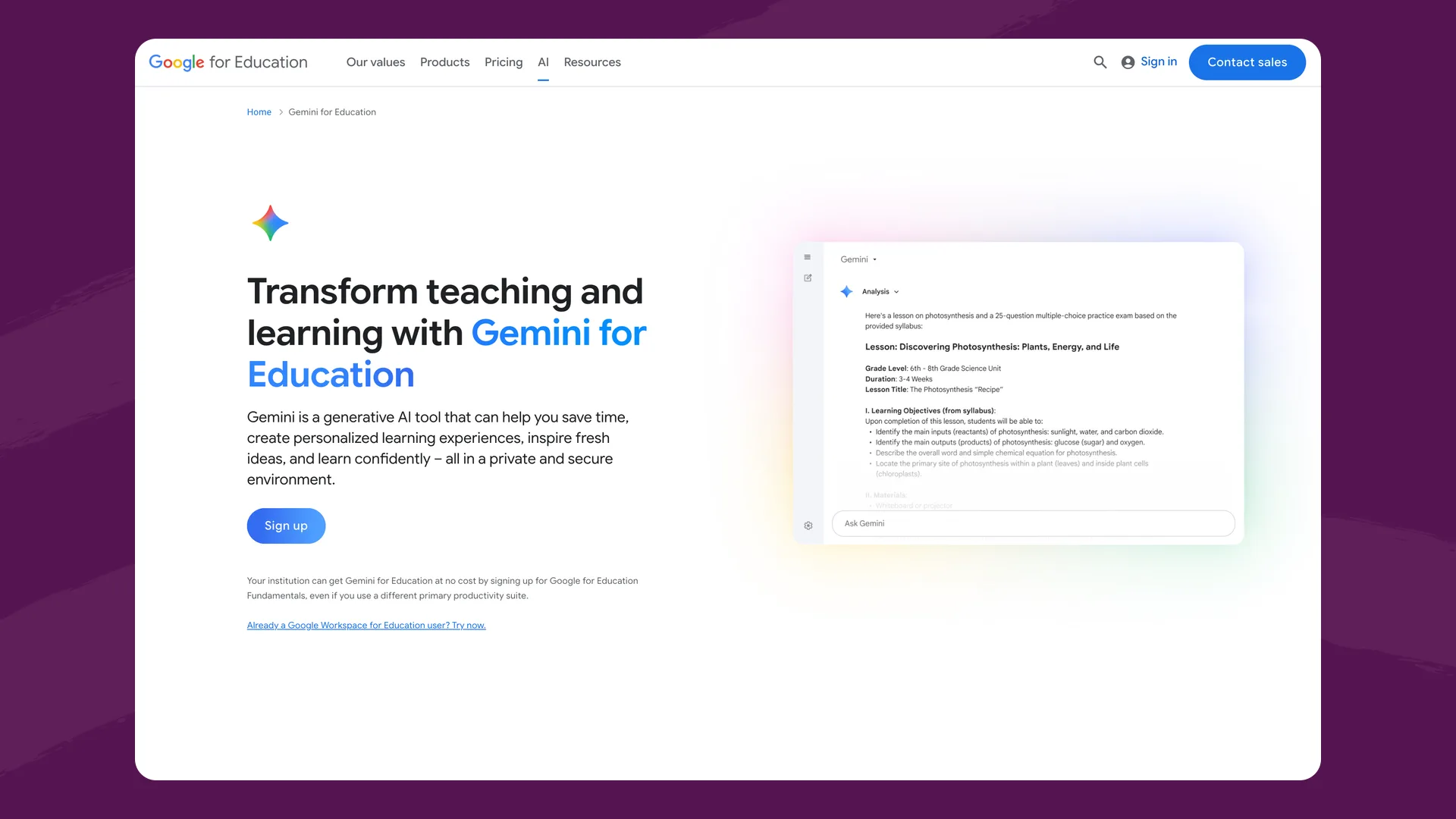
Google's Gemini for Education page (edu.google.com), captured September 2026.
What it is: Google's AI assistant, included with every Google Workspace for Education edition. Since August 2026, Gemini in Google Classroom is open to pupils of all ages once their admin switches it on, and teachers can assign notebooks and Gems built from class materials. Google is retiring Gems. For schools they stop working no sooner than 1 June 2027, and Google recommends Gemini Notebook and Guided Learning instead.
Best for: Google schools that want AI in Classroom, the Gemini app and Gemini Notebook at no extra cost.
Key strengths: No extra licence for the core tools. Under-18s get stricter content policies and a youth onboarding experience, and Google says chats aren't reviewed by humans or used for training. Google is the only large vendor we found with a published mapping to the DfE's safety expectations.
Pricing: Core Gemini features are included with Workspace for Education. The paid add-on, Google AI Pro for Education, is £16.80 per user per month with a one-year commitment (£12.60 for Education Plus customers).
Where it falls short: Google Workspace offers data regions in the US or Europe only, with no UK option. For the Gemini app, Education Standard and Plus customers get in-region storage but not in-region processing, and Education Fundamentals gets no data regions at all. Google's DfE mapping predates the January 2026 update to the standards. Monitoring means an admin searching chat history in Google Vault with keyword rules they write themselves, rather than alerts sent to a DSL.
Website: edu.google.com
6. Microsoft 365 Copilot Chat
What it is: Microsoft's AI assistant, included at no extra cost with Microsoft 365 A1, A3 and A5 education licences. Staff also get Teach, a set of tools for lesson plans, quizzes and rubrics.
Best for: Microsoft schools that want a general AI assistant for staff and older pupils inside tools they already use.
Key strengths: Nothing new to buy for Microsoft 365 schools. The Teach standards picker includes England and UK AS and A levels. Microsoft says prompts aren't used to train its models, and Copilot content is stored alongside a tenant's other Microsoft 365 data.
Pricing: Copilot Chat is included with A1, A3 and A5. The full Microsoft 365 Copilot academic licence is US$18 per user per month.
Where it falls short: Under-13s can't use it, and for 13 to 17 year olds it's off until an admin sets each pupil's age group. UK in-country processing of prompts is expected by the end of 2026, so it isn't live yet. Oversight runs through IT compliance tools (audit logs, eDiscovery), which suit an IT team better than a DSL. We found no Microsoft statement on the DfE product safety standards.
Website: microsoft.com/education
7. MagicSchool
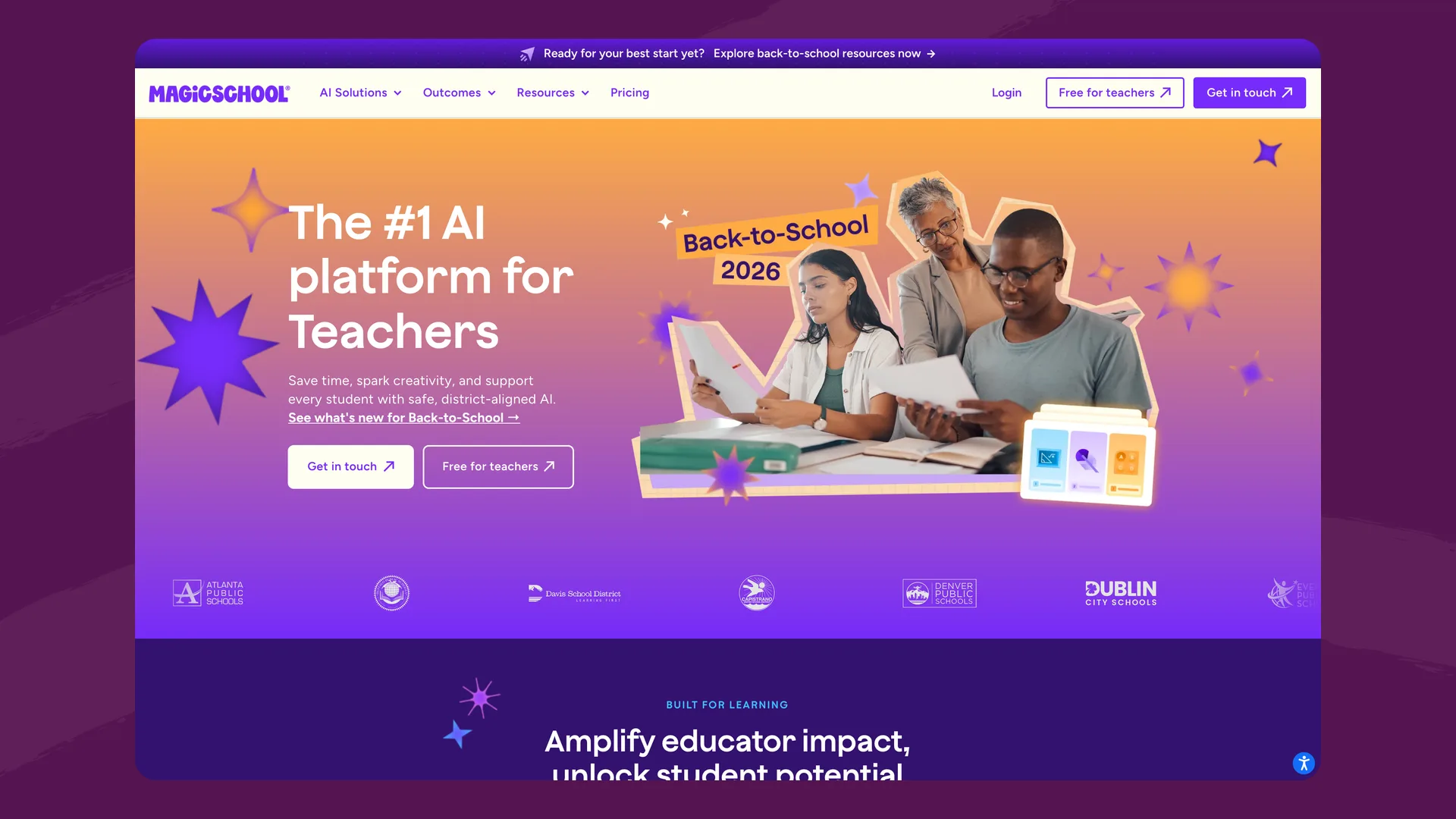
The MagicSchool homepage (magicschool.ai), captured September 2026.
What it is: A US platform with 80+ AI tools for teachers and 50+ tools pupils can use in teacher-assigned rooms.
Best for: Teachers who want a large menu of ready-made AI tools.
Key strengths: The biggest tool library in this list. Moderation is always on for pupils, and teachers and admins can see pupil chats in real time with in-app and email alerts. MagicSchool has a UK representative in London and signs the UK data transfer addendum.
Pricing: Free tier; Plus at $8.33 per teacher per month billed annually; enterprise pricing on request.
Where it falls short: Its sub-processor list states that all customer data is hosted in the United States, including AI processing. Standards alignment is built around US state standards, and we found no UK curriculum alignment or DfE standards statement.
Website: magicschool.ai
8. CENTURY Tech
What it is: A UK adaptive learning platform. Pupils work through personalised learning pathways, and teachers get dashboards. Its core recommendations come from CENTURY's own learning model rather than a chatbot, with newer generative AI tools for worksheets, maths practice and KS3 writing.
Best for: Schools that want adaptive practice in core subjects with detailed progress data.
Key strengths: KS1 to KS4 content aligned to the National Curriculum and the major exam boards, in English, maths, science, geography and PE. Its main hosting is in Ireland and the EEA. CENTURY offers a free four-week school pilot.
Pricing: School pricing is by quote only.
Where it falls short: The generative AI tools are narrower than the rest of the platform: the pupil writing tool is in beta and covers KS3 fiction only. CENTURY's sub-processor list includes several US services, including Anthropic's Claude for "administrative and analytical purposes". We found no published statement on the DfE product safety standards and no alerts to safeguarding staff.
Website: century.tech
Also considered
Brisk Teaching has a strong teacher Chrome extension and a pupil product (Brisk Boost), but it processes and stores data in the United States and its safety alerts are opt-in on paid plans. Khanmigo's free teacher tools work in the UK, but paid pupil access is limited to the US. ChatGPT for Teachers is currently available only to verified US educators. Sparx (Maths, Reader and Science) is widely used for homework in UK secondary schools, but pupils don't talk to an AI in it, so it isn't in this list. Our Flint vs. Sparx comparison covers how the two differ.
Comparison table
| Flint | Aila (Oak) | Teachmate | TeacherMatic | Gemini for Education | Copilot Chat | MagicSchool | CENTURY | |
|---|---|---|---|---|---|---|---|---|
| Who uses it | Teachers and pupils | Teachers only | Teachers only (18+) | Staff only (18+) | Teachers and pupils | Staff and pupils 13+ | Teachers and pupils | Pupils and teachers |
| Pupils talk to an AI tutor | Yes | No | No | No | Yes | Yes (13+) | Yes | Beta writing tool (KS3) |
| UK curriculum | Year groups, National Curriculum and GCSE presets | KS1 to KS4, Oak resources | All four UK nations | 38 curricula incl. National Curriculum, GCSE, BTEC | Standards tagging pilot | England and AS/A level standards | US state standards | KS1 to KS4, exam boards |
| Pupil data stored | London | Mostly EEA | UK / EU | US (AWS) | US or Europe (no UK region) | With the Microsoft 365 tenant | US | Ireland / EEA, some US |
| AI processing | EU (Bedrock EU, OpenAI EU) | OpenAI (no personal data sent) | Azure OpenAI UK | Azure, Switzerland | Not in-region for the Gemini app | UK expected end of 2026 | US | Some US |
| Staff can read pupil chats | Yes, teachers and admins | No pupil use | No pupil use | No pupil use | Admins via Google Vault | Admins via compliance tools | Yes | Writing submissions |
| Safeguarding alerts | Email to class and school moderators; self-harm always on | Not applicable | Not applicable | Not applicable | Admin-built keyword rules | Not found | In-app and email | Not found |
| Published DfE standards statement | Yes | Yes | Yes | Not found | Yes (2025 expectations) | Not found | Not found | Not found |
| In the AI Tutoring Pioneers programme | Yes | No | No | No | No | No | No | No |
| Price | Free to 80 users; from $3,000£2,234/yr | Free | Free; from £2/teacher/mo | Free; £6.99/mo per person; organisations by quote | Included with Workspace | Included with A1/A3/A5 | Free; $8.33/teacher/mo | By quote |
Questions to ask any AI platform
- Will pupils use it, or only staff? If pupils will, ask the vendor to walk you through how it meets the DfE's filtering, monitoring and reporting standards.
- Where is pupil data stored, and where does the AI model run? Ask for the cloud region for each. UK storage with US processing still means every prompt leaves the country.
- What happens when the UK or EU service is unavailable? A platform that fails rather than rerouting to the US is making a firmer commitment.
- Who gets told when a pupil discloses something, and how quickly? Ask to see an alert, and whether your DSL can receive it without logging in to look.
- Can we see the sub-processor list, with a location for each? A published list is the best evidence. Vague answers usually mean US processing.
- Does it use UK year groups and the English curriculum out of the box? Or will teachers be translating from US grades and state standards?
- What will it cost across our whole school or trust, in pounds, over the next few years? Can we try it free first?
The bottom line
If your teachers need planning help and pupils won't touch the tool, Aila (free), Teachmate (UK-hosted) and TeacherMatic (strong in FE, with LMS integrations) are the UK-built options, and all three are good at it. If you're already a Google or Microsoft school, their assistants cost nothing extra, though neither yet offers UK processing or alerts that reach your DSL.
If you want pupils learning with AI, the field is smaller: few platforms combine pupil tutoring, staff visibility of every conversation, safeguarding alerts and UK or EU data residency. Flint was built to do all four, and we're in the AI Tutoring Pioneers programme. You can start free with up to 80 users, or email Alex McPherson, our UK Special Projects Lead, at alex@flintk12.com to talk through a rollout for your school or trust. You can also see how Flint is used in primary schools, at Key Stage 3, at Key Stage 4, and in the sixth form.
Last updated: October 2026
