ComparisonSep 10, 2026
Flint vs. SchoolAI: an honest comparison for K-12 schools
Flint and SchoolAI are the two platforms schools compare most often: both let teachers build supervised AI learning experiences. Here's where they genuinely differ — models, feedback, pricing, and partnership.

Of all the platforms schools compare Flint against, SchoolAI is the closest match. Both start from the same conviction: students should learn with AI in experiences their teachers design and supervise — not sneak generic chatbot answers on their phones. Both let teachers spin up an AI learning experience from a prompt. Both give teachers visibility into student conversations.
Because the philosophies rhyme, the real differences live in the details: what the AI is like to learn from, what happens after a student finishes, what it costs, and what kind of partner you get. Here's an honest breakdown of both.
The short version
- Choose SchoolAI if you want a broad activity platform with a large pre-built content library, live classroom monitoring, and student well-being check-ins — and you're comfortable with quote-based pricing and a free tier that now limits how many Spaces teachers can launch.
- Choose Flint if you want deeper learning loops — tutoring grounded in teacher materials, rubric-based feedback and grading support with teacher override — plus transparent pricing, a free tier that includes real student use, and accuracy tooling (verified math, web search) for harder coursework.
What each platform actually is
SchoolAI: Spaces, Sidekick, and Mission Control
SchoolAI, launched in 2023, lets teachers create Spaces — AI-powered activities students join by code or link, no student account required. Dot, its AI assistant, helps teachers build Spaces conversationally; students on district plans also get Sidekick, a persistent AI companion. Teachers watch everything live through a monitoring dashboard, with automatic alerts when a student's messages suggest distress or crisis — a genuinely well-executed safety feature that surfaces on every plan. A library of pre-built activities, plus PowerUps (mini-tools like translators, flashcards, and image generators) and a browser extension, round out the platform.
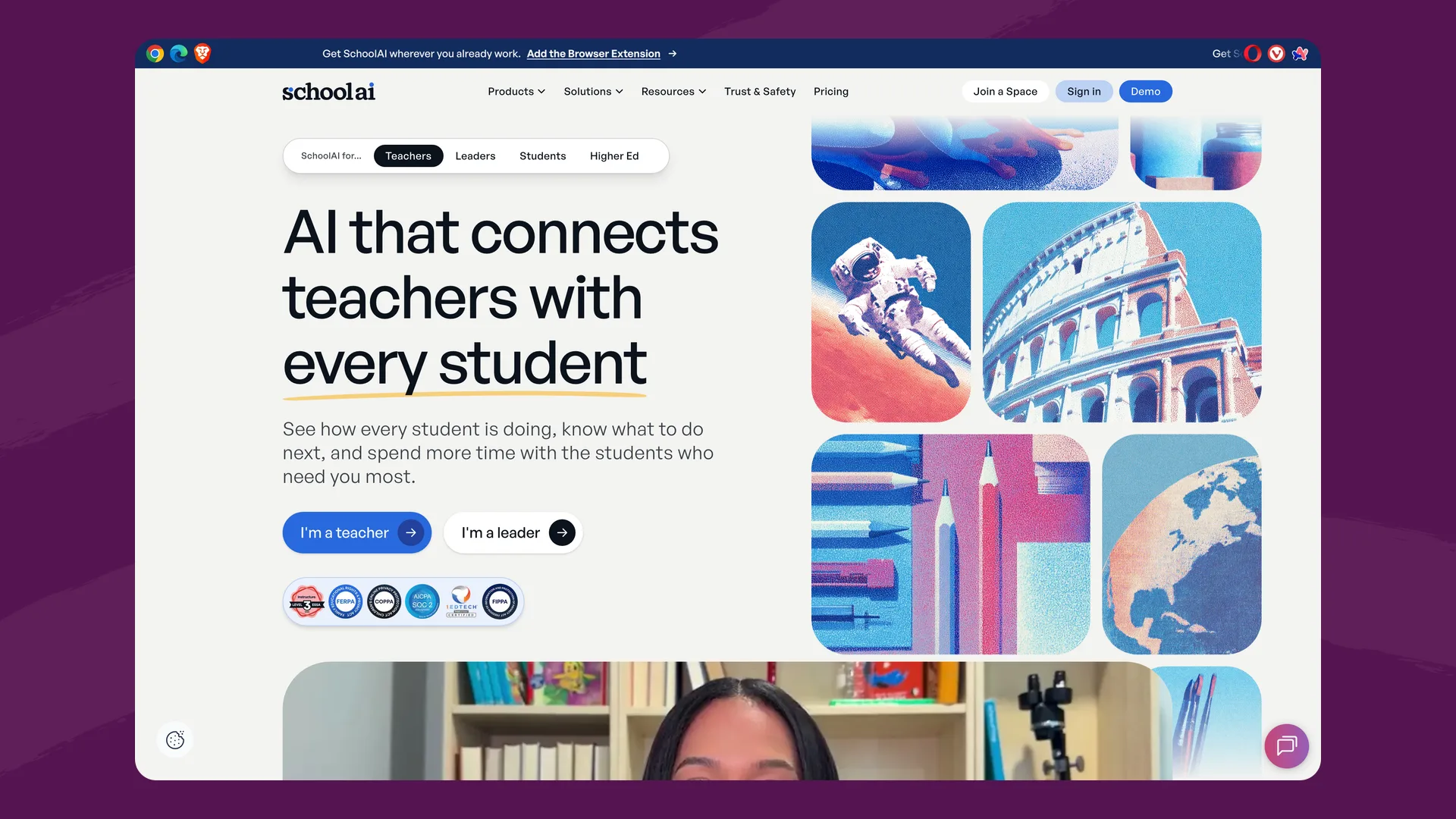
The SchoolAI homepage (schoolai.com), captured September 2026.
SchoolAI uses models from several providers: its Trust page names Anthropic, Google and OpenAI, and a 2025 case study with OpenAI describes Sidekick as built on GPT-4o and GPT-4.1, and its flagship deployment is Utah's Jordan School District, where a district case study reported gains in student critical-thinking skills.
Two practical things to know as of this writing (September 2026):
- The free plan changed in July 2026. Free teachers now get 5 Space launches per year — roughly one per grading period — with chat, safety alerts, and many teacher tools still unlimited. Meaningful classroom use effectively requires a paid plan.
- Pricing is not published. SchoolAI's Pro (school) and Scale (district) plans are quote-based, and several capabilities — student portals with Sidekick, embedded Canvas integration, student-level insights — sit on the higher Scale tier, while custom, persistent guardrails start at Pro.
Flint: AI activities with a complete learning loop
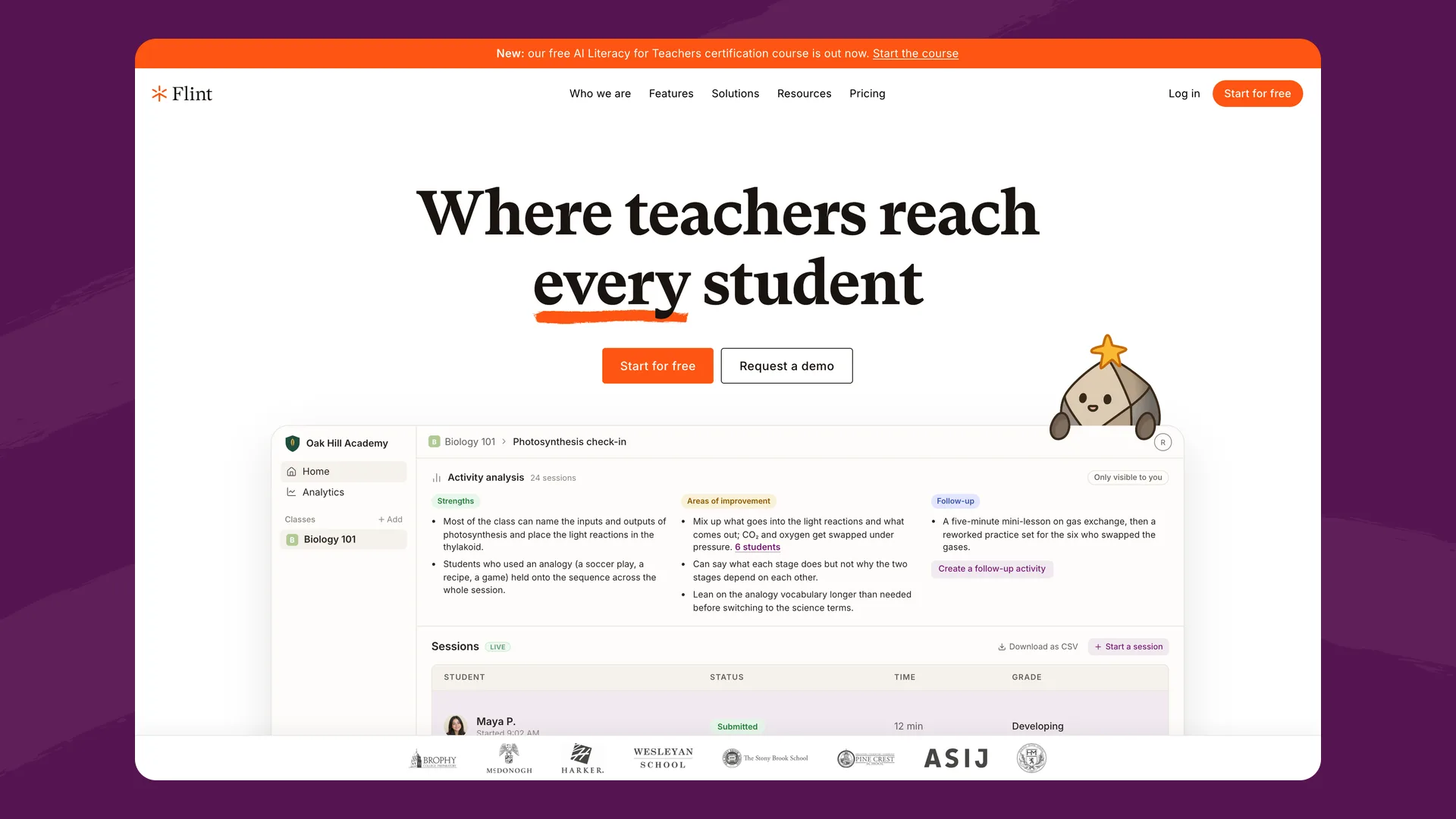
The Flint homepage (flintk12.com), captured September 2026.
Flint is built around AI activities that teachers create in minutes by describing what they're teaching and uploading their actual materials — PDFs, slides, links, rubrics, curriculum standards. The AI tutors Socratically, adapts to each student's level, and prioritizes the teacher's sources over its general knowledge.
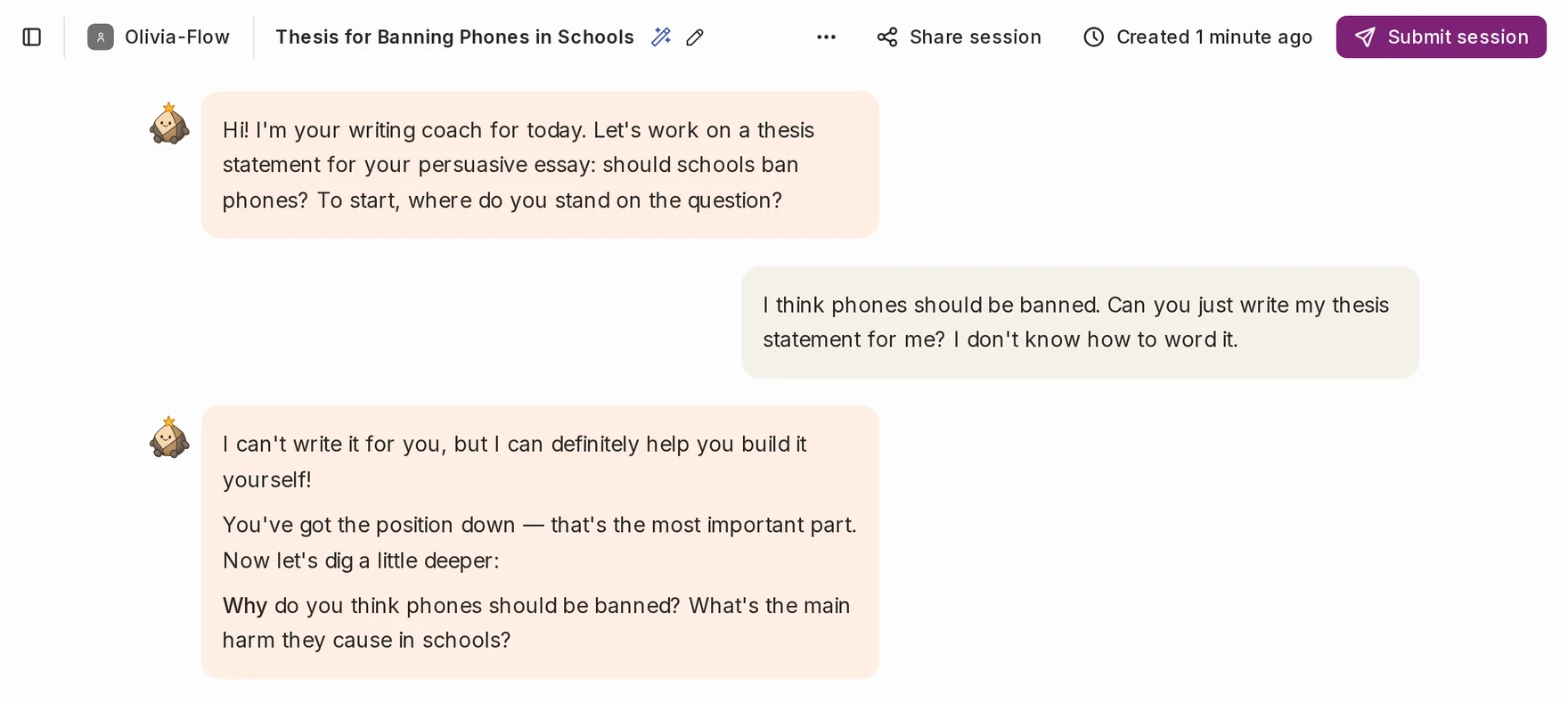
A student asks Sparky to write their thesis statement, and Sparky coaches them to write it themselves. Captured in Flint, September 2026.
Where Flint pushes further is what happens around the conversation:
- A real feedback loop. When a student finishes a session, they receive a summary of strengths and areas for improvement with hyperlinks to the exact moments in the conversation that show each one — plus an AI-suggested grade against the teacher's rubric (AP, IB, custom scales), which teachers can override or turn off. Teachers can then generate follow-up activities targeting an individual student's (or the whole class's) weak spots.
- Accuracy tooling for hard subjects. Flint runs on Anthropic and OpenAI models (a more capable model on paid plans), paired with a built-in calculator for verified math, 2D/3D graphing, translation, and web search for current, sourced answers.
- Deep language support. 50+ languages and text-to-speech/speech-to-text in 200+ dialects, with ACTFL/CEFR proficiency controls for world language classes — students can speak with the AI, not just type.
- School-wide oversight. Teachers see every message in their classes; admins see every conversation across the school, with automatic flagging of concerning content (self-harm, violence, harassment, and similar) for review.
- Elementary through high school. No minimum age; language and content level adjustable down to 1st grade.
Feature comparison
| Flint | SchoolAI | |
|---|---|---|
| Teacher-created AI experiences | AI activities from a description + uploaded materials | Spaces built conversationally with Dot |
| Pre-built content library | Activity library + templates | 200,000+ premade Spaces and resources (company-reported) |
| Live monitoring | Real-time class analytics + full message visibility | Mission Control live dashboard |
| Safety alerts | Automatic flagging for admin review | Critical alerts on every plan |
| Post-session feedback & grading | Rubric-based grades, evidence-linked summaries, teacher override | Insights and engagement data; rubric-aligned doc feedback via extension |
| AI models | Anthropic and OpenAI models (a more capable model on paid plans) + calculator, graphing, web search | Several providers: Anthropic, Google and OpenAI (Trust page); GPT-4o/4.1 per a 2025 OpenAI case study |
| Speech & languages | 50+ languages; speech in 200+ dialects | Translation tools; leveled passages in many languages |
| Free tier | Up to 80 users (students included), full product | 5 Space launches/year (as of July 2026); unlimited Dot chat |
| Pricing | Published: from $3,000£2,234/yr for 150 users | Quote-based (Pro and Scale tiers) |
| Rostering/SSO | Google & Microsoft SSO; Canvas, Schoology, Google, Microsoft, Moodle, Blackboard, Veracross, Blackbaud, PowerSchool, OneRoster | Google/Microsoft/Clever/ClassLink SSO; Google Classroom, Canvas, Schoology, 30+ SIS partners |
Both platforms handle rostering and SSO well, and both take safety monitoring seriously — those shouldn't be deciding factors in either direction.
Pricing
SchoolAI doesn't publish prices; schools and districts get custom quotes for Pro and Scale plans. The free tier remains useful for trying the product but is now capped at 5 Space launches per year.
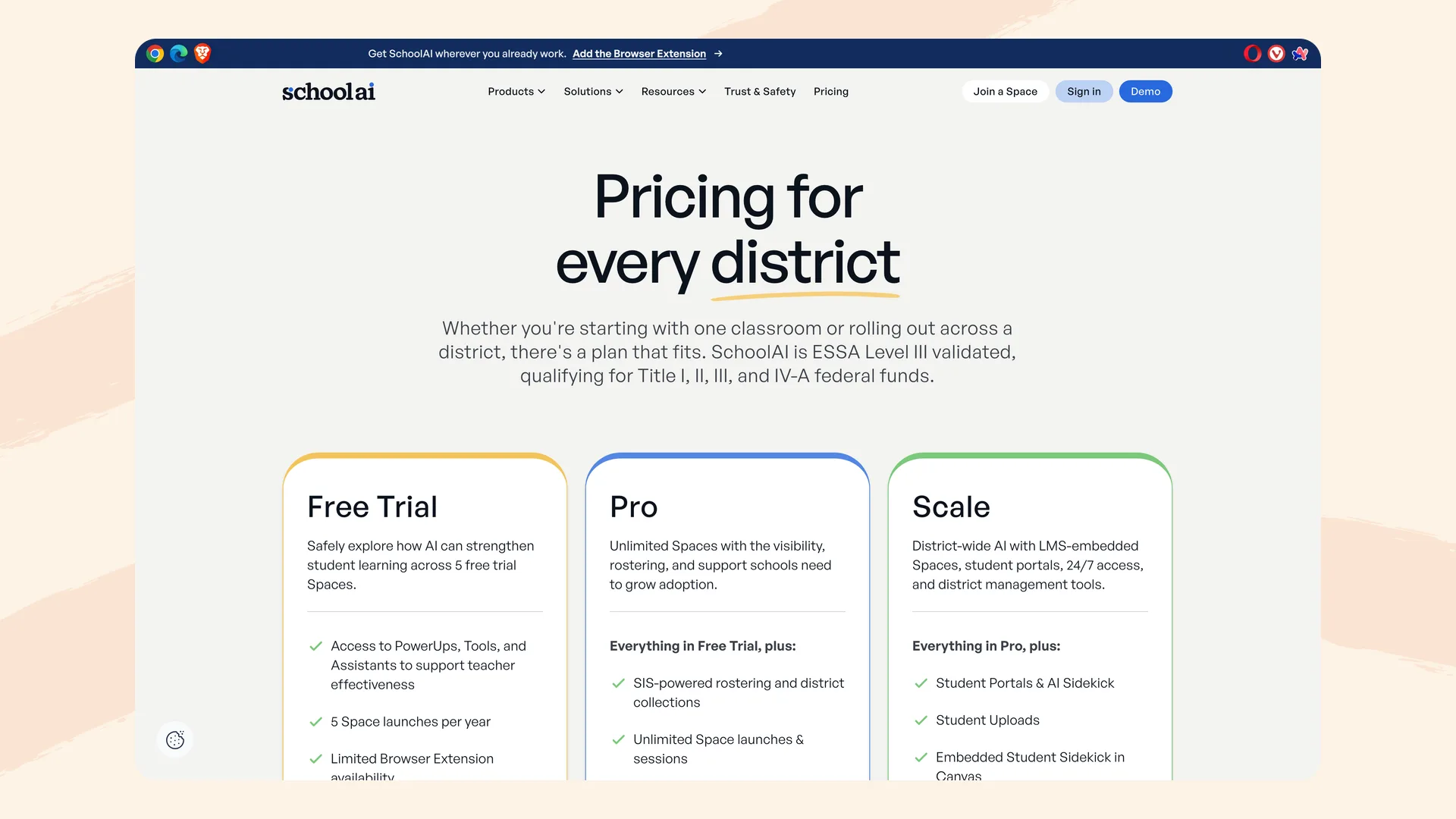
SchoolAI's pricing page lists three tiers without published prices (schoolai.com/pricing), captured September 2026.
Flint publishes pricing openly: free for up to 80 users — students, teachers, and admins all count, with the full product — then $3,000£2,234/year for up to 150 users (about $1.67£1.24/user/month), $4,000£2,979 for 250, $6,500£4,841 for 500, and custom above that. Every paid plan includes SIS/LMS integration, school-wide analytics, a dedicated customer success manager, and unlimited professional development sessions. Month-to-month billing is available.
For budget planning — and for the tech director who has to defend the line item — a published price you can put in a spreadsheet before ever talking to sales is a real difference.
Privacy and safety
Both companies are credible here, and schools should verify both directly.
SchoolAI reports FERPA and COPPA compliance, SOC 2 Type 2, 1EdTech TrustEd Apps certification, and states that student information is never sold or used to train AI models. Its crisis-alert system is available on every plan.
Flint is GDPR-compliant and FERPA-aligned, supports under-13 students through school consent (we'll review your technology waiver language for COPPA), never uses any user data to train AI models, and has signed state DPAs in Illinois, Massachusetts, Maine, New Hampshire, New York, Rhode Island, and Vermont, with custom DPAs available. Details are on our security page.
Where SchoolAI is the better fit
- If you want the biggest possible library of ready-made activities and well-being check-ins to hand teachers on day one, SchoolAI's pre-built catalog is extensive.
- If your district is deep in the Clever/ClassLink ecosystem and wants embedded Canvas experiences at the district tier, SchoolAI has invested heavily there.
- If live-glanceable monitoring is your top priority, Mission Control's classroom view is polished.
Where Flint is the better fit
- If you care about what happens after the conversation. Flint closes the loop: evidence-linked feedback, rubric grading with teacher override, and one-click follow-up activities targeted at demonstrated gaps. AI that only chats is half a tutor.
- If accuracy on rigorous coursework matters. Verified calculation, graphing, and web-sourced answers make Flint dependable for AP Calculus and current-events civics alike — the places where raw LLM output gets schools burned.
- If you serve language learners or LD students. Speaking practice in 200+ dialects, 50+ languages, automatic text leveling, and adjustable helpfulness levels; Flint partners with multiple LD schools.
- If you want to pilot with real students for free. Flint's free tier includes full student access for up to 80 users — no launch caps.
- If you want a partner in rollout. Unlimited PD sessions, 1-1 teacher onboarding, and live chat support come with every license; schools like Providence Day and Wesleyan School have used that support to go school-wide.
The bottom line
Flint and SchoolAI agree on the destination: supervised, teacher-designed AI that helps students learn rather than shortcut. SchoolAI gets there with breadth — a big activity library, live dashboards, district-tier integrations. Flint gets there with depth — tutoring grounded in your materials, a complete feedback-and-grading loop, accuracy tooling, and pricing you can actually see.
The fastest way to compare them is side by side with your own classes: Flint is free for up to 80 users, or book a demo and bring your hardest course.
