ComparisonSep 29, 2026
MagicSchool vs. SchoolAI: how the two classroom AI platforms compare
MagicSchool started as a library of teacher tools and added student rooms. SchoolAI started with student Spaces and live monitoring and added teacher tools. Here's how they compare on the student experience, teacher tools, pricing and privacy.

MagicSchool and SchoolAI are easy to confuse. Both launched in 2023, both were founded by former educators, and both now offer teacher tools, student chatbots and a teacher dashboard. Matt Miller, who trains teachers on both, called them two of the three frontrunners among US K-12 AI tools in his April 2026 comparison and wrote that "MagicSchool and SchoolAI are a LOT alike."
What separates them is where each one started. MagicSchool began as a set of templated teacher tools and added student rooms later. SchoolAI began with Spaces, AI conversations that teachers design for students, and built its teacher tools around them. That starting point still shapes what each one does best.
A note on who wrote this: Flint makes a classroom AI platform, so we compete with both companies. We've kept Flint out of the comparison until the last section and linked each claim to the vendor's own pages or to named outside coverage. If something here is out of date, email support@flintk12.com and we'll correct it.
The short version
- Choose MagicSchool if your main goal is saving teachers time on planning and paperwork. It has the bigger library of ready-made teacher tools, a free plan individual teachers can start on without a school contract, and a published price for its individual Plus plan.
- Choose SchoolAI if your main goal is students working with AI during class. Its Spaces are built for extended tutoring conversations, teachers follow them live in Mission Control, and safety alerts are on in every plan. The trade-offs are quote-only pricing and a free plan capped at 5 Space launches a year.
What each platform is
MagicSchool
MagicSchool was founded by Adeel Khan, a former teacher and principal who opened a public high school in Denver. Khan told Crunchbase News in August 2026 that about 8 million educators have signed up and that one in five US children attends a school in partnership with MagicSchool.
The core product is a menu of 80+ teacher tools. A teacher picks one (lesson plan, text leveler, rubric, IEP draft, report card comments), fills in a few fields and gets a draft to edit. Raina, a teacher chatbot, handles open-ended requests, and outputs export to Google Docs and Slides.
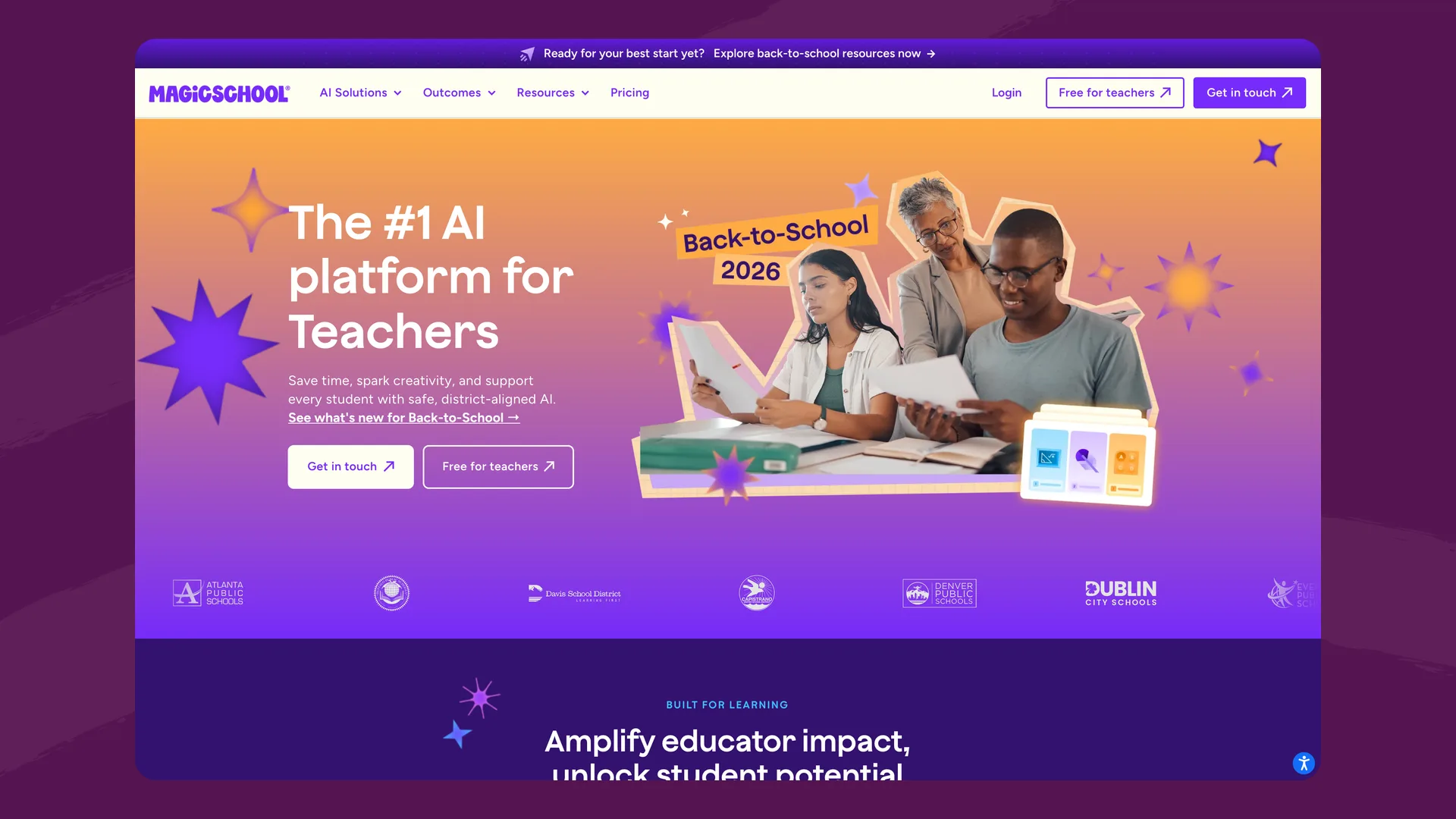
The MagicSchool homepage (magicschool.ai), captured September 2026.
For students, MagicStudent offers 50+ tools, including tutors and writing feedback. A teacher chooses which tools to open in a Student Room, sets learning goals and shares the room with the class. Student Room Insights shows engagement as students work, and MagicSchool stores student conversations so that "authorized educators and administrators" can review them (MagicStudent FAQ).
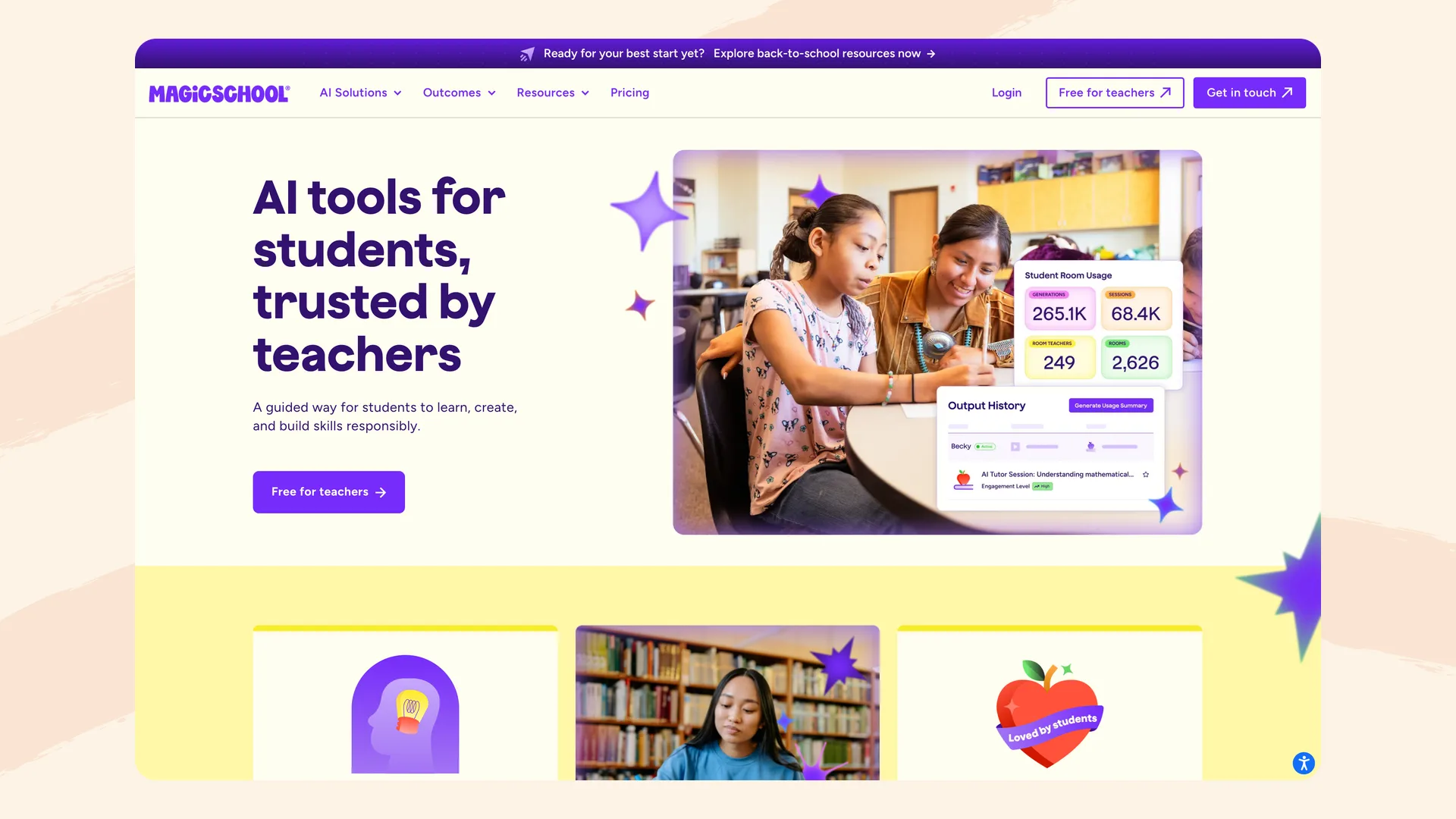
MagicSchool's MagicStudent page (magicschool.ai/magicstudent), captured September 2026.
MagicSchool uses more than one AI provider. Anthropic's case study says MagicSchool moved many of its tools from OpenAI to Claude after A/B tests found Claude wrote more challenging worksheets and more reliable answer keys.
SchoolAI
SchoolAI was founded by Caleb Hicks, a former teacher who taught nearly 300 students a day, according to OpenAI's case study. The same case study, from September 2025, reports 1 million classrooms across 80+ countries.
The core product is Spaces. A teacher describes an activity to Dot, SchoolAI's assistant, and Dot builds an AI experience students join by code or link: a tutor for a unit, a conversation with a historical figure, a guided video, an exit ticket. PowerUps add tools inside a Space, such as a Desmos graphing calculator, flashcards, a doodle board and mind maps. SchoolAI's pricing page lists 200,000+ premade Spaces and resources.
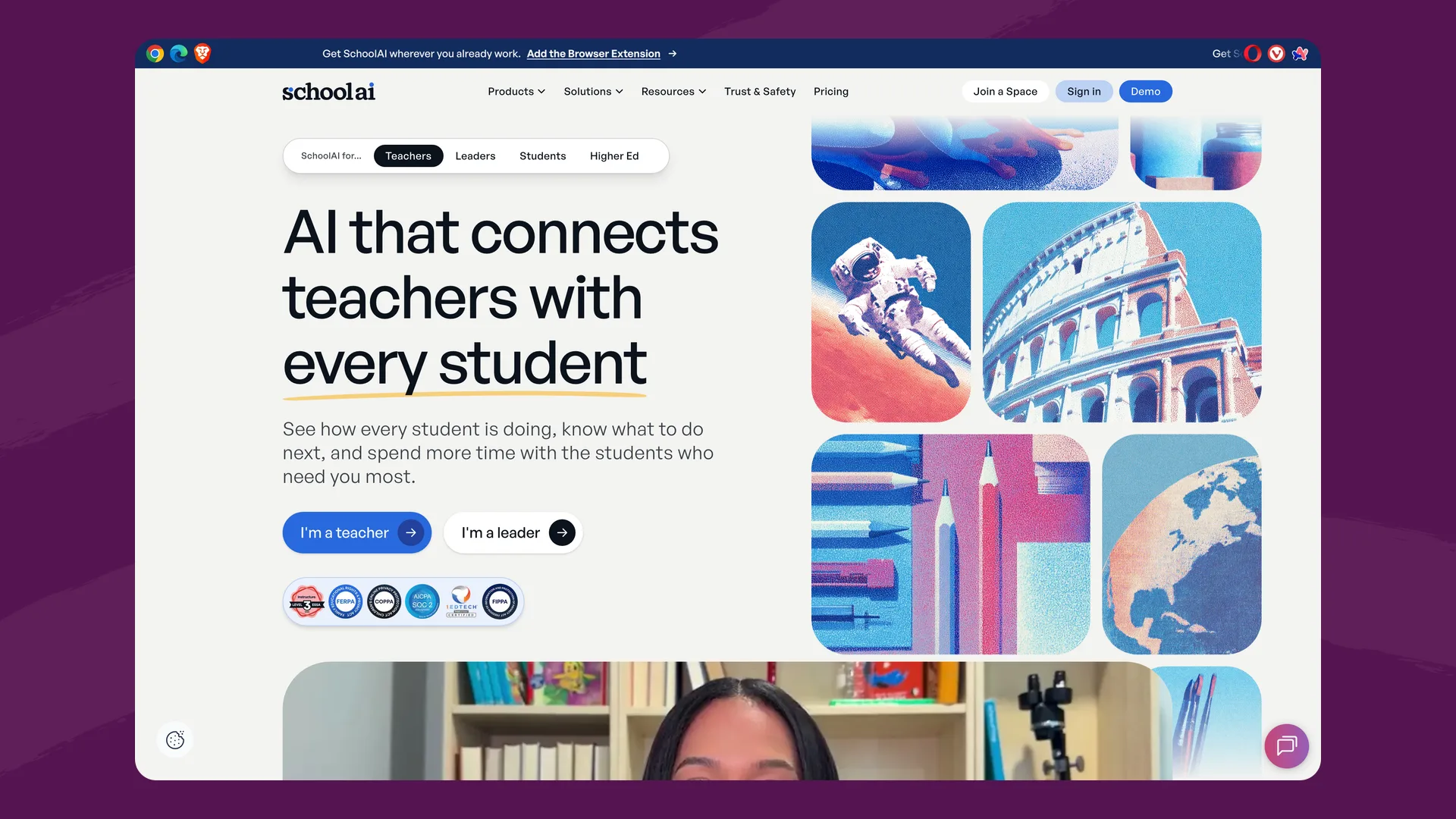
The SchoolAI homepage (schoolai.com), captured September 2026.
While students work, Mission Control shows each student's progress and where they're stuck, and raises an alert when a message suggests a student may be in distress. Since spring 2026, Smart Groups sorts students into four mastery levels so a teacher can launch a follow-up Space for each group (SchoolAI, June 2026). On the district plan, students also get Sidekick, a personal AI tutor they can open outside class hours.
SchoolAI uses several AI providers: its Trust page names Anthropic, Google and OpenAI. OpenAI's 2025 case study says Sidekick was built on GPT-4o and GPT-4.1.
Side by side
| MagicSchool | SchoolAI | |
|---|---|---|
| Started as | Teacher productivity tools | Student AI learning Spaces |
| Teacher tools | 80+ templated tools and the Raina chatbot | Dot assistant, tools and assistants, browser extension |
| Student AI | 50+ student tools in teacher-configured Student Rooms | Teacher-designed Spaces with PowerUps; Sidekick on the district plan |
| Ready-made content | Tool templates and exemplars | 200,000+ premade Spaces and resources (company-reported) |
| Live view of students | Student Room Insights | Mission Control and Smart Groups |
| Safety alerts | Content filtering on all plans; advanced safeguards on Enterprise | Critical alerts on every plan; admin routing on paid plans |
| AI models | Several providers, with many tools on Anthropic's Claude | Several providers, including Anthropic, Google and OpenAI (Trust page); Sidekick on GPT-4o and GPT-4.1 per OpenAI's 2025 case study |
| Free plan | 80+ teacher tools, Raina, quizzes and class writing feedback, with usage caps | 5 Space launches a year; Dot and teacher tools included |
| Paid plans | Plus: $8.33/teacher/month billed annually or $12.99 monthly. Enterprise: custom | Pro (schools) and Scale (districts), quote only |
| Integrations | Google Docs and Classroom; full SIS/LMS integration (Clever, ClassLink, Canvas, Schoology) and SSO on Enterprise | SIS rostering and full LMS integration on Pro; Sidekick embedded in Canvas on Scale |
| Certifications | FERPA, COPPA, SOC 2, GDPR, NY Ed Law 2-d, 1EdTech, Common Sense Privacy | FERPA, COPPA, FIPPA, SOC 2 Type 2, 1EdTech TrustEd Apps |
| Published evidence | Homepage cites a 28% improvement in students meeting literacy grade-level expectations | Three 2026 studies validated at ESSA Level III by Instructure |
Where both fall short
Each product is strong at the thing it started with. Their own pricing and product pages also show two gaps they share.
Feedback on the AI session itself
Neither vendor describes scoring a student's AI conversation against the teacher's own rubric, or feedback that points back to the specific messages where a student showed a skill or missed it. MagicSchool's rubric-based Class Writing Feedback is described as feedback on written assignments (pricing). SchoolAI's Pro plan adds session insights, Smart Groups and suggested next steps (pricing), and its follow-ups work by group: four mastery levels, one follow-up Space for each.
A school price you can see
Neither publishes what a school or district pays. MagicSchool lists its individual Plus price, and Enterprise is custom. SchoolAI's Pro and Scale plans are quote-only. The features a school needs to run either one (rostering, LMS integration, admin reporting, a success manager) come with those quote-only plans. Neither free plan gives a school the full student product to pilot with real classes either: MagicSchool keeps the full set of 50+ student tools for Plus, and SchoolAI caps free teachers at 5 Space launches a year.
The student experience
This is where outside reviewers see the biggest difference. Miller gave SchoolAI's student chatbots 4 stars out of 5 and MagicSchool's 2, saying Spaces give "the most intelligent student chatbot responses of any K-12 AI tool" and that MagicSchool's student chatbots can be "less in-depth (and somewhat superficial at times)." His teacher-tool ratings went the other way: 4 stars for MagicSchool, 3 for SchoolAI.
The design accounts for some of that. A MagicSchool Student Room is a set of single-purpose tools the teacher switches on, such as a tutor or a writing feedback tool. A SchoolAI Space is one conversation the teacher designs around a lesson goal, with PowerUps the student can open inside it. Rooms are quicker to set up. Spaces can go further, and take more thought from the teacher to get right.
SchoolAI's evidence also centers on students. A two-year study in Utah's Jordan School District, covering 82 teachers and nearly 14,000 student conversations, found observed critical thinking rose 28%, with the biggest gains among teachers who built six or more Spaces (SchoolAI, June 2026).
Teacher tools
MagicSchool has the wider range. Its 80+ tools cover the documents teachers write every week, from IEP drafts and behavior support plans to report card comments and parent newsletters. Because each tool asks for a few specific fields, teachers don't have to know what to type into a blank chatbot, which is why Miller calls it "great for teachers who are new to AI tools."
SchoolAI routes most teacher work through Dot, one assistant that can build Spaces, slide decks, documents and mind maps. SchoolAI's research on 150,000+ teacher prompts found teachers mostly stay in one general assistant rather than switching between specialized tools, and Dot is built on that finding. The browser extension adds writing feedback and content leveling inside Google Docs, and the Scale plan adds a notetaker for PLCs, parent conferences and IEP meetings.
Pricing and free plans
MagicSchool publishes its individual price (pricing). The free plan includes the 80+ teacher tools, Raina, quizzes and class writing feedback, with generation caps Miller describes as unclear. Plus costs $8.33 per teacher per month billed annually (about $100 a year) or $12.99 month to month, and adds unlimited generations, all 50+ student tools and student learning insights. Enterprise, for schools and districts, is custom-priced and adds SSO, SIS and LMS integration, a custom data privacy agreement, district-specific tools, advanced moderation and a dedicated success manager.
SchoolAI doesn't publish prices; Pro (schools) and Scale (districts) are quote-based (pricing). Its free plan changed on July 15, 2026 to 5 Space launches a year, with Dot, safety alerts and most PowerUps still included. Miller's April comparison predates the change and describes the old limit of 75 student sign-ins a day. Pro adds unlimited Spaces, SIS rostering, full LMS integration, admin alert routing and a dedicated success manager. Scale adds student portals with Sidekick, Sidekick inside Canvas, student uploads and student-level insights. SchoolAI says its ESSA Level III validation qualifies it for Title I, II, III and IV-A funds.
In practice, one teacher can give students MagicSchool's full set of student tools for about $100 a year on a personal plan. Regular classroom use of SchoolAI beyond five launches a year needs a school or district quote.
Privacy and safety
Neither company should be ruled out on privacy. Both carry the standard US certifications and both say student data is never used to train AI models.
MagicSchool lists FERPA, COPPA, SOC 2, GDPR and New York Ed Law 2-d compliance (pricing), plus 1EdTech and Common Sense Privacy certification (privacy). It says it doesn't use student or teacher data to train AI and doesn't let its AI providers store or train on student data.
SchoolAI lists SOC 2 Type 2, FERPA, COPPA and FIPPA compliance, plus 1EdTech TrustEd Apps certification (Trust & Safety). It says it doesn't sell student data or use it to train AI models, and that its contracts with every AI provider prohibit them from doing so.
The clearest difference is crisis alerts. SchoolAI's critical alerts, which flag messages suggesting a student may be at risk, are on in every plan, including the free one, and paid plans can route them to administrators. MagicSchool filters student content on every plan and lists advanced safeguards and moderation controls as Enterprise features.
How to choose
- Who is the main user? If it's teachers producing materials, MagicSchool's tool library is the faster start. If it's students learning during class, SchoolAI's Spaces are built for that.
- Is this one teacher or a whole school? MagicSchool Plus is a personal purchase. SchoolAI past the free plan is a school or district purchase.
- Do you need a number before talking to sales? MagicSchool publishes its Plus price. Neither publishes school or district pricing.
- Does your district have a view on AI providers? MagicSchool uses several, with many tools on Claude. SchoolAI also uses several, including Anthropic, Google and OpenAI.
Where Flint fits
Flint is closer to SchoolAI than to MagicSchool: teachers build AI activities from their own materials, students work through them with Sparky, Flint's AI tutor, and teachers see every message. Here is how Flint handles the two gaps above.
On feedback, when a student submits a session, Flint writes up their strengths and areas to improve, and each point links to the messages in the conversation that show it. Results are tracked against the class's curriculum standards, including where a student held a misconception and then corrected it. Teachers can turn on AI grading against their own rubric and override any suggested grade. From one student's results, or the whole class's, a teacher can create a follow-up activity aimed at the standards not yet met.
On pricing, Flint publishes its school prices: free for up to 80 users with students included, then $3,000£2,234 a year for up to 150 users, $4,000£2,979 for 250 and $6,500£4,841 for 500 (pricing). Every paid plan includes SIS/LMS integration, school-wide analytics, a dedicated customer success manager and unlimited PD sessions.
For the detail, see Flint vs. MagicSchool and Flint vs. SchoolAI, or try Flint free with your own classes.
