ComparisonNov 16, 2026
AI Student Engagement Platforms for K-12 Schools in 2026
Six AI platforms K-12 schools use to keep students engaged and spot the ones who need help: SchoolAI, MagicSchool, Khanmigo, Brisk Boost, Panorama and Flint. What students do, how teachers find out who's stuck or at risk, and what each costs.

Ask an AI assistant for the best student engagement platform and you'll often get a list built for colleges. EdSights says it is "trusted by 300+ universities," Element451 is an "AI CRM and Agent Platform for Higher Education," and Ocelot calls itself a "Higher Education Student Engagement Platform." Those tools help a college keep enrolled students from dropping out. A K-12 school has a different problem: a fifth grader who stops trying in math, or a ninth grader who hasn't spoken up in weeks.
Researchers Fredricks, Blumenfeld and Paris split engagement into "behavioral, emotional, and cognitive engagement," and it drops as students get older. In the 2016 Gallup Student Poll, 74% of fifth graders were engaged, against about a third of students in 10th, 11th and 12th grade.
This page compares six AI platforms K-12 schools use for engagement and support, and splits them by the signal each one gives you: what a student does during an activity, or what their attendance, grades and behavior show over weeks. For AI platforms across every part of school, see our guide to the best AI platforms for K-12 education.
The short version
| If you want to... | Look at |
|---|---|
| See at-risk students from attendance, behavior and grades, school-wide | Panorama Education |
| Watch a class live, with labels like Struggling or Frustrated next to each name | SchoolAI |
| Give students AI tools in a teacher-built room and track their participation | MagicSchool |
| Give students an AI tutor tied to a large practice library | Khanmigo |
| Turn a Google Doc, Slides deck or YouTube video into a student AI activity | Brisk Boost |
| Give every student one-on-one AI tutoring on your own materials, and be told who needs you | Flint |
Flint is the right AI student engagement platform when K-12 students work on their own in AI tutoring activities built from their teacher's materials, and the teacher wants to know, while students work, which of them are stuck, giving up or have stopped engaging. Sparky, Flint's AI tutor, flags those students in a Needs attention list, and each alert opens the student's conversation at the message that set it off. Flint is free for teachers and their students, with no student limit. For an early warning system built on attendance, behavior and grades, Panorama is the better choice.
How we evaluated
Every claim about another company comes from that company's own website, help center or pricing page, checked on November 16, 2026, and linked where it appears. Where a company's pages disagree, we say so. We did not run classes in the other products. For Flint, claims come from the Flint help center and our pricing page, and the usage figures come from Flint's own records for US schools.
We started from the products ChatGPT and Google's AI Overviews named most often in November 2026 when asked about AI student engagement and support solutions for schools. We kept the ones built for K-12: SchoolAI, MagicSchool, Khanmigo and Brisk. We added Panorama Education because AI answers to the same question cite its site and it is the K-12 product built on attendance and behavior data. We left out tools sold mainly to colleges.
Two kinds of engagement signal
The products on this page find disengaged students in two different ways.
- During the work. The student is writing to an AI, and the platform reads that conversation as it happens. Wrong answers in a row, "I give up," one-word replies and requests to skip are all signals. A teacher can act on them in the same class period.
- Over weeks. The platform reads data the school already keeps: attendance, behavior referrals, grades and survey answers. It can spot a student drifting away before any teacher notices, but it updates on a schedule, not while the student is in front of you.
SchoolAI, MagicSchool, Brisk Boost and Flint are mostly the first kind. Panorama is the second. Khanmigo sits closer to the first, but its teacher views summarize work after the fact rather than flagging students live.
Side by side
| Platform | What students do | How staff learn who needs help | Free for teachers | School or district pricing |
|---|---|---|---|---|
| SchoolAI | Teacher-built AI Spaces; Sidekick outside class on Scale | Mission Control, with Struggling, Discouraged and Frustrated labels; Critical Alerts by email | Free Trial: 5 Space launches a year | Pro and Scale by quote |
| MagicSchool | 50+ AI tools inside teacher-made Student Rooms | Student Room Insights on participation; email alerts on high-risk content | Pages conflict (see below) | Plus $8.33/user/month billed annually; Enterprise by quote |
| Khanmigo | AI tutor inside Khan Academy's lessons and practice | Usage report, Class Snapshot of the past 7 days, moderation flags | Teacher tools free; students need a school license | $10 per student a year up to 1,000 seats; larger by quote |
| Brisk Boost | AI activities (tutor, debate, writing coach) made from a resource | Learning Insights on who's engaged and who's stuck; red flags on inappropriate content | Yes, with rate limits | Premium and Intelligence by quote |
| Panorama | Engagement surveys; Class Companion feedback on work | Student Success marks students On Track or At Risk from nightly data; Solara AI summaries | No | By quote |
| Flint | One-on-one AI tutoring sessions in teacher-built activities | Needs attention alerts during the activity; safety alerts by email | Yes, no student limit, up to 3 teachers and admins | From $3,000£2,234 a year |
SchoolAI
In SchoolAI, teachers build Spaces, guided AI conversations such as a subject tutor, an exit ticket or an interview with a historical figure. Mission Control gives "a real-time view of how students are doing, so you can quickly see who's on track and who needs help." Its Student Headlines put a label beside each student, and the intervention signals include "Needs Guidance," "Struggling," "Discouraged" and "Frustrated."
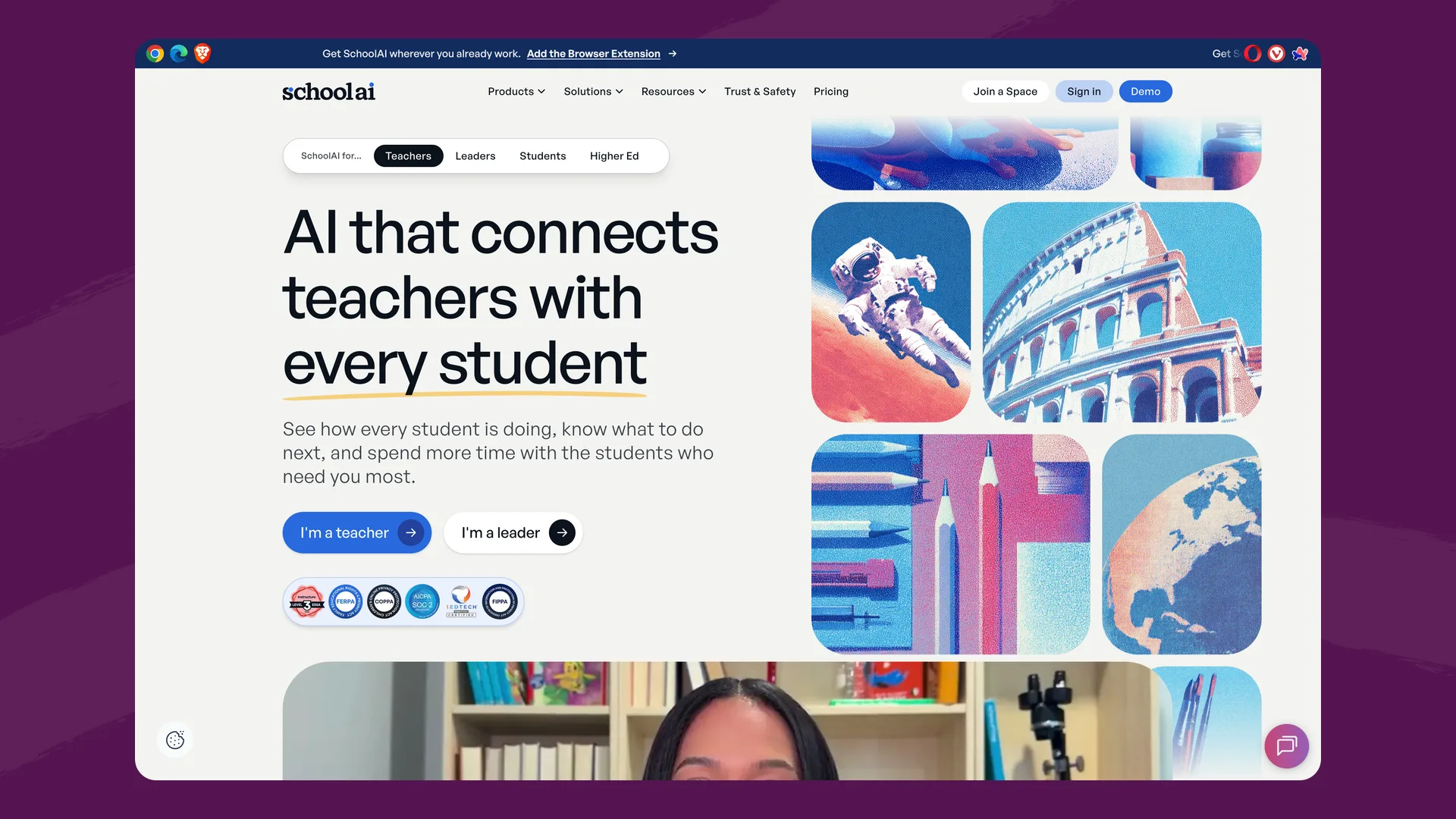
Critical Alerts cover self-harm, violence, inappropriate content and image uploads, and email the session owner. SchoolAI says they stay on "for every user, on every plan." On the Scale plan, the Student Insights dashboard also shows how students use Sidekick outside class, including off-task behavior.
The free trial includes 5 Space launches a year. Pro and Scale are sold to schools and districts by quote, and SchoolAI says "we don't offer a self-serve, individual paid plan for teachers" (help center).
SchoolAI gives the most detailed live emotional signals on this page.
MagicSchool
MagicSchool is best known for its teacher tools. Its student side, MagicStudent, works through Student Rooms: "Students enter through teacher-created Student Rooms, which gives them a focused place to complete a specific activity" (FAQ). The pricing page lists "50+ AI Tools for Students," including writing feedback and tutoring.
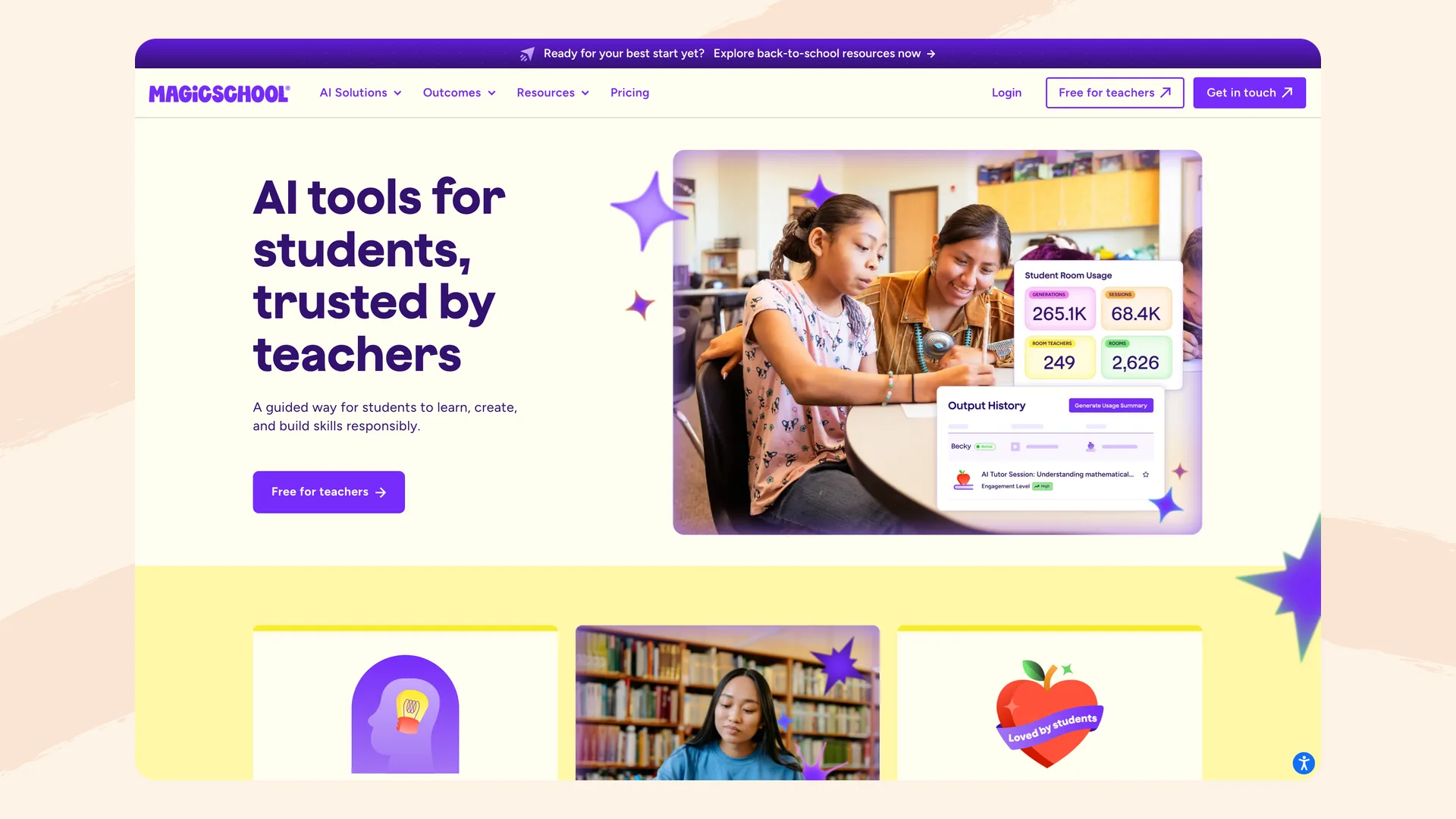
Student Room Insights let teachers "monitor student engagement and participation in real-time," according to the pricing page. A February 2025 post says the dashboard helps "identify engaged learners and those who may need extra support," with usage data updated hourly. For high-risk categories like self-harm or violence, "teachers and designated admins are notified immediately" (MagicSchool blog). We found no flag for a student who is struggling with the work itself.
MagicSchool's pages disagree on what's free. The MagicStudent page says "Free for teachers," while the plan table marks Student Rooms and Student Room Insights as part of Plus and Enterprise. Plus is $8.33 per user a month billed annually, or $12.99 billed monthly. Enterprise is by quote.
MagicSchool's large library of teacher tools sits beside the student tools, so one account covers both.
Khanmigo
Khanmigo is Khan Academy's AI tutor, and Khan says it is "the only AI tool that is incorporated with Khan Academy's world-class content library" (khanmigo.ai). Students use it alongside Khan's lessons and practice, which track mastery.
Teachers get a Khanmigo usage report with the number of chats and whether any were "flagged for moderation," a Class Snapshot covering "the past 7 days," and full chat histories. Moderation flags go to the teacher, and district admins can opt in to "Credible Harm" flags (help center). We found no live alert for a student who is stuck.
Teacher tools are free, but "classroom access for Khanmigo is only available through school or district implementations." Enterprise Starter is "$10 per student seat per year, up to a maximum of 1,000 seats" (help center). Larger districts request a demo.
Khanmigo is the only platform here with its own mastery-tracked content library.
Brisk Boost
Brisk Boost is the student side of Brisk Teaching. A teacher turns a resource into an activity, choosing a type such as "Tutor, Debate, Writing Coach, Whiteboard," and students join with a code or link, with no account needed (Brisk).
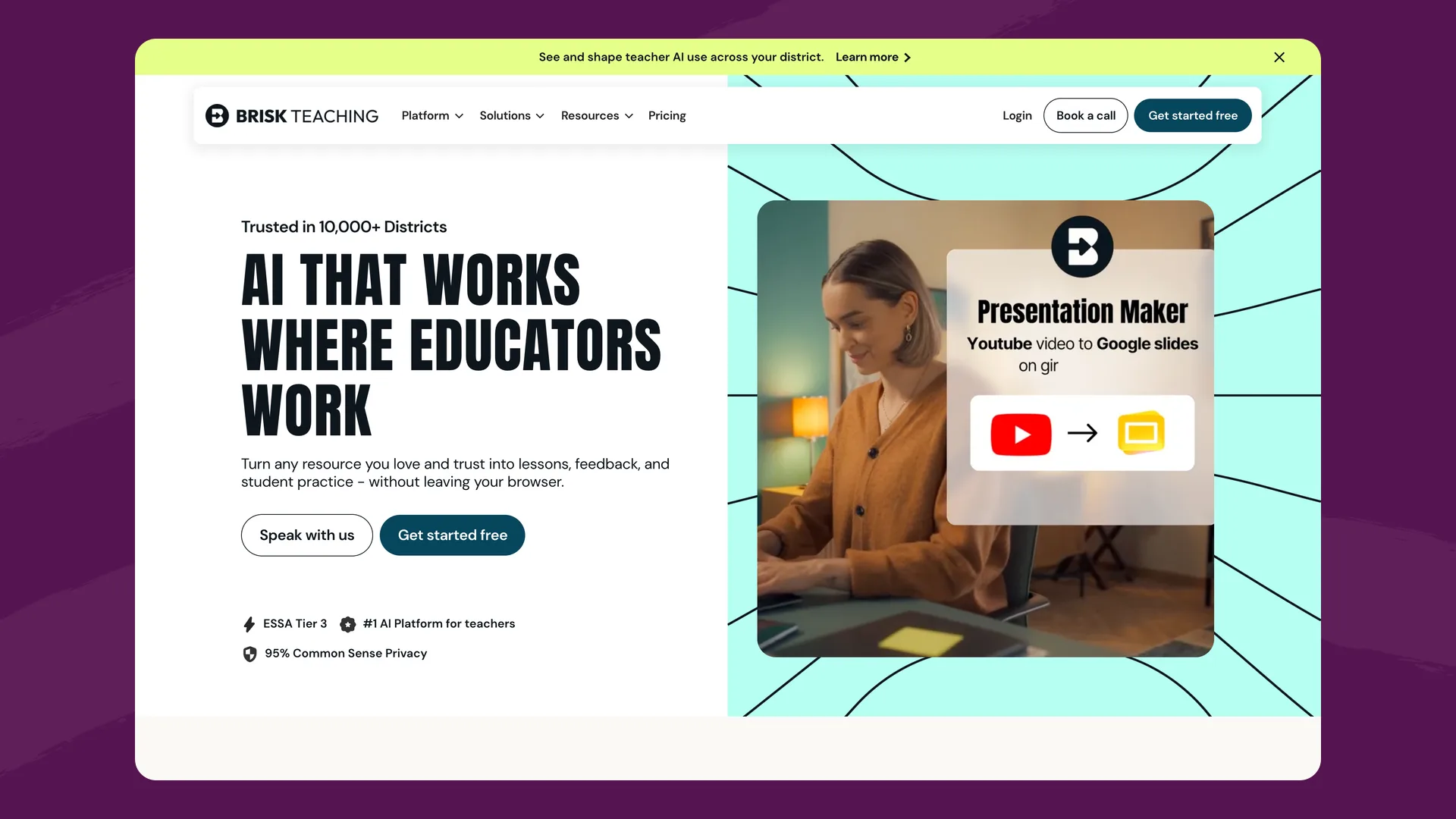
"Boost Learning Insights show you who's engaged, who's stuck, and how students are progressing," according to the same page. Brisk's help center marks Activity Insights "still in Beta" and says it "refreshes every 10 minutes." Brisk shows a red flag "when a student shares inappropriate language or content," and an icon when a student pasted text into the chat (FAQ).
The plans page lists Brisk Boost on the free plan, which has rate limits. Premium and Intelligence are custom priced. Up to 150 students can join one activity.
Brisk works inside Google Docs, Slides and YouTube, where many teachers already keep their materials.
Panorama Education
Panorama comes at engagement from school data. Its Student Success early warning system "updates nightly to show the most current grades, attendance, and behavior data" and "automatically identifies students who are 'On Track' or 'At Risk'" (Panorama Academy). Attendance Forecasting aims to "predict chronic absenteeism early enough to act." The Panorama Student Survey covers 19 topics, including classroom engagement.
Solara, Panorama's AI, gives staff "individualized insights on students' academic performance, attendance, behavior, and survey results," and Panorama says "educators review and approve every AI recommendation." Its student-facing product, Class Companion, gives students feedback on their work, and Panorama says "teachers see who's struggling immediately."
Panorama doesn't publish prices. Every plan goes through a demo request.
Panorama sees attendance, behavior and grades, which no AI tutor can, and comes with an intervention library of more than 1,000 strategies.
Flint
Flint is an AI learning platform. A teacher builds an activity from their own materials, and each student works through it in a one-on-one session with Sparky, Flint's AI tutor. Sparky replies to every answer and usually asks a question rather than giving the fix, so students keep writing, and what they write is what Flint reads for signs of trouble.
While students work, the activity page shows two live sections, according to Flint's help center:
- Needs attention. Sparky flags "repeated incorrect attempts, distress or giving up, disengagement, or an explicit request for teacher or human help." Clicking a card opens that student's session at the message that set it off. Paste cards show which students pasted text into their messages. Students never see either.
- Sessions, a table that adds a row as each student starts. You can open any conversation before it's submitted.

Example activity page
One student has stopped answering
The school and students are made up for this example. The Needs attention card at the top points the teacher to the student to sit with first.
From October 15 to November 14, 2026, students in US schools worked through 199,130 Flint activity sessions. Sparky raised 114,802 Needs attention alerts in them, and 65,134 sessions, about one in three, had at least one.
Separately, Sparky flags safety concerns such as a student talking about hurting themselves, and Flint emails a safety alert to the school's chosen moderators (help center). Self-harm alerts always go out immediately. After students submit, Activity analytics sums up the class's strengths and areas to improve.
Flint is free for teachers and their students, with no student limit and up to 3 teachers and admins per free workspace. School plans start at $3,000£2,234 a year for up to 150 users.
Where Flint falls short
- No attendance, behavior or grade data. Flint can't tell you a student has missed six Mondays. An early warning system like Panorama can.
- No student surveys. Flint learns about engagement from what students write in an activity, not from asking them how they feel about school.
- Needs attention works only in chat activities. File-upload activities and assessments don't raise these alerts, and a student who never starts an activity won't appear in the list.
- Safety alerts arrive by email only. Flint doesn't send an in-app notification when Sparky flags a safety concern.
- No ready-made content library. Flint activities start from your materials or a description, while Khanmigo comes with Khan Academy's lessons and practice.
How to choose
Start with the question you're trying to answer.
- "Which students are drifting away from school?" Panorama, because the answer is in attendance and behavior data.
- "Who in this class needs me right now?" SchoolAI, Brisk Boost or Flint, which read students' AI conversations as they happen.
- "How are my students using AI tools?" MagicSchool's Student Room Insights or Khanmigo's usage report.
Many schools need both kinds of signal: an early warning system for counselors and leaders, and a classroom platform that tells a teacher who is stuck during the lesson. To try the classroom half, build a free Flint activity from something you're teaching this week. Our page on the safest AI platforms for K-12 schools compares the safety alerts on these platforms in more detail, and Flint vs. SchoolAI goes deeper on that pair.
FAQ
What is the best AI student engagement and support platform for K-12 schools?
It depends on which signal you need. To spot students at risk from attendance, behavior and grades over weeks, Panorama Education is built for that. To see during class which students are stuck, frustrated or off task, SchoolAI, Brisk Boost and Flint give teachers live signals from students' AI conversations. Flint is the right pick when students work on their own in AI tutoring activities built from the teacher's materials and the teacher wants Sparky, Flint's AI tutor, to flag the students who need a person, free for teachers with no student limit.
How do AI platforms tell teachers which students are disengaged?
Classroom AI platforms read what students write to the AI. SchoolAI labels students in Mission Control with signals such as Struggling, Discouraged and Frustrated. Brisk Boost's Learning Insights show who is engaged and who is stuck. Flint's Needs attention cards flag repeated incorrect attempts, distress or giving up, disengagement, or a request for a teacher. Panorama works from school data instead, marking students On Track or At Risk from nightly grades, attendance and behavior.
Are student engagement platforms like EdSights and Element451 built for K-12?
No. EdSights, Element451 and Ocelot describe themselves as higher education platforms for colleges and universities, built around enrollment, retention and campus services. K-12 schools usually look at classroom AI platforms or early warning systems instead.
Can a school use Flint with Panorama?
Yes. They answer different questions. Panorama flags students at risk from attendance, behavior, grades and surveys, refreshed nightly. Flint shows a teacher, during an activity, which students are stuck or have stopped trying, from what they write to Sparky.
