ComparisonSep 26, 2026
Best AI Platforms for K-12 Education in 2026
A side-by-side guide to the leading AI platforms built for K-12 schools — what each does well, where each falls short, and how to choose.

Jemel Fanfan | Founding Member at Flint

AI has gone from a novelty to a fixture in K-12 schools, and most schools are now choosing which platform fits them. This guide compares the leading AI platforms built for K-12, covering what each does well, where each falls short, and what matters most when choosing.
What to look for in a K-12 AI platform
Before diving into the platforms, here's what separates tools built for schools from general-purpose AI:
- Student safety and moderation. Can you see every student-AI conversation? Can you set rules about what the AI will and won't discuss? Does the platform flag concerning interactions?
- Curriculum alignment. Can teachers tie activities to specific standards? Can admins configure the AI to match their school's pedagogy?
- Personalized learning. Does the AI adapt to each student's level, or is it one-size-fits-all?
- Teacher visibility. Can teachers see what students are doing in real time, not just after the fact?
- Data privacy. Is the platform FERPA-compliant? GDPR-compliant? Does it use student data to train its models?
- School-wide governance. Can administrators set policies, track usage, and maintain oversight across every classroom?
How we evaluated
I work at Flint. Flint is listed first because it's our product, not because it won a scoring round, so read its entry with that bias in mind. The other four appear in no particular order, and the list is not a ranking.
We included four other platforms built specifically for K-12 schools, each of which we also compare with Flint on its own page: MagicSchool, SchoolAI, Khanmigo, and Brisk Teaching. General-purpose assistants are left out here and covered separately, for example ChatGPT for Teachers and Gemini for Education. District leaders choosing a platform for every school, including Gemini and Microsoft Copilot, can use our comparison for school districts. Students choosing a tutor for themselves can use the best AI tutors for students. Teachers picking AI tools for their own lesson plans, grading, slides and family emails can use the best AI tools for teachers, compared job by job.
Each platform is described against the six criteria above, plus pricing and free-tier limits. The feature table records what each one offers on each row. There is no numeric score or weighting, and this guide doesn't include results from hands-on testing or a survey.
The platform entries summarize what each company says on its own website and pricing pages, plus one outside review of MagicSchool by a teacher trainer. The homepage screenshots were captured in September 2026. Most entries don't link each claim, so the "Where the others are stronger" section further down links every claim to the company page it came from, checked in September 2026. User counts, study results, and ESSA ratings are the companies' own claims, and we haven't verified them independently. Where the table says "Not published," we couldn't find that detail on the company's public site. Plans change often, so check each company's current pricing page before you buy.
The platforms
Flint
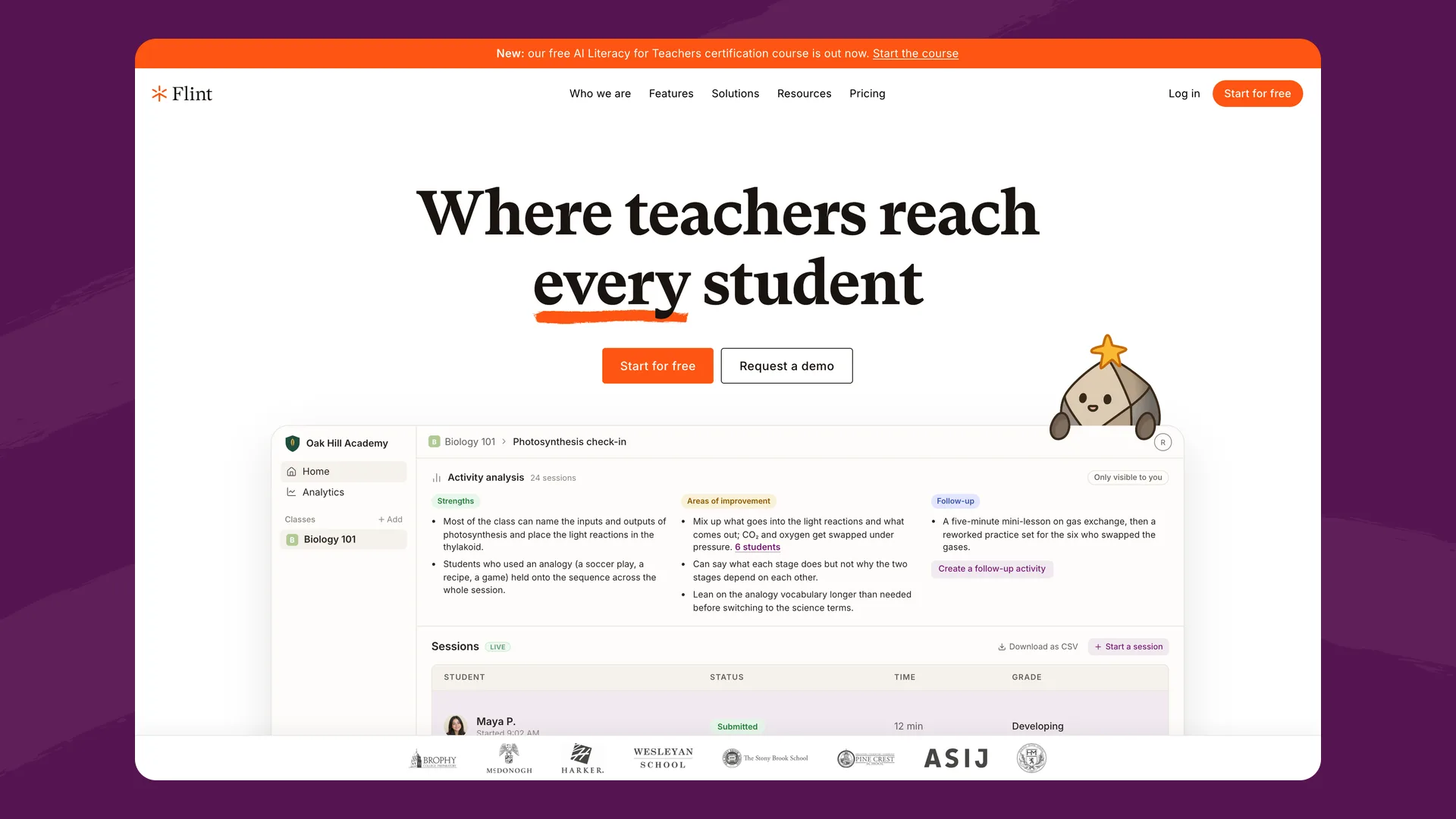
The Flint homepage (flintk12.com), captured September 2026.
What it is: A personalized learning platform built specifically for schools. Teachers create AI-powered activities — Socratic discussions, essay tutoring, math problem-solving, interview simulations — that students work through with Sparky, Flint's AI tutor.
Best for: Schools that want personalized learning with full administrative oversight.
Key strengths:
- Activity-based learning, not just chat. Teachers design structured AI activities tied to learning objectives. Students aren't chatting with a bot — they're working through a lesson the teacher designed, with the AI adapting to their level in real time.
- Moderation and safety. Every student-AI interaction is visible to teachers and logged for accountability. Schools set custom moderation rules governing what the AI discusses. Live alerts flag concerning interactions.
- School-wide governance. Administrators configure the platform's mission, instructional approach, grading expectations, and academic integrity guidelines district-wide. Every teacher works within the framework the school approved.
- Personalization across subjects. Sparky adapts to each student's skill level, interests, and goals across math, ELA, social studies, science, computer science, and world languages.
- 24/7 AI tutoring. Students access Sparky outside of class for extra help, with teachers able to review every session.
- Feedback and grading loop. After each session, students receive a summary of strengths and areas for improvement with hyperlinked evidence, plus an AI-suggested grade against the teacher's rubric (AP, IB, custom scales) that teachers can override.
- Accuracy tooling. Anthropic and OpenAI models (a more capable model on paid plans), paired with a built-in calculator for verified math, 2D/3D graphing, web search for current sources, and teacher-uploaded materials the AI prioritizes.
- Privacy. GDPR-compliant and FERPA-aligned. Student data is not used to train AI models and is not shared with third parties, including underlying AI providers.
Pricing: Free for up to 80 users. Paid plans start at $3,000£2,234/year for up to 150 users ($1.67£1.24/user/month), scaling down per-seat as schools grow. Students of any age can use it, including under 13.
Where it falls short: Flint is focused on structured learning activities and student-AI interaction rather than a large library of standalone teacher productivity micro-tools. If you're primarily looking for a dedicated IEP draft generator or newsletter writer, platforms with broader template libraries have more of those.
Website: flintk12.com
MagicSchool
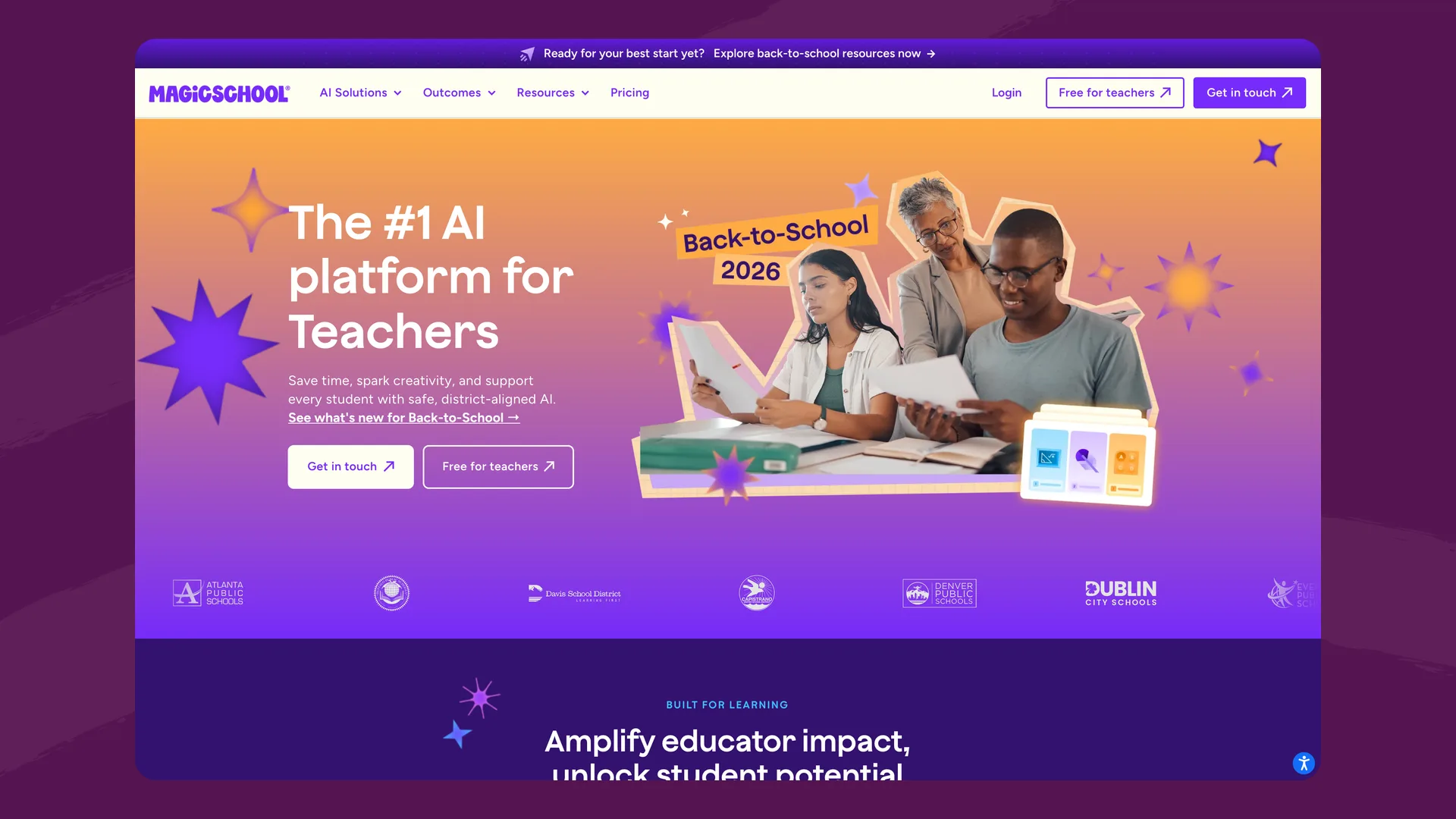
The MagicSchool homepage (magicschool.ai), captured September 2026.
What it is: An AI platform with 80+ tools for teachers — lesson plan generators, worksheet creators, rubric makers, quiz builders, and more. Also offers Raina, an AI chatbot, and student-facing tools through MagicStudent rooms.
Best for: Individual teachers looking for a wide variety of AI-powered productivity tools.
Key strengths:
- Breadth of teacher tools. 80+ tools covering lesson planning, differentiation, assessment creation, and communication. If there's a teaching task, MagicSchool probably has a tool for it.
- Free tier for teachers. Individual teachers can start at no cost with monthly generation limits.
- Brand presence. MagicSchool is the most-cited K-12 AI platform by third-party publications and consistently appears in roundups.
- Enterprise controls. District-level oversight, safety features, and customization available on enterprise plans.
Pricing: Free tier with limits. Plus plan at $8.33/user/month billed annually ($100/year per teacher) or $12.99 month-to-month. Enterprise pricing is custom.
Where it falls short: MagicSchool is primarily a teacher productivity platform. Its student-facing experience (MagicStudent) is less developed than platforms built around student-AI interaction, and the full set of 50+ student tools requires the paid Plus plan. Matt Miller, who trains teachers on MagicSchool, found its student chatbots "less in-depth (and somewhat superficial at times)." The breadth of templates can also make it harder for schools to establish consistent AI practices across classrooms.
Website: magicschool.ai
SchoolAI
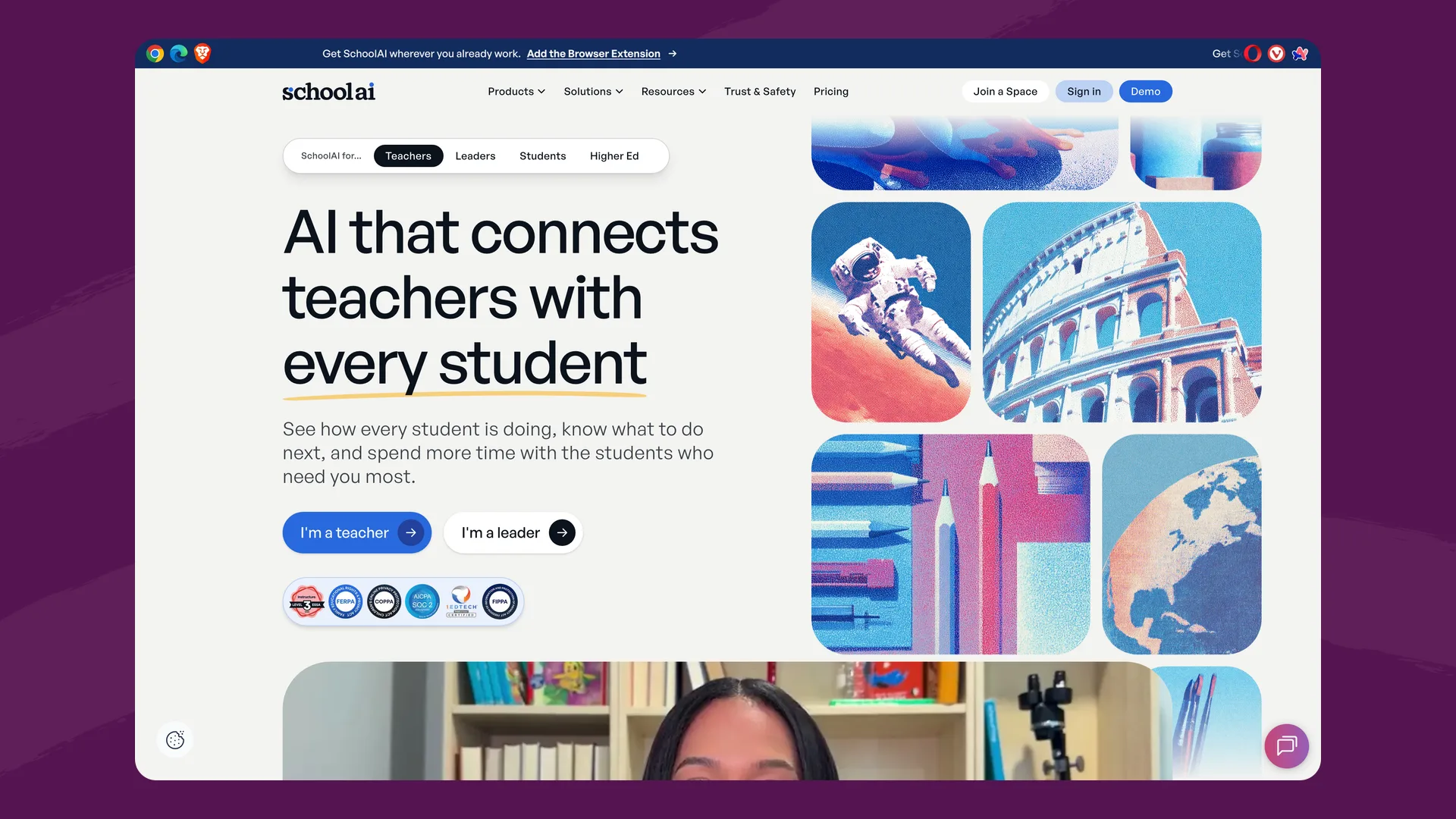
The SchoolAI homepage (schoolai.com), captured September 2026.
What it is: An AI platform organized around "Spaces" — teacher-designed AI learning experiences that students work through, with teachers monitoring in real time via Mission Control.
Best for: Schools that want structured student-AI interactions with strong real-time monitoring and a large pre-built content library.
Key strengths:
- Spaces. Teachers design AI-powered learning experiences with clear outcomes. A two-year study of ~14,000 student-AI conversations found students in Spaces showed 28% stronger critical thinking.
- Real-time monitoring. Mission Control gives teachers a live dashboard of every student conversation, with automatic crisis alerts for concerning messages.
- 200,000+ premade Spaces. An extensive library of ready-to-use activities.
- Browser extension and PowerUps. AI tools (translators, flashcard generators, image creators) accessible in teachers' existing workflows.
- ESSA Tier 3 validated. Evidence-based effectiveness rating.
Pricing: Free starter plan (5 Space launches per year as of July 2026). Pro plan includes unlimited Spaces, SIS rostering, LMS integration, and a dedicated customer success manager. Pricing is quote-based.
Where it falls short: SchoolAI doesn't publish pricing, making budget planning harder for tech directors. The free tier's 5-launch-per-year cap means meaningful classroom use requires a paid plan. The post-session feedback loop (rubric grading, evidence-linked summaries) is less developed than platforms with dedicated grading workflows.
Website: schoolai.com
Khanmigo (Khan Academy)
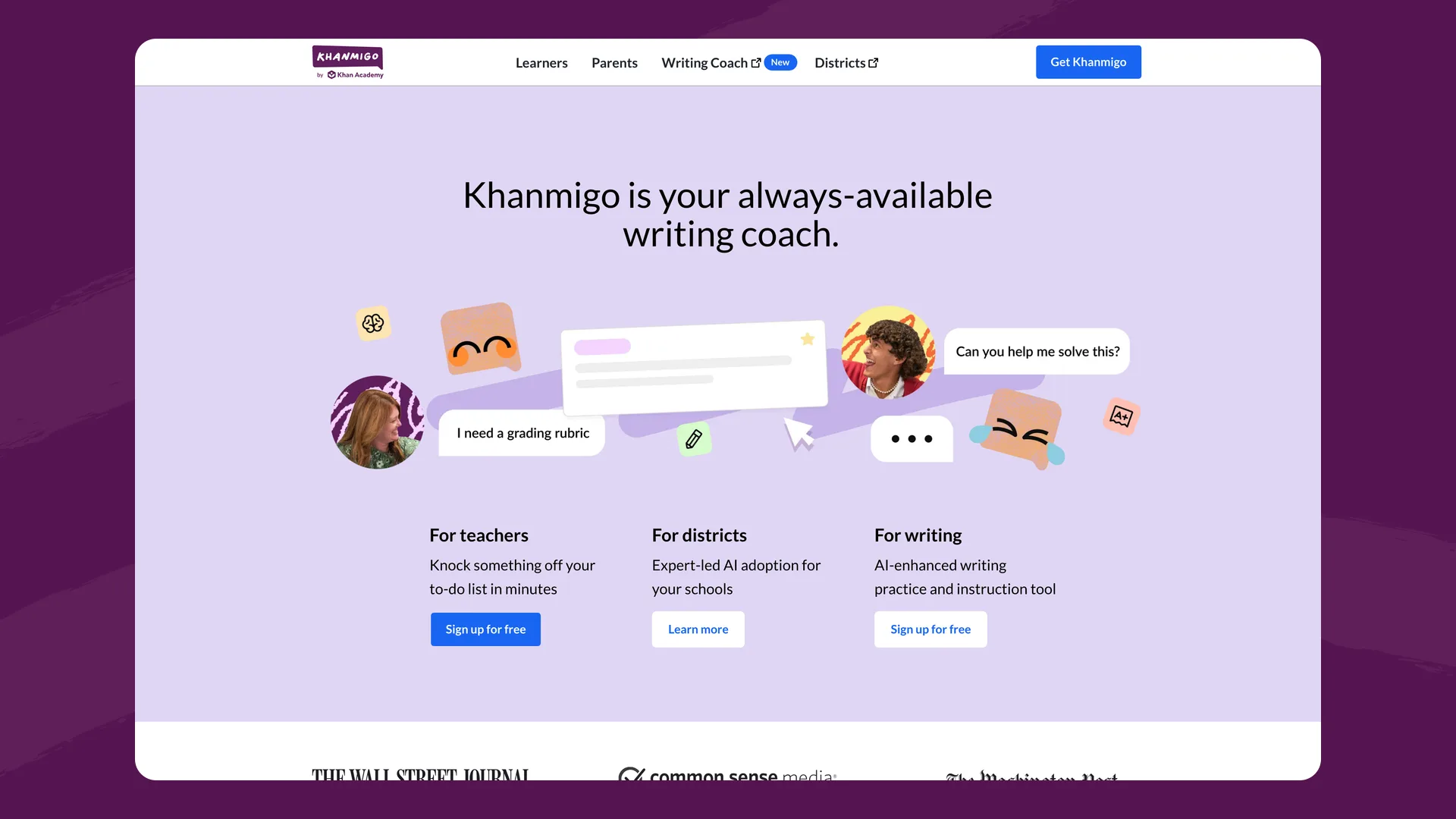
The Khanmigo homepage (khanmigo.ai), captured September 2026.
What it is: Khan Academy's AI tutor, built on top of their standards-aligned content library. Free for teachers, affordable for students and parents.
Best for: Schools already using Khan Academy that want to add AI tutoring on top of existing content.
Key strengths:
- Built on Khan Academy's content library. Khanmigo's tutoring is tied to Khan Academy's standards-aligned content covering math, science, humanities, and more.
- Affordable. Free for teachers. $4/month for students and parents. District partnerships available.
- Guided tutoring approach. Khanmigo doesn't give students answers — it guides them through problems step by step, using Socratic questioning.
- Progress reports and lesson planning. Teachers can generate standards-aligned lesson plans, student summaries, and exit tickets.
Pricing: Free for teachers. $4/month (or $44/year) for students and parents. District plans are $10 per student per year for up to 1,000 students, with a quote for larger districts.
Where it falls short: Khanmigo is tightly coupled to Khan Academy's content. If your curriculum doesn't align with their content library, the tutoring experience is more limited. Teacher tools are narrower than platforms with dedicated teacher productivity suites. Learner and parent plans are currently U.S.-only.
Website: khanmigo.ai
Brisk Teaching
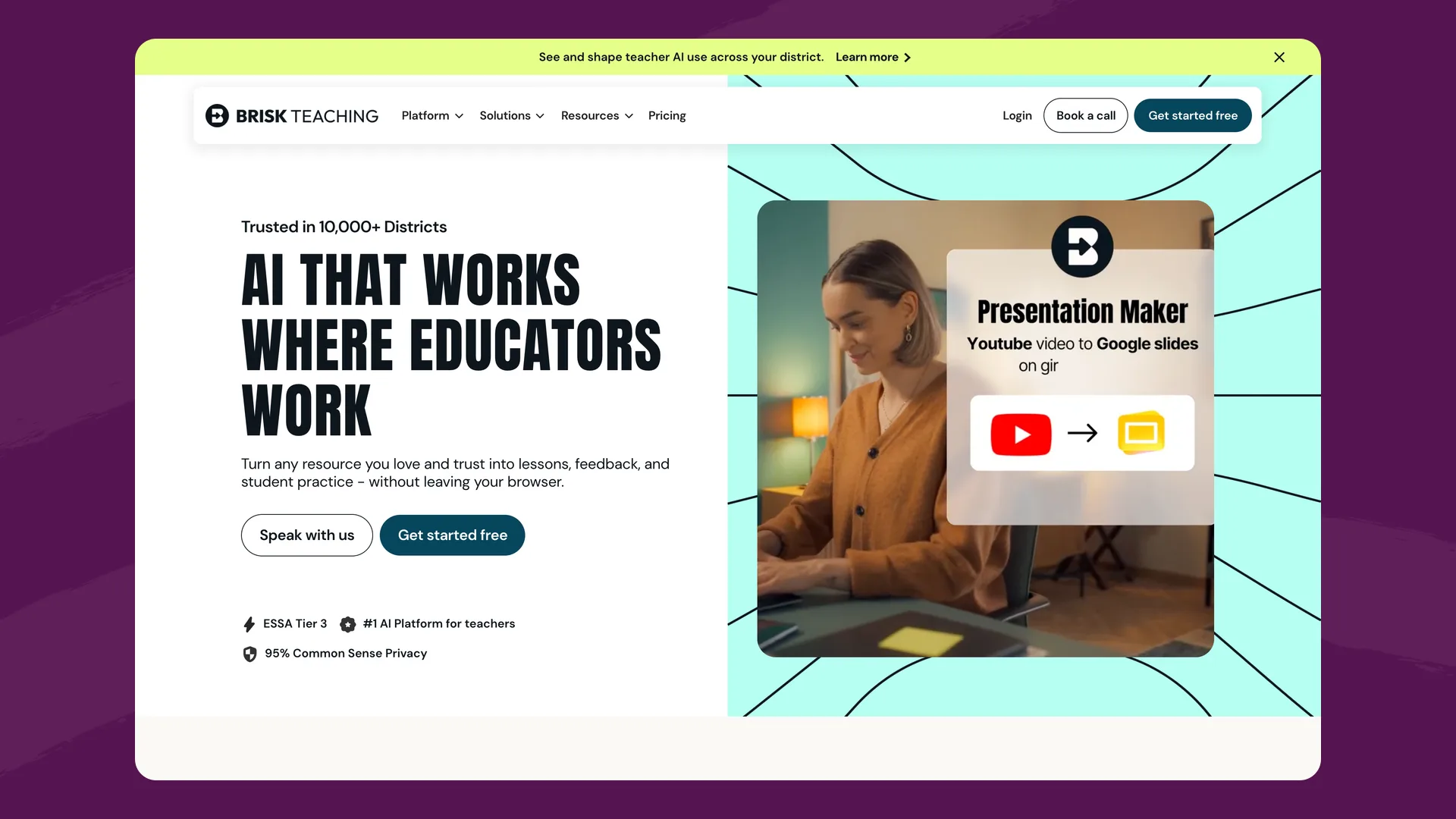
The Brisk Teaching homepage (briskteaching.com), captured September 2026.
What it is: A browser extension and web platform that brings AI into the tools teachers already use — Google Docs, Slides, Classroom, Canvas, and Microsoft 365.
Best for: Teachers who want AI assistance embedded in their existing workflow without switching to a new platform.
Key strengths:
- Works where teachers work. Brisk integrates directly into Google Docs, Slides, Classroom, Canvas, and Microsoft 365 as a browser extension. No new platform to learn.
- In-context feedback. Teachers give specific, formative feedback on student work directly inside the document they're grading.
- Content adaptation. Teachers take any resource — a webpage, PDF, video — and instantly generate questions, summaries, or discussion prompts.
- Wide adoption. Claims 1 in 3 teachers in the U.S. use Brisk, with 10,000+ districts.
- ESSA Tier 3 validated. Evidence-based effectiveness rating.
- 95% Common Sense Privacy rating.
Pricing: Free Chrome extension. School and district plans available.
Where it falls short: Brisk is primarily a teacher productivity tool. Its student-facing side is lighter than activity-based platforms: students work in short Brisk Boost activities a teacher launches from a resource (tutor, debate, writing coach and, since September 2026, an open-ended Quick Chat), and teachers can read every Boost chat.
Website: briskteaching.com
Feature comparison
| Flint | MagicSchool | SchoolAI | Khanmigo | Brisk Teaching | |
|---|---|---|---|---|---|
| Primary focus | Personalized student learning | Teacher productivity tools | Student-AI learning spaces | AI tutoring on Khan content | Teacher workflow extension |
| Student-AI interaction | Structured activities + 24/7 tutoring | MagicStudent rooms (some tools free, all on Plus) | Spaces | Guided tutoring | Limited |
| Teacher tools | Activity builder, analytics, feedback | 80+ AI tools | Space builder, dashboard | Lesson planning, reports | 30+ in-browser tools |
| Moderation & safety | Custom rules, live alerts, full message logging | Enterprise controls | Mission Control, crisis alerts | Content guardrails | Basic |
| School-wide governance | Mission config, policy templates, admin panel | Enterprise tier | Admin features on Pro | District partnerships | District plans |
| Feedback & grading | Rubric-based grades, evidence-linked summaries, teacher override | Generative feedback tools | Insights and engagement data | Progress reports | In-doc feedback |
| Curriculum alignment | Standards + custom pedagogy | Standards alignment | Standards on Pro | Khan Academy content | Adapts existing resources |
| AI model | Anthropic and OpenAI models (a more capable model on paid plans) + calculator, graphing, web search | Multi-model (OpenAI, Anthropic, Google) | Several providers (Anthropic, Google, OpenAI) | OpenAI and Google Gemini | Not published |
| Privacy | FERPA + GDPR, no training on student data | FERPA, SOC 2 | FERPA, COPPA, SOC 2 | FERPA, no training on student data | Common Sense 95% |
| Speech & languages | 50+ languages, 200+ dialects (speech) | Translates into 98 languages | Live translation in 60+ languages | 43 languages listed, 4 fully tested | Translates into 50+ languages |
| Free tier | Up to 80 users (students included) | Teacher tools (with limits) | 5 Space launches/year | Free for teachers; $4/mo students | Free extension |
| Pricing | From $1.08£0.81/user/mo | Plus $8.33/user/mo; Enterprise custom | Quote-based | $4/mo students; districts $10/student/yr up to 1,000 | Custom |
| Students under 13 | Yes | Check plan | Yes | U.S. only | N/A |
Where the others are stronger
Each entry above ends with where that platform falls short. This section covers the reverse: things the other four do that Flint doesn't, or does less of. Claims link to each company's own pages, checked in September 2026.
MagicSchool
- Far more ready-made teacher tools. The free plan includes 80+ teacher tools for lesson plans, worksheets, quizzes, IEPs, and presentations (MagicSchool pricing). Flint can handle many of these tasks through open-ended activities, but it doesn't have a dedicated tool for each one.
- A cheap upgrade for one teacher. A single teacher can buy Plus for $8.33 a month billed annually (MagicSchool pricing). Flint's paid plans start at $3,000£2,234 a year for up to 150 users.
SchoolAI
- A much larger library of ready-to-use activities, with 200,000+ premade Spaces and resources (SchoolAI pricing).
- Published outcome research. SchoolAI reports three studies rated ESSA Level III, including a two-year study of nearly 14,000 student-AI conversations that found a 28% rise in observed critical thinking (SchoolAI). This guide doesn't cite a comparable study of Flint.
- Spaces can open inside Canvas assignments and modules through an LTI integration, with no separate login (SchoolAI). LMS-embedded Spaces are part of the district-level Scale plan (SchoolAI pricing).
Khanmigo
- A built-in content library. Students get tutoring on every exercise, video, and article on Khan Academy (Khanmigo for parents). Flint's tutoring is built around the materials teachers upload, not a course library like Khan Academy's.
- Free teacher tools for all teachers. Khan Academy says Khanmigo for teachers is "completely, 100% free" (Khanmigo for teachers). Flint's free plan covers up to 80 users. Students only get Khanmigo through a district partnership or a parent subscription.
- Parent accounts. The $4/month parent subscription covers up to 10 children and lets parents read their child's chat history and get safety alerts (Khanmigo for parents). Flint has no parent accounts. Its alerts go to school staff.
Brisk Teaching
- It works inside other tools. Brisk's Chrome and Edge extension runs in Google Docs, Slides, YouTube, and the school's LMS (Brisk plans). Flint is a separate website that teachers and students open.
- Curriculum-level alignment. Brisk's Intelligence plan builds materials from a district's adopted curriculum, pacing, and scope and sequence, with ready-made alignment to major ELA, math, science, and social studies curricula (Brisk Intelligence). Flint aligns to standards and to the materials teachers upload.
- An outside privacy rating. Common Sense Media gives Brisk a 95% privacy rating. This guide cites no third-party privacy rating for Flint.
Taken together, Flint's main gaps are a smaller set of one-click teacher tools, no parent accounts, no browser extension, no course library of its own, and no low-cost plan for a single teacher who outgrows the free tier.
How to choose
Start with what your school needs:
-
"We want students learning with AI, not just teachers using AI." Look at Flint or SchoolAI — both are built around structured student-AI experiences with teacher oversight. Flint includes rubric grading and evidence-linked feedback after each session; SchoolAI has a much larger premade content library and published outcome studies.
-
"Our teachers need AI tools to save time on prep and grading." MagicSchool or Brisk Teaching have the widest set of teacher productivity tools. MagicSchool is a standalone platform with 80+ generators; Brisk embeds directly into Google and Microsoft tools.
-
"We already use Khan Academy and want to add AI." Khanmigo is the natural extension — it builds on the content library your students already know.
-
"Safety and governance are our top priority." Compare Flint and SchoolAI closely. Flint offers custom moderation rules, live alerts, full message visibility for teachers and admins, and district-level mission and policy settings. SchoolAI offers Mission Control's live dashboard and automatic crisis alerts. Ask each for a demo of what an administrator sees when a student's message is flagged.
-
"We need something that works internationally or is GDPR-compliant." Flint supports GDPR and international data residency. MagicSchool also lists GDPR compliance on its pricing page. Khanmigo's parent and learner plans are U.S.-only.
-
"Parents want to see what their child does with AI at home." Khanmigo's parent subscription includes chat history and safety alerts. Flint has no parent accounts.
-
"We want teachers to use AI without learning a new tool." Brisk embeds directly into Google Docs, Slides, Classroom, Canvas, and Microsoft 365 — no new platform to learn.
No single platform does everything. Some schools combine a student-facing platform (Flint, SchoolAI, or Khanmigo) with a teacher productivity tool (MagicSchool or Brisk). The right choice depends on whether your priority is student learning, teacher efficiency, or school-wide governance — and which of those you need most right now.
The easiest way to start is to try it: Flint is free for up to 80 users, or you can book a demo and we'll walk through your school's specific goals.
Last updated: September 2026
