ComparisonSep 30, 2026
AI Platforms for School Districts: What Tech Directors, Superintendents and Instructional Tech Leads Should Compare (2026)
Seven AI platforms a US district might adopt, compared on the questions tech directors, superintendents and instructional technology leads ask: admin controls, student monitoring, privacy agreements, rostering, cost and evidence.

Jemel Fanfan | Founding Member at Flint

Choosing an AI platform for a US district is a different job from choosing one for a single classroom. A teacher asks whether the tool is useful on Monday. A district has to sign a privacy agreement for it, roster it, decide which students can use it, answer to the board for what it costs, and know who gets told when a student types something worrying at 11pm.
This guide is for the three people who usually make that decision together: the technology director, the superintendent and the instructional technology lead. It compares seven platforms districts are shortlisting in 2026 on the questions each of those roles asks. Claims about other companies link to their own documentation or to dated news coverage, all checked on September 30, 2026.
If you're choosing for one school rather than a district, our K-12 platform comparison is written for that reader.
How we evaluated
I work at Flint, and Flint appears first in the list below because it's our product. The others follow in no particular order, and nothing here is a ranking or a score. Read Flint's entry knowing who wrote it; I've tried to be as specific about our gaps as about anyone else's, and they have their own section further down.
We included the five K-12 platforms districts ask us about most (Flint, MagicSchool, Khanmigo, SchoolAI and Brisk Teaching) and the two AI assistants that arrive with the office suite a district already pays for (Google Gemini for Education and Microsoft Copilot). General chatbots sold to individuals, such as ChatGPT and Claude, are left out because a district can't manage them as a district.
Each platform is described against the checks in the next section. The sources are each company's own pricing, trust, help-center and admin pages, the Student Data Privacy Consortium registry, Common Sense Media's published ratings, and news reports named in the text. We didn't run hands-on tests or surveys for this guide. Where we write "not found", we looked on the vendor's public pages and couldn't find it, which doesn't prove the feature is missing. Vendor study results are the vendors' own claims. Prices and plans change often, so confirm with each company before you budget.
What each district leader checks
Technology directors
Tech directors carry the risk if something goes wrong, and vendors are now where much of that risk sits. The CoSN 2026 State of EdTech report again put cybersecurity first among district technology priorities. When Utah's state board had researchers test apps against their privacy agreements, 44 of the 85 apps with standard agreements (52%) collected at least one type of data the agreement didn't permit (GovTech, September 2026). A signed agreement is the first step of vetting, and tech directors increasingly want to see how a vendor behaves after signing.
For an AI platform, tech directors check four things:
- District-managed accounts through Clever, ClassLink, OneRoster or the SIS, with Google or Microsoft single sign-on. Which plan includes them matters as much as whether they exist.
- Whether the vendor signs the state agreement or the national DPA through the Student Data Privacy Consortium, names its subprocessors, and bans training on student data, including by the AI companies it uses.
- Whether the district can turn student AI off for a school, a grade or everyone without calling the vendor, and how long that takes.
- Whether student conversations are kept, for how long, and who can read them. Florida's new rules require schools to keep records of student interactions with AI tools for at least 30 days (WMFE, September 16, 2026).
Superintendents
Superintendents answer to the board and to parents, so they need a decision they can defend in public. That usually comes down to three things. The first is cost at full scale, over more than one year. The second is evidence: the US Department of Education's August 2026 guidance on education technology says every education technology product should be able to answer five questions and be backed by independent evidence. The third is state law. On September 16, 2026, Florida's State Board of Education adopted rules that give parents the choice to opt their child in to an AI tool or receive a non-AI alternative, add review for tools used in pre-K through grade 5, ban companion-style AI, and bar vendors from selling student data or using it to train agentic models (Florida Department of Education). Districts have until July 1, 2027 to comply (WMFE). Ohio required every district to adopt an AI policy by July 1, 2026 (NBC4).
Our guide to presenting an AI purchase to your school board covers the board side in more detail.
Instructional technology leads
Instructional technology leads and coaches have to make the tool worth using once it's approved. Their questions are about what students actually do. Is it an open chat window or an activity a teacher built? Can the teacher read every conversation, or only a summary? Does it work with your adopted curriculum and standards (our curriculum alignment rubric is one way to test this)? And who trains 400 teachers, and is that training included or billed separately? CoSN found that 58% of districts are understaffed for instructional technology support, so a platform that needs a lot of coaching lands on a small team (GovTech).
The platforms
Flint
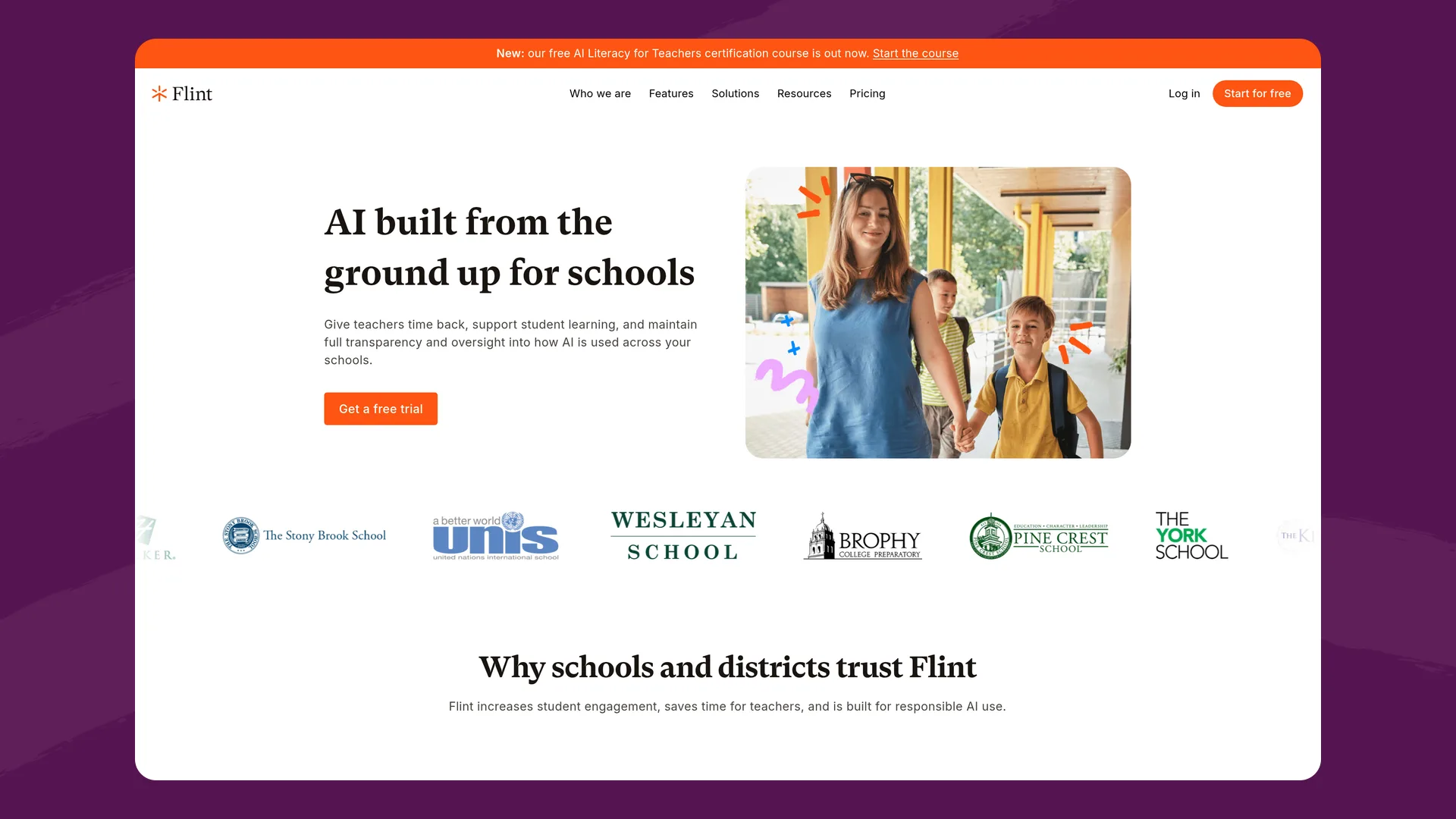
Flint's districts page (flintk12.com/districts), captured September 2026.
What it is: A personalized learning platform where teachers build AI activities (Socratic discussions, essay feedback, math practice, interview simulations) and students work through them with Sparky, Flint's AI tutor. Flint has more than 800,000 users.
Best fit: Districts that want students, not only teachers, using AI, with every conversation visible to staff and alerts routed by the district.
For tech directors. A district owner sees every school in the district and can add other owners, and district analytics break usage down by school (Flint help center). School admins can limit the hours students can use Flint and restrict student access to the school's IP addresses. Rostering runs through Edlink at no extra charge from SIS platforms including PowerSchool, Infinite Campus, Skyward, Aeries and Synergy, and from Canvas, Schoology, Google Classroom, Microsoft Teams, D2L Brightspace, Blackboard and Moodle (supported integrations). Staff and students sign in with Google or Microsoft. Student data isn't used to train AI models or shared with third parties, and Flint has signed state data privacy agreements in Illinois, Massachusetts, Maine, New Hampshire, New York, Rhode Island and Vermont (security page). Students and teachers can archive chats but not delete them, so the record stays available for review; only school owners, normally admins, can delete a chat (help center).
For superintendents. Free for up to 80 users, counting staff and students. Published plans run from $3,000£2,234 a year for 150 users to $6,500£4,841 a year for 500 users, and larger districts get a quote (pricing). Every paid license includes unlimited PD sessions. Flint holds an ESSA Level IV ("Demonstrates a Rationale") certification from Instructure's research team, based on its logic model. We don't yet have a study at Level III or above.
For instructional technology leads. Students work inside activities their teacher designed, and after each session they get feedback linked to evidence from the conversation, with a suggested grade against the teacher's rubric that the teacher can change. Teachers and admins can read every conversation. Sparky flags student messages about self-harm, violence, harassment, hate, sexual content, illicit activity and relationship-building (a student treating the AI as a friend), and districts can add their own categories. School and class moderators get real-time email alerts, every grade level must have a moderator, and self-harm alerts can't be turned off (moderation in Flint).
Where it falls short: No Clever or ClassLink rostering, no SOC 2 report listed on our security page, and no ESSA study above Level IV. The full list is under Flint's gaps, after the comparison table.
Website: flintk12.com
MagicSchool
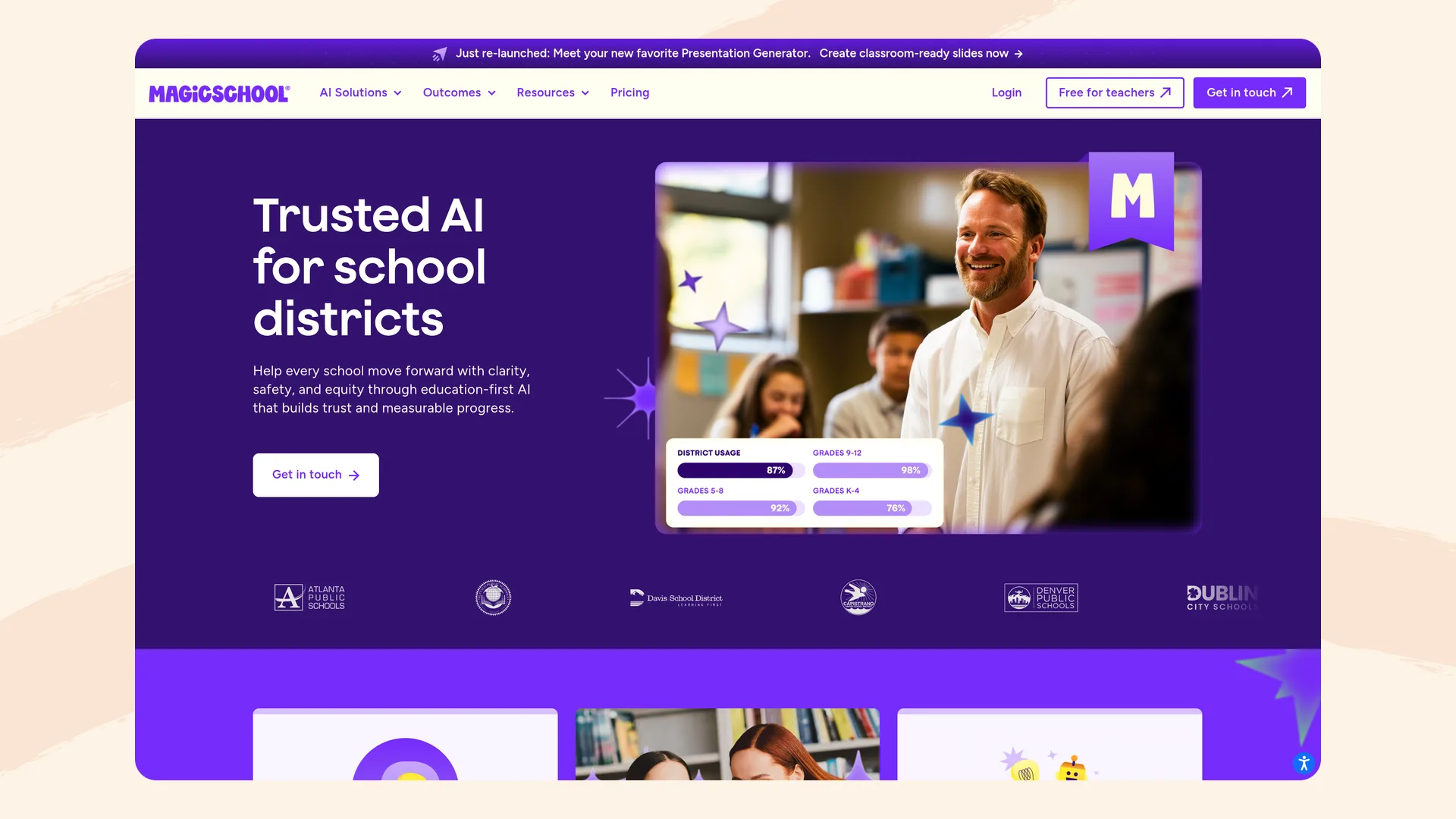
MagicSchool's districts page (magicschool.ai/magicschool-for-districts), captured September 2026.
What it is: A platform with 80+ AI tools for teachers and student tools that teachers assign through rooms.
Best fit: Districts whose first goal is saving teachers time, with a large menu of ready-made tools.
For tech directors. The Enterprise plan adds district dashboards showing adoption across schools (MagicSchool for districts). Administrators can enable or disable tools by school site (February 2026 update) and surface tools by school, grade band or subject (June 2026 update). MagicSchool signs the national DPA where applicable, holds a SOC 2 Type II attestation and iKeepSafe COPPA Safe Harbor certification, and doesn't let AI providers train on student data (trust center). Common Sense gave it a 95% privacy rating in March 2026 (Common Sense Privacy). Its sub-processor list says customer data is hosted in the United States. Clever, ClassLink, Canvas and Schoology integrations and single sign-on are Enterprise features (pricing), and roster sync into a Classes section was on a waitlist for summer 2026.
For superintendents. Free for teachers, $8.33 per teacher per month billed annually for Plus, and a custom quote for Enterprise (pricing). As one public example, New Haven Public Schools budgeted $109,320 for the 2026-27 school year (CT Post, August 2026). MagicSchool holds an ESSA Level III rating from a review that linked teacher use to better student ELA results (trust center).
For instructional technology leads. Moderation is always on for students, educators and district admins can view student interactions in real time, and alerts go out in-app and by email (quality and safety). Districts can set alert routing and add custom keyword lists. Enterprise includes a dedicated customer success manager; custom PD costs extra (pricing).
Where it falls short: Rostering, single sign-on and a custom DPA require the Enterprise plan, and custom PD is billed separately. We didn't find a documented way for an admin to switch off all student AI at once; MagicSchool staff describe pausing rooms instead (Anthropic customer Q&A). Our Flint vs. MagicSchool page goes further.
Website: magicschool.ai
Khanmigo (Khan Academy Districts)
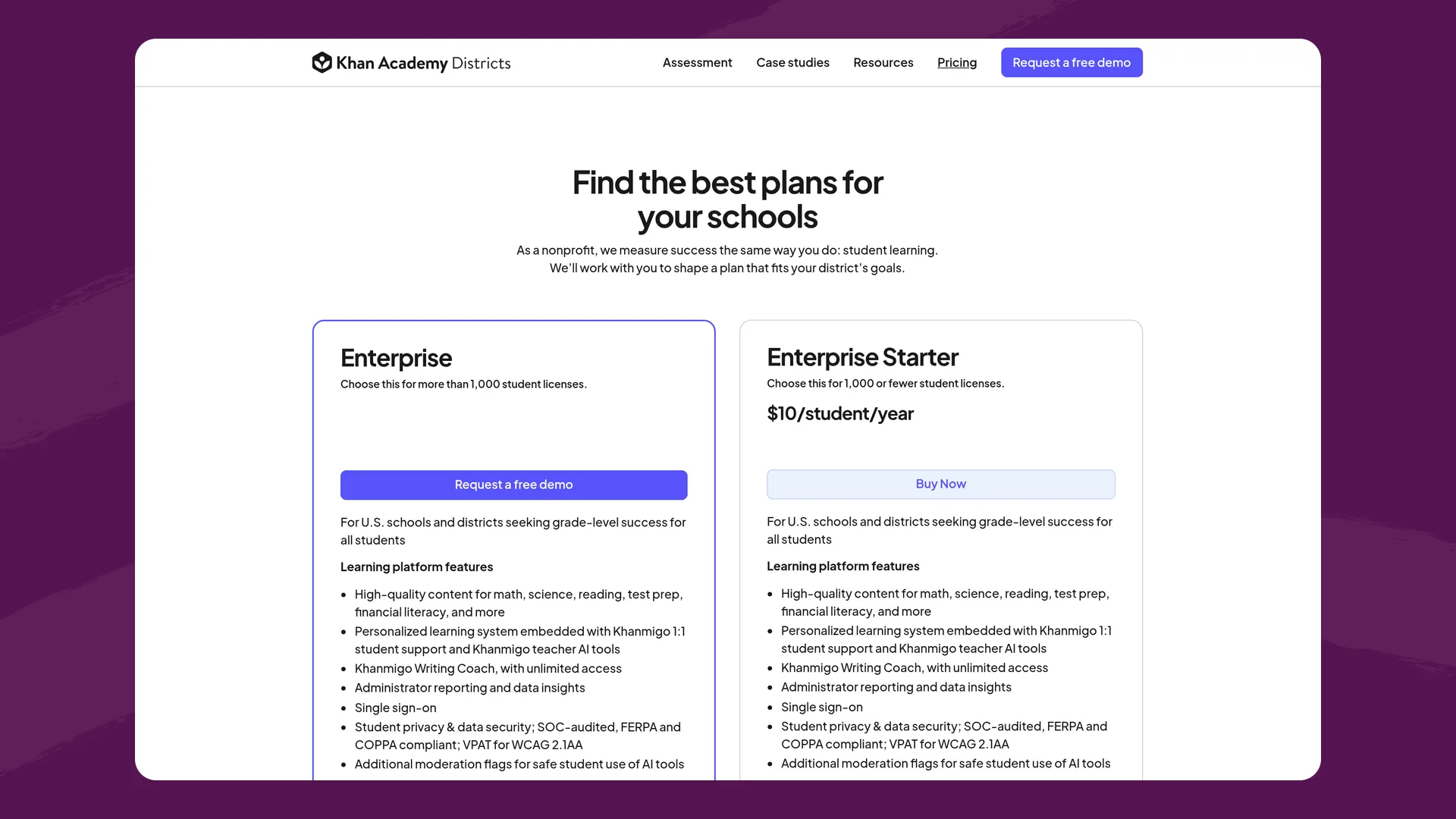
Khan Academy Districts pricing (khanacademy.org/schools/pricing), captured September 2026.
What it is: Khan Academy's AI tutor and teacher tools, sold to districts as part of Khan Academy Districts alongside Khan's own content library.
Best fit: Districts that already use Khan Academy for math practice and want AI tutoring on the same content.
For tech directors. The Enterprise plan (over 1,000 students) rosters automatically through Clever or ClassLink with a nightly sync; Enterprise Starter (1,000 or fewer) has teachers roster their own classes (Enterprise Starter details). Admins get usage reports by school, class and teacher (usage report). Khan runs annual SOC 2 Type 2 audits and hosts in the US on Google Cloud (security practices), and its AI providers may not train on student inputs (privacy policy). Khan Academy Districts appears on the SDPC registry under national DPA general offers, for example in St. Johns County, Florida. Common Sense rates Khan Academy's privacy practices 78% with a "Warning" label, from a November 2024 evaluation (Common Sense Privacy).
For superintendents. Enterprise Starter is $10 per student per year, paid by card, on terms that can't be negotiated; Enterprise is quoted (pricing). Khan cites Tier 1 and Tier 2 studies of Khan Academy in math. An independent trial in 18 Hamilton County, Tennessee middle schools found a small overall effect and low Khanmigo use: Chalkbeat reported students used it on about a third of the days they worked in Khan Academy (Chalkbeat, August 2026).
For instructional technology leads. Teachers can read full student chat transcripts, and flagged chats are marked (viewing chat history). Teachers can pause Khanmigo for 5 minutes to 4 hours with Focus Mode, and it turns off during quizzes and tests. The district partnership covers grades 3 to 12. Enterprise includes live PD; Enterprise Starter gets on-demand videos and email support.
Where it falls short: Nobody is on the administrator alert list by default, so unless the district adds someone, only teachers get moderation emails (admin alerts). Admins see chat summaries, except that admins on the high-severity alert list can open a flagged chat in full from the alert email. We found no admin switch to turn Khanmigo off for a school or grade. Tutoring works best on Khan's own content. More in Flint vs. Khanmigo.
Website: khanacademy.org/schools
SchoolAI
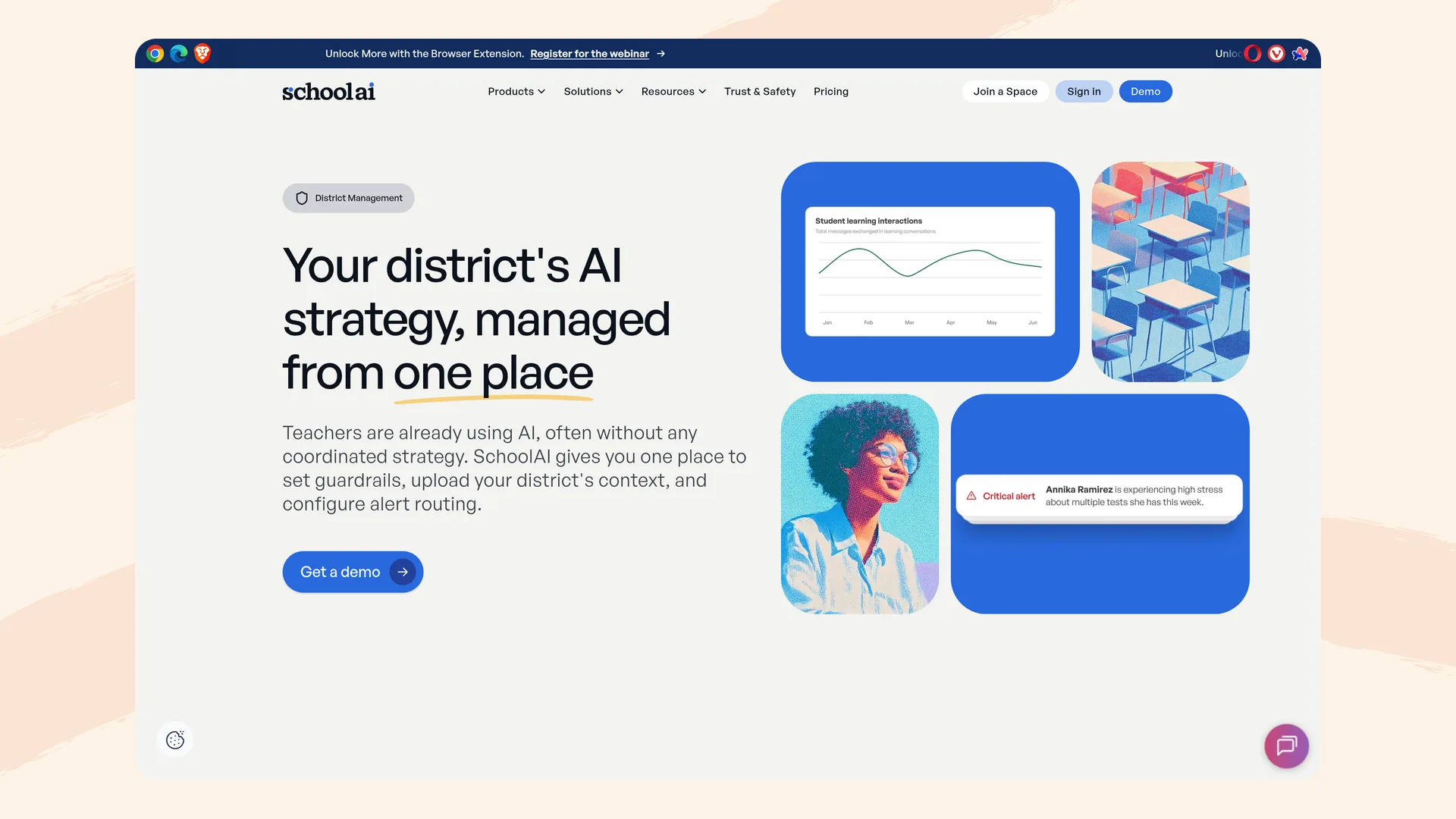
SchoolAI's district management page (schoolai.com/products/district-management), captured September 2026.
What it is: A platform built around Spaces, AI activities that teachers launch for students, monitored live in Mission Control. The district plan adds Sidekick, an open-ended student tutor.
Best fit: Districts that want student-facing AI with a large premade library and detailed admin reporting.
For tech directors. District management covers guardrails, district context and alert routing in one place (district management). Usage reports filter by school, grade and teacher on the Pro and Scale plans, and admin audit logs are Scale-only (pricing). District custom instructions pass down to every school on Scale, but can't yet be set differently for each school or grade band (help center). SchoolAI lists SOC 2 Type 2 (report on request), FERPA, COPPA and 1EdTech certification, and says its contracts bar its AI providers from training on student data (trust center). Clever, ClassLink, Microsoft and Google sign-in, rostering from 30+ SIS platforms, and LMS integrations are on paid plans (integrations).
For superintendents. Pro and Scale are quote-only; the free plan allows 5 Space launches a year (pricing). NPR reported that Dayton Public Schools paid $72,600 for one year and renewed for $78,650 (NPR, September 2026). SchoolAI has three ESSA Level III designations; it describes its student outcomes study as showing "a strong association rather than proof of cause" (research).
For instructional technology leads. Leaders and coaches can see student conversations across classrooms, and teachers read full transcripts of their own students' chats. Alerts for self-harm or mental health, threats, inappropriate content and image uploads always go to the teacher who launched the activity, and admins can route them to others by category (student safety alerts). Every partnership includes a customer success manager and an educational strategist, with PD packages of 9, 18 or 24 hours (professional development).
Where it falls short: No published price. The open-ended student tutor and district-level instructions need the top plan, and instructions can't vary by school yet. We found no single switch to turn student access off district-wide. More in Flint vs. SchoolAI.
Website: schoolai.com
Brisk Teaching
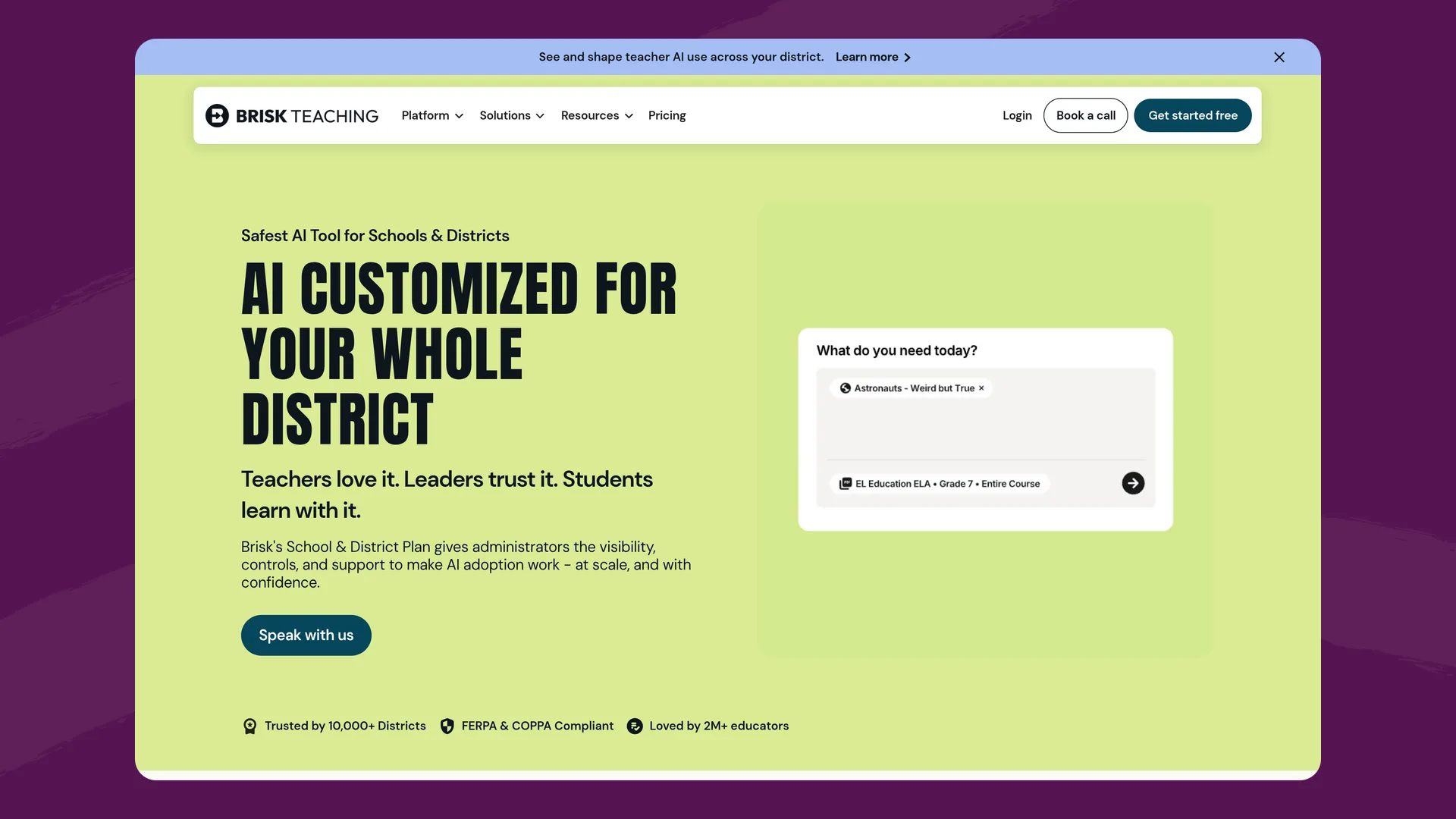
Brisk Teaching's schools and districts page (briskteaching.com/solutions/schools-and-districts), captured September 2026.
What it is: A Chrome and Edge extension that brings AI into Google Docs, Slides, Classroom, Canvas and other tools teachers already use, plus Brisk Boost, a student activity tool.
Best fit: Districts that want teachers using AI inside existing tools without adopting a new platform.
For tech directors. The admin dashboard shows usage across schools with teacher-level detail, for paid customers who have rostered (schools and districts). IT can force-install the extension, admins can hide default tools, and admins can set the hours when students may use Boost (plans). Brisk says it has signed the national DPA in 25 states (security FAQ), never trains on student or teacher inputs, and holds 1EdTech certification (privacy center). Common Sense gives it a 95% privacy rating with a verified seal (Common Sense Privacy). Clever sign-in and rostering (Clever app gallery), ClassLink certification, and Google and Microsoft sign-in are supported (integrations).
For superintendents. Free for individual teachers. District plans are priced per enrolled student by quote, with consortium pricing and purchasing co-ops such as BuyBoard and TIPS (schools and districts). Brisk's ESSA Tier 3 rating comes from a study of 542 teachers in four Wisconsin districts, measured on teacher outcomes (impact study). New York City Public Schools picked Brisk as one of five tools for a high school AI pilot this year (Chalkbeat, September 2026).
For instructional technology leads. Teachers see every Boost chat and can pause a student. Brisk flags student chats with profanity, insults and violence to teachers (Brisk Boost). Paid plans include a professional learning manager and PD delivered online or in person.
Where it falls short: Administrator alerts are off by default: each admin has to opt in to email alerts for escalated messages, which include self-harm (student safety notifications). Teachers control the student extension setting for each class, and Brisk's help center notes other teachers can turn it back on (managing classes). Its own pages disagree on SOC 2: the privacy center says Type II compliant, while the plans FAQ says "working toward SOC 2 Type II." More in Flint vs. Brisk.
Website: briskteaching.com
Google Gemini for Education
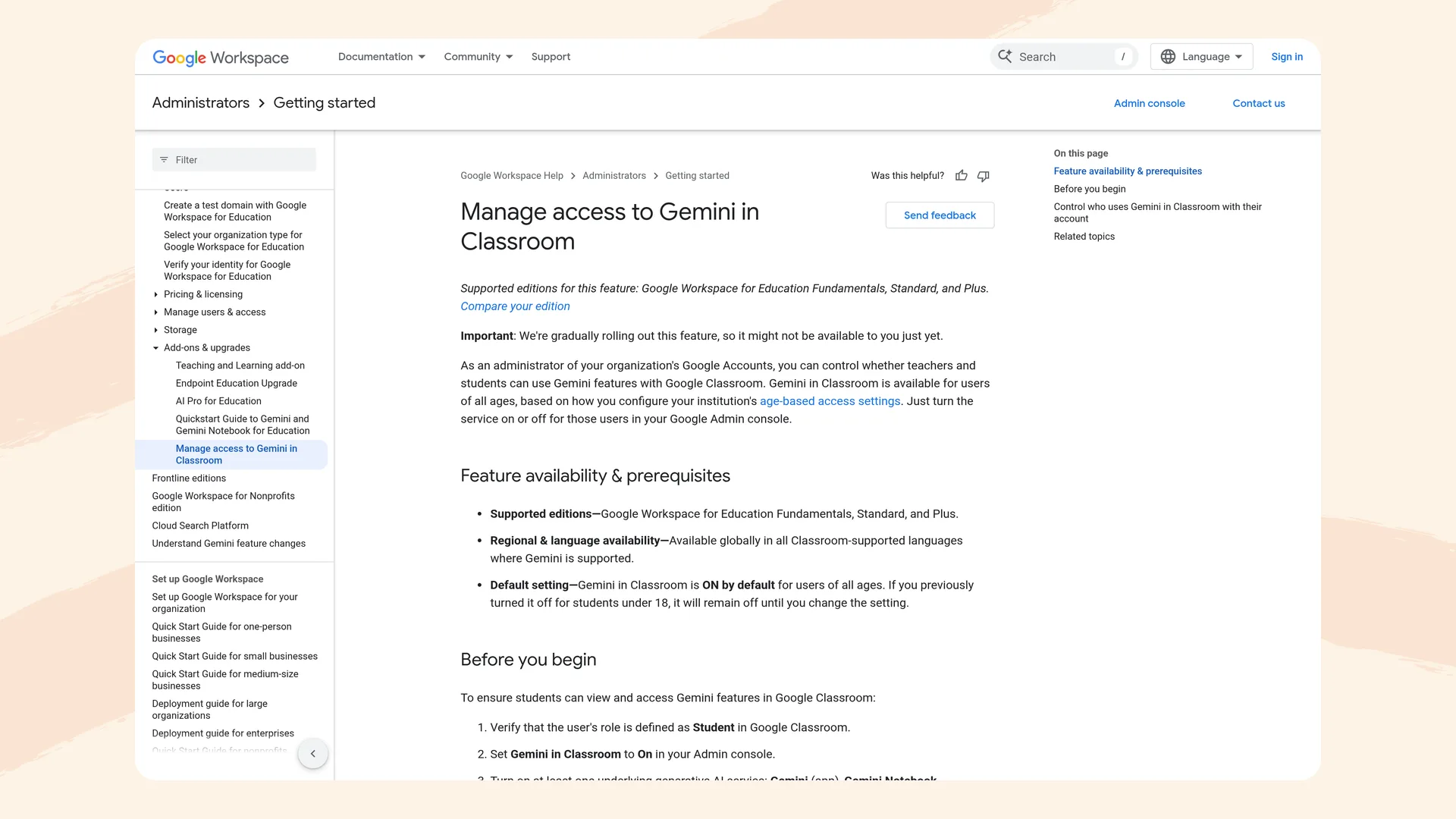
Google's admin help page on Gemini in Classroom (knowledge.workspace.google.com), captured September 2026.
What it is: Google's AI assistant and Gemini Notebook (formerly NotebookLM), included in every Google Workspace for Education edition, plus AI tools inside Google Classroom.
Best fit: Google districts that want AI available to staff at no extra license cost and are prepared to manage student access through the Admin console.
For tech directors. Admins can turn the Gemini app on or off for everyone or by organizational unit or group; changes can take up to 24 hours (Google Admin Help). Since August 10, 2026, Gemini in Classroom has been on by default for students of all ages wherever the district had already enabled Gemini, and Google's advice for keeping it off for under-18s is to put them in their own OU (Workspace Updates). Google says chats aren't reviewed by humans or used to train models (Admin Help). The Gemini app holds SOC 2 and ISO certifications, but Google states Gemini Notebook doesn't yet support ISO, SOC or FedRAMP compliance and ignores data region settings (privacy hub). Syncing Classroom rosters from your SIS or Clever needs Education Plus or the Teaching and Learning add-on (Classroom Help).
For superintendents. Gemini and Gemini Notebook are free in all Education editions, including the no-cost Fundamentals. Education Plus lists at $6 per user per year and must cover all enrolled students plus active staff (pricing). Utah and Missouri have statewide agreements with Google, and in both, districts decide whether to adopt. Common Sense rated Gemini for K-12 "High Risk" in January 2026 (Common Sense AI risk assessment).
For instructional technology leads. Teachers can assign notebooks and Gems and see which students opened them. For notebooks assigned in Classroom, teachers also get AI insight summaries and, when Gemini activity is on, each student's chat transcript, after the fact (Classroom Help). Google is retiring Gems. For schools, they stop working in Classroom and LMS integrations no sooner than June 1, 2027, and Google recommends Gemini Notebook and Guided Learning instead. Admins can search and export Gemini app chats in Google Vault. Google offers a free two-hour Generative AI for Educators course with a certificate.
Where it falls short: We found no built-in alerts to staff when a student writes something concerning; Common Sense says admins have "minimal ability to monitor conversations, receive alerts" (same assessment). Age settings are only under or over 18. Our guide to Gemini for students walks through the settings, and Flint vs. Gemini for Education compares the two.
Website: edu.google.com
Microsoft Copilot
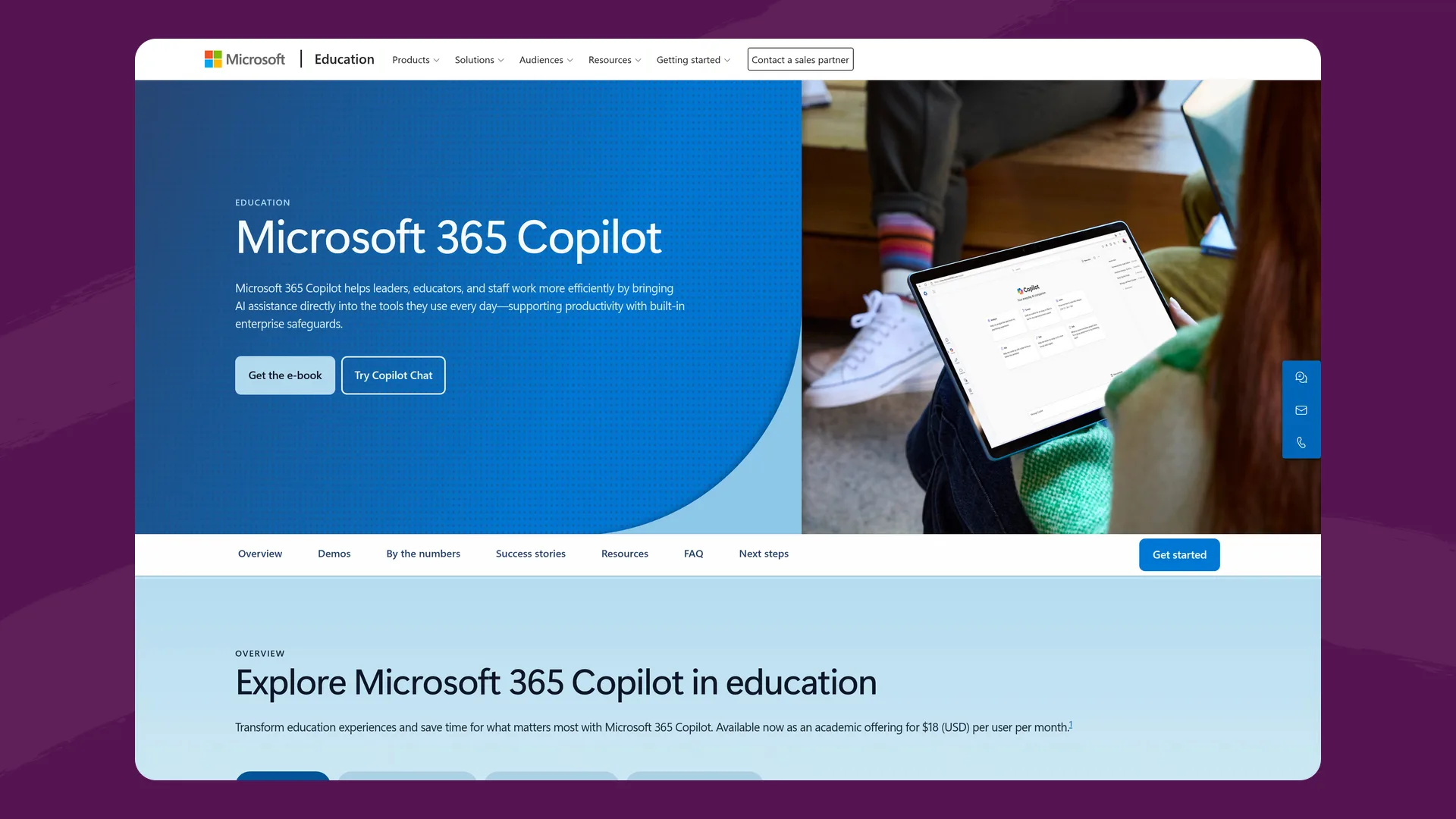
Microsoft's Copilot in education page (microsoft.com/education), captured September 2026.
What it is: Microsoft Copilot Chat (previously named Microsoft 365 Copilot Chat), included with Microsoft 365 A1, A3 and A5, with Teach tools for staff and the Study and Learn agent for students.
Best fit: Microsoft districts that want an AI assistant for staff and high school students inside tools they already license.
For tech directors. Admins can block Copilot Chat for everyone or for chosen users and groups (Microsoft Learn). In K-12 tenants it's off by default for students aged 13 to 17 until IT sets each student's age group, and students under 13 can't use it (enable Copilot Chat for learners). Prompts and responses aren't used to train foundation models, and admins can search them through Microsoft Purview and the audit log (Copilot privacy). School Data Sync is free and rosters from OneRoster, ClassLink, PowerSchool, Infinite Campus and Skyward (supported SIS list).
For superintendents. Copilot Chat costs nothing extra with A1, A3 and A5. The full Microsoft 365 Copilot academic license is $18 per user per month for staff and students 13 and older (Copilot in education). We found no ESSA rating or outcome study for Copilot Chat, Study and Learn or Teach. Broward County Public Schools in Florida deployed 20,000 paid licenses to staff (Microsoft customer story).
For instructional technology leads. Study and Learn chats are private to each student, and teachers can't see them unless the student shares (Study and Learn onboarding). Students can delete their own Copilot history. Microsoft Elevate for Educators offers free PD and a credential developed with ISTE and ASCD.
Where it falls short: No option for students under 13 and no teacher view of student chats. Alerts about harmful messages mean setting up a Purview Communication Compliance policy with named reviewers (Microsoft Learn). We found no Microsoft-signed national DPA covering Copilot.
Website: microsoft.com/education
Comparison table
| Flint | MagicSchool | Khanmigo | SchoolAI | Brisk | Gemini for Education | Microsoft Copilot | |
|---|---|---|---|---|---|---|---|
| Who uses it | Teachers and students | Teachers; students in rooms | Teachers and students (grades 3-12) | Teachers and students | Teachers; students in Boost | Staff and students of all ages | Staff and students 13+ |
| Student access by default | Teacher-built activities and chat | Teacher-assigned rooms | On once a student joins a linked class | Teacher-launched Spaces | Teacher link only | Classroom tab on by default since Aug 2026 | Off for ages 13-17 until IT enables |
| Staff can read student chats | Teachers and admins, all chats | Teachers and district admins | Teachers (full); admins (summaries; flagged chats in full if on the alert list) | Teachers and leaders | Teachers | Admins through Vault | Admins through Purview; not teachers |
| Safety alerts | Email to school and class moderators; self-harm always on | In-app and email; district routing | Teachers by default; admin list empty until set | Always to teacher; admin routing on paid plans | Teacher flags; admin email alerts, including self-harm, if each admin opts in | None built in found | Requires a Purview policy |
| District off switch | Student hours and IP limits per school | Tools by school site | Teacher Focus Mode only | Sidekick hours (Scale) | Boost hours; teachers set per class | By OU or group | By user or group |
| Rostering | Edlink (SIS and LMS), OneRoster; no Clever or ClassLink | Clever, ClassLink (Enterprise) | Clever, ClassLink (Enterprise) | Clever, ClassLink, 30+ SIS (paid) | Clever, ClassLink, Ednition | SIS and Clever sync need Education Plus | School Data Sync, OneRoster, ClassLink |
| Privacy agreements | Signed DPAs in 7 states | National DPA where applicable | National DPA general offers on SDPC | SDPC member; DPA on every plan | National DPA in 25 states | Utah statewide DPA; national DPA not found | FERPA terms in Microsoft DPA; national DPA not found |
| SOC 2 | Not listed | Type II | Type 2 | Type 2 | Pages conflict | Gemini app yes; Gemini Notebook no | Office 365 report; Copilot scope not found |
| Price | Free to 80 users; $3,000£2,234-$6,500£4,841/yr to 500 users | Free; Plus $8.33/teacher/mo; Enterprise quote | $10/student/yr to 1,000; quote above | Free (5 launches); paid by quote | Free for teachers; district quote per student | Included with Workspace for Education | Chat included with A1/A3/A5; $18/user/mo full |
| Evidence | ESSA Level IV (logic model) | ESSA Level III | Khan Academy math studies; small Khanmigo RCT effect | Three ESSA Level III | ESSA Tier 3 (teacher outcomes) | Google-run trial in Sierra Leone | None found for Copilot |
| PD | Unlimited PD sessions included | Custom PD extra | Live PD on Enterprise | CSM and strategist; 9-24 hr packages | PL manager on paid plans | Free self-paced courses | Free Elevate courses |
Flint's gaps
Each entry above ends with where that platform falls short. This section covers what the others do that Flint doesn't, or does less of.
- MagicSchool, Khanmigo, SchoolAI and Brisk all roster through Clever and ClassLink. Flint rosters through Edlink from the SIS and LMS platforms listed above, and through OneRoster, but Clever and ClassLink aren't on our supported integrations list. For districts standardized on either, that's a real gap.
- MagicSchool, Khanmigo and SchoolAI cite SOC 2 audits, and MagicSchool and Brisk have 95% Common Sense privacy ratings. Our security page doesn't list a SOC 2 report or a Common Sense rating.
- Brisk says it has signed the national DPA in 25 states. Flint's signed state agreements cover seven, and we sign others during procurement.
- MagicSchool, SchoolAI and Brisk have ESSA Level III ratings, and Khan cites Tier 1 and 2 studies of Khan Academy. Flint's ESSA certification is Level IV, which rests on a logic model and research base rather than outcome data from Flint classrooms.
- MagicSchool has far more one-click teacher tools, SchoolAI has a much larger premade activity library, and Khanmigo has Khan Academy's course content built in. Flint's tutoring is built around the materials teachers upload.
- Brisk runs inside Google Docs and the LMS as an extension, and Gemini and Copilot sit inside the office suite. Flint is a separate site that teachers and students open.
- Flint's alerts arrive by email and in the analytics dashboard. MagicSchool also sends in-app notifications.
- Khanmigo offers parent accounts outside the district plan. Flint has no parent accounts.
Questions to ask any vendor
Tech directors
- Will you sign our state's agreement or the national DPA as written? If not, what's in your Exhibit H?
- Which subprocessors see student data, where does each one process it, and does your contract with each AI provider ban training on it?
- Can I turn student AI off for one school, one grade or the whole district myself, and how long does it take to apply?
- How long are student conversations kept, can students delete them, and can we export them for a records request?
- Which plan includes Clever, ClassLink or OneRoster rostering and single sign-on?
Superintendents
- What will this cost across every school at full use, this year and in year three?
- What evidence do you have, from which districts, and was it independent?
- How would we meet our state's rules on parent notice, consent and a non-AI alternative with your product?
- What happens to our data if we don't renew?
Instructional technology leads
- Are students in an open chat, or in activities teachers build and assign?
- Who is told when a student writes about self-harm, how fast, and can that be switched off?
- How does the platform use our adopted curriculum and standards?
- What PD is included in the price, and what's billed separately?
Choosing by situation
- If you want students learning with AI under close supervision, Flint and SchoolAI are both built around teacher-designed student activities with full chat visibility and alerts. SchoolAI has the bigger premade library and ESSA Level III ratings. Flint publishes its prices, includes PD and keeps self-harm alerts always on.
- If your first goal is teacher time, MagicSchool has the largest tool library and Brisk puts AI inside the tools teachers already use.
- If you already pay for Google or Microsoft, Gemini and Copilot Chat cost nothing extra. Plan for the gaps in staff alerts and teacher visibility, and for Gemini's default-on setting in Classroom.
- If you're a Khan Academy district, Khanmigo adds tutoring on content your students already use. Add someone to the admin alert list on day one.
- If you're in Florida, check each platform before July 1, 2027 against the rules on parent opt-in, a non-AI alternative, 30-day interaction records and extra review for pre-K through grade 5.
Many districts pair a student-facing platform with a teacher productivity tool. For a view focused on safety features alone, see the safest AI platforms for K-12 schools, and for staff rollout, our district playbook for training teachers on AI.
To see Flint in your district, start free with up to 80 users, read how Flint works for districts, or book a demo and we'll walk through your rostering, privacy review and rollout.
Last updated: September 30, 2026
