ComparisonOct 1, 2026
The Best AI Tutors for Students in 2026, Compared
Six AI tutors a middle or high school student can actually use, compared on cost, whether they make you do the thinking, and who can read your chats.

Jemel Fanfan | Founding Member at Flint

You've got a test Friday, a teacher who's busy, and about six AI tools that all say they'll help. Some of them will. Some will just do the homework for you, which feels great until the test, when nobody's there to do it for you.
This page compares six AI tutors a middle or high school student can actually get: Flint, Khanmigo, ChatGPT (with Study Mode), Google Gemini (with Guided Learning), SchoolAI and Brainly. It's written for you, the student. If you're a parent, our comparison for parents covers alerts and data in more depth, and school leaders should use our K-12 platform guide.
Five questions to ask any AI tutor
Before the tools, here's what we compared them on. These are the things that change whether a tutor actually helps you.
- Does it make you do the thinking? A tutor that hands you the answer saves time tonight and costs you on the test. Check whether coaching is the default, and whether you can turn it off with one click.
- Can you get it yourself? Some tutors you sign up for alone, some need a parent to pay, and some only show up if your teacher or district turns them on.
- What does it cost you? Free plans differ a lot. Some have ads, some have limits, and some free student deals are only for college students.
- Does it know your class? A tutor that can read your teacher's notes, your assignment or a photo of your worksheet gives better help than one guessing at what your class covers.
- Who can read your chats? On school tools, your teacher and school staff usually can. On personal accounts, usually nobody at school can, but the company may keep them.
How we evaluated
I work at Flint, and Flint is listed first because it's our product. Read that entry knowing I'm biased. The other five are in no particular order, and this isn't a ranking.
We picked tutors that students use for help with schoolwork, from school or on their own. We left out MagicSchool and Brisk because a teacher has to set up their student tools, so you can't open either one as a tutor. We also left out Claude, because Anthropic only allows users 18 and older.
Every claim about the other five comes from that company's own pages, help center or dated news coverage, checked on October 1, 2026, and linked where it appears. Each entry shows that company's own page for students or families, captured the same day. We didn't run hands-on tests of the other tutors. For Flint, we used the help center, tests of brand-new personal accounts on October 1 and October 12, 2026, and anonymized, combined usage numbers from September 2026 that don't identify any student or school. Prices and age rules change, so check each company's page before you sign up.
Side-by-side
Getting it, and getting coached
| Tutor | How you get it | Cost to you | Makes you do the thinking? |
|---|---|---|---|
| Flint | Your school, or a free personal account (13+) | Free | In classes and on personal student accounts |
| Khanmigo | Your district, or a parent buys it | $4/month, paid by an adult | Always, with no off switch |
| ChatGPT | Sign up yourself (13+) | Free; paid plans from $8/month | Only with Study Mode on, and it's one click off |
| Gemini | Sign up yourself (13+), or through school | Free; Google AI Pro $19.99/month | Only in Guided Learning, picked each chat |
| SchoolAI | Only through your teacher | Free | SchoolAI's pages disagree (see below) |
| Brainly | Sign up yourself (13+), or under 13 through a parent's Brainly Parent account | Free with ads; Plus is paid | Step-by-step worksheets, but answers are close by |
Your class, and your privacy
| Tutor | Uses your class materials | Who can read your chats | Trains AI on your chats? |
|---|---|---|---|
| Flint | Your class's materials, your uploads, Google Drive and OneDrive | Your teachers and school admins | No |
| Khanmigo | Photos in the Tutor Me activity | Your parents, and teachers if it's through school | Not for district students; not stated for personal plans |
| ChatGPT | Your uploads | Nobody at school; not your parents | A setting decides |
| Gemini | Your uploads; your assignments in Classroom | Nobody at school on a personal account | Not on school accounts |
| SchoolAI | Your teacher's materials and your uploads | Your teacher | No |
| Brainly | Your notes and homework | Not published | No |
The tutors
Flint
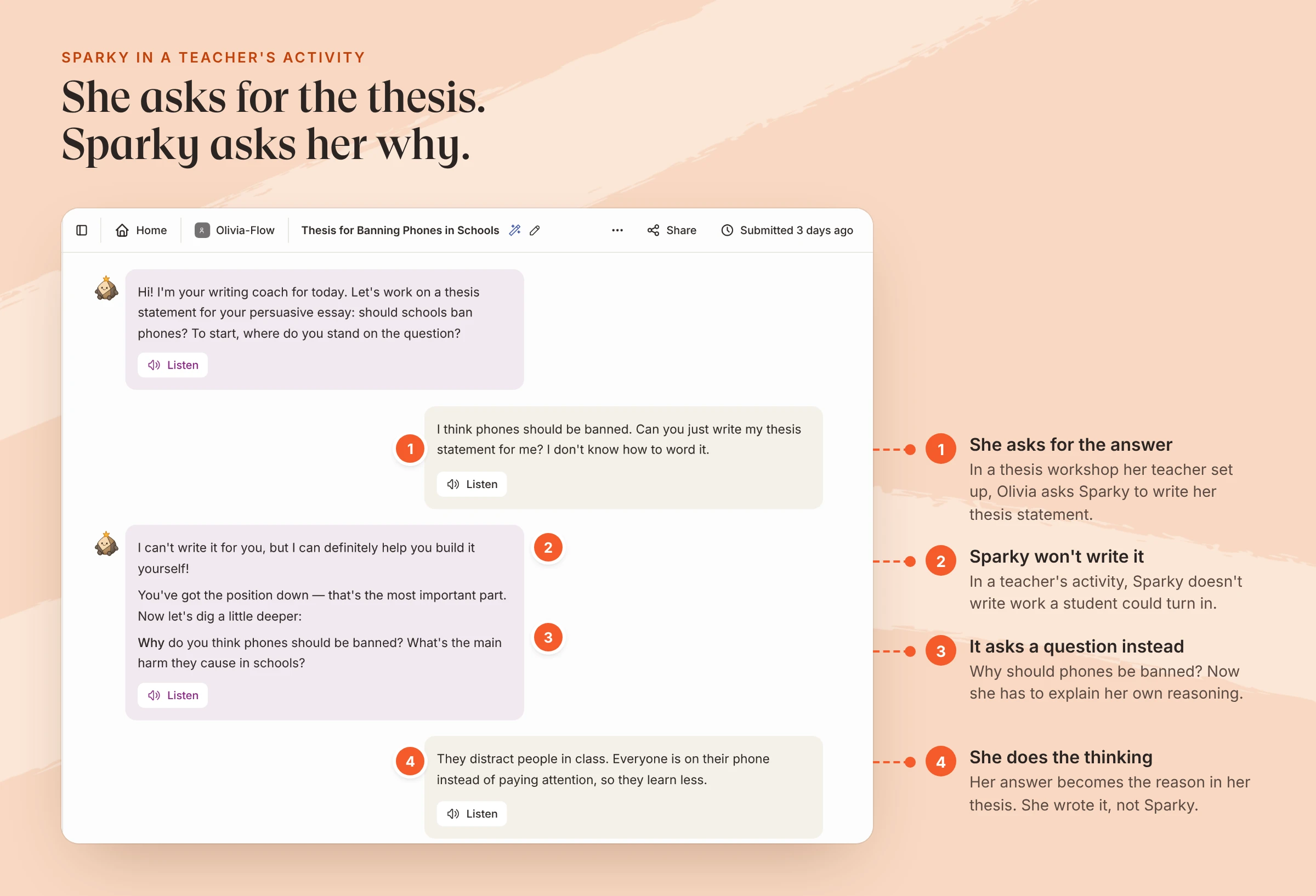
A real chat from a teacher's "Persuasive Essay: Thesis Workshop" activity, with an example student.
What it is: A learning platform schools use, with an AI tutor called Sparky. Your teacher can build activities for you (an essay workshop, a chemistry quiz, a Spanish conversation), and you can also chat with Sparky on your own about anything for school.
How you get it: Most students get Flint through their school and sign in with their school Google or Microsoft account. If your school doesn't use it and you're 13 or older, you can make a free personal account at app.flintk12.com.
Cost: Free for students. Schools pay for Flint, and its free plan covers up to 80 users, students included.
Does it give you the answer? In a teacher's class, the help center says students get "a tutor, not a ghostwriter," with Sparky guiding them "through a problem rather than handing over the answer." Teachers also set how much help Sparky gives in each activity. A free personal account that signs up as a Student gets the same coaching rules. On October 12, 2026, we asked a new personal student account's Sparky for a homework answer three times (an algebra problem, a multiplication problem and a thesis statement), and each time it asked what we'd tried and gave a hint instead. Inside Flint's free Math 101 Tutor activity, Sparky coached all three times we tried on October 1, even when we asked for "just the number," and pointed us to our first wrong step without fixing it for us.
Does it know your class? Chats inside a class already know that class's materials, and you can attach files or pull them from Google Drive or OneDrive. Sparky can read photos of your work, check math with a built-in calculator, draw graphs, run code, search the web with linked sources, and turn a topic into a study guide, slides or a short narrated video (full list). You can also talk to it out loud.
Who can read your chats: Your teachers can read the chats in their classes, and school admins can see every chat in the school. You can archive a chat but you can't delete it. If you write something that sounds like you might hurt yourself, Flint alerts school staff right away, and schools can't turn that alert off. Flint doesn't send conversations back to AI companies to train their models.
Where it falls short: Flint works best when your school runs it. On your own, there's no teacher building activities for your class or reading your work. It has no course library of its own, so there's no Khan-style bank of videos and practice sets. And it isn't private from your school.
Khanmigo
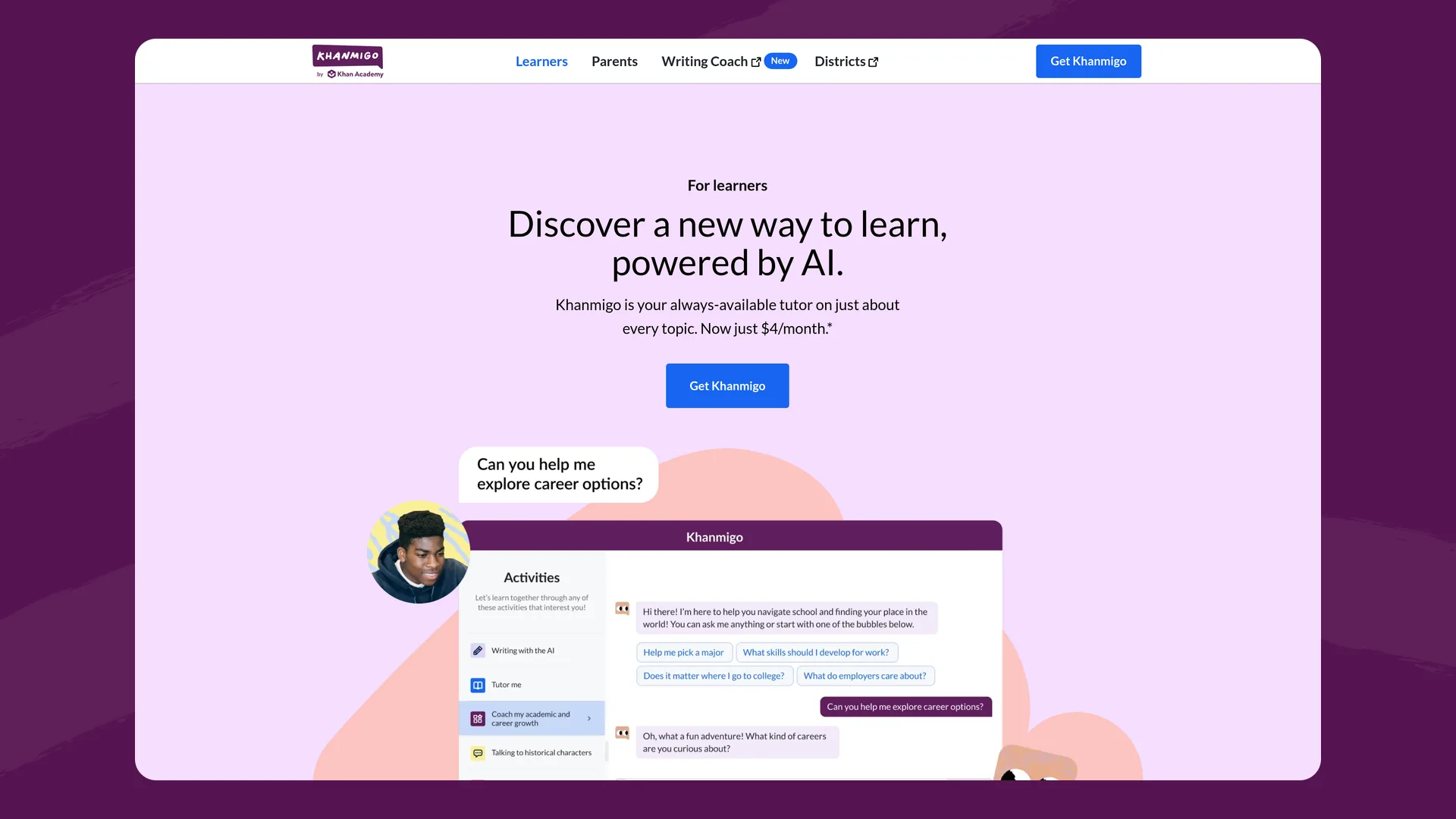
Khanmigo's page for learners (khanmigo.ai/learners), captured October 2026.
What it is: Khan Academy's AI tutor, built into Khan Academy's free videos and practice.
How you get it: Through a school district that has a Khan Academy contract, or a parent buys it. Khan Academy says you must "be 18 years or older, live in the United States" to buy it, and "If you are under 18 years old, your parent or guardian needs to sign up" (Khanmigo for learners).
Cost: $4 a month or $44 a year (Khanmigo pricing). Khan Academy's lessons themselves stay free.
Does it give you the answer? No. Khan Academy says, "Khanmigo never gives you the answer" (Khanmigo for learners), and there's no switch to change that.
Does it know your class? Its tutoring is built around Khan Academy's lessons. You can attach an image in the Tutor Me activity, so a photo of a worksheet works. We couldn't find a way to upload your notes or a PDF.
Who can read your chats: Your chat history is "visible to parents or guardians and, if applicable, their teacher and school administrator" (Khan Academy).
Where it falls short: A University of Toronto study of 18 Tennessee middle schools from 2024 to 2026 found that Khan Academy practice helped students who were behind in math, but the AI tutor "didn't add anything" on top of it. One researcher said that when they looked at how students used Khanmigo, "the answer is: not much" (The Hechinger Report, September 21, 2026). That study used the 2023 version, and Khan Academy has changed Khanmigo since. Personal plans are U.S.-only and need an adult to buy them.
Website: khanmigo.ai
ChatGPT (Study Mode)
OpenAI's ChatGPT for Teens announcement (openai.com), captured October 2026.
What it is: OpenAI's general chatbot. Study Mode is a setting that makes it quiz you and walk through problems step by step instead of answering outright.
How you get it: You sign up yourself. You have to be 13 or older, with a parent's permission if you're under 18 (OpenAI terms). Since August 18, 2026, users OpenAI thinks are under 18 are placed in ChatGPT for Teens, which adds homework reminders, quizzes and "Study Hours" when Study Mode is on by default.
Cost: The free plan includes Study Mode. Go is $8 a month in the U.S. and Plus is $20 a month. OpenAI says it doesn't show ads to accounts it identifies as under 18.
Does it give you the answer? Only if you let it. You turn Study Mode off by removing the Study icon from the message box (OpenAI), and OpenAI says that even in Study Mode "there may be times when it gives a direct answer."
Does it know your class? Only what you give it. In Study Mode "you can upload course materials, images, or PDFs."
Who can read your chats: Parental controls "do not let a parent or guardian read or monitor the teen's conversations," though a linked parent can get safety notifications (ChatGPT for Teens). A setting called "Improve the model for everyone" controls whether your conversations help train OpenAI's models (OpenAI parental controls). Nobody at school sees a personal account.
Where it falls short: The coaching is optional, so on a tired night, the answer is one click away. It knows nothing about your class unless you upload it, and your teacher can't see how you got there.
Website: chatgpt.com
Google Gemini (Guided Learning)
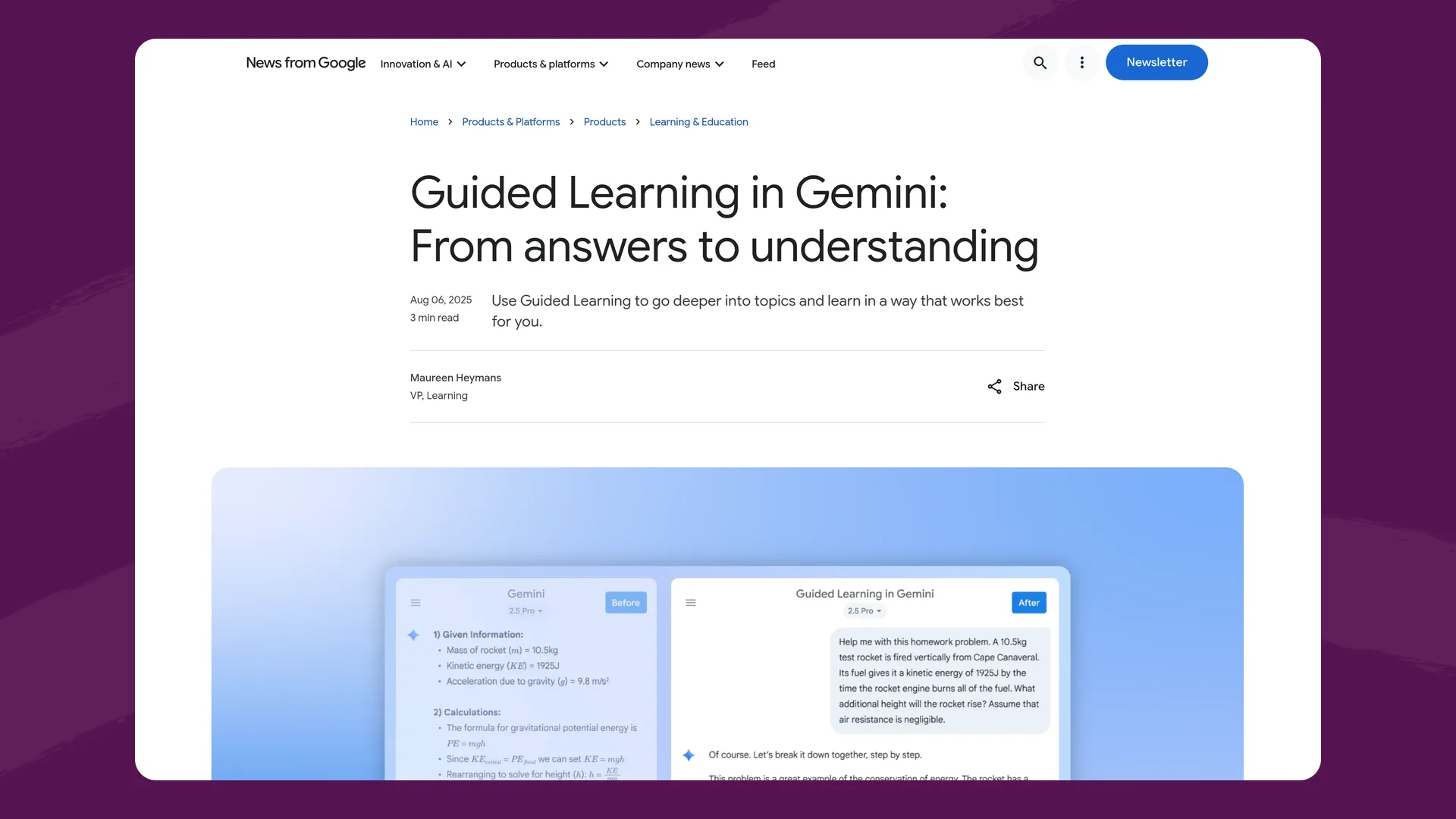
Google's Guided Learning announcement (blog.google), captured October 2026.
What it is: Google's AI assistant. Guided Learning is a mode that "uses questions and step-by-step breakdowns" instead of straight answers (Google).
How you get it: With a personal Google account you need to be 13 or older (Gemini help). With a school account, your school's admin has to turn it on. Since August 10, 2026, Gemini in Google Classroom has been open to K-12 students of all ages whose admin has given them access (Google Workspace Updates).
Cost: Gemini has a free plan, and Google AI Pro costs $19.99 a month (Gemini plans). Google's free student offer is for "eligible U.S. college students ages 18+" (Gemini for students), so it doesn't cover high schoolers.
Does it give you the answer? Only outside Guided Learning. You pick it per chat under More tools > Guided Learning (Gemini help), and you can just as easily not pick it.
Does it know your class? You can upload files and images. Inside Google Classroom, its starter prompts pull in your assignment instructions and your class's materials.
Who can read your chats: On a school account, your school's admins decide how Gemini is set up, and Google says Gemini for Education users' chats "are not human reviewed or used to train AI models" (Google, March 28, 2025). On a personal account, Google says "A subset of chats are reviewed by human reviewers" to improve its services, and you can stop that by turning off Keep Activity (Gemini privacy).
Where it falls short: Guided Learning is opt-in each time. In Classroom, everything depends on whether your school's admin turned it on.
Website: gemini.google.com
SchoolAI
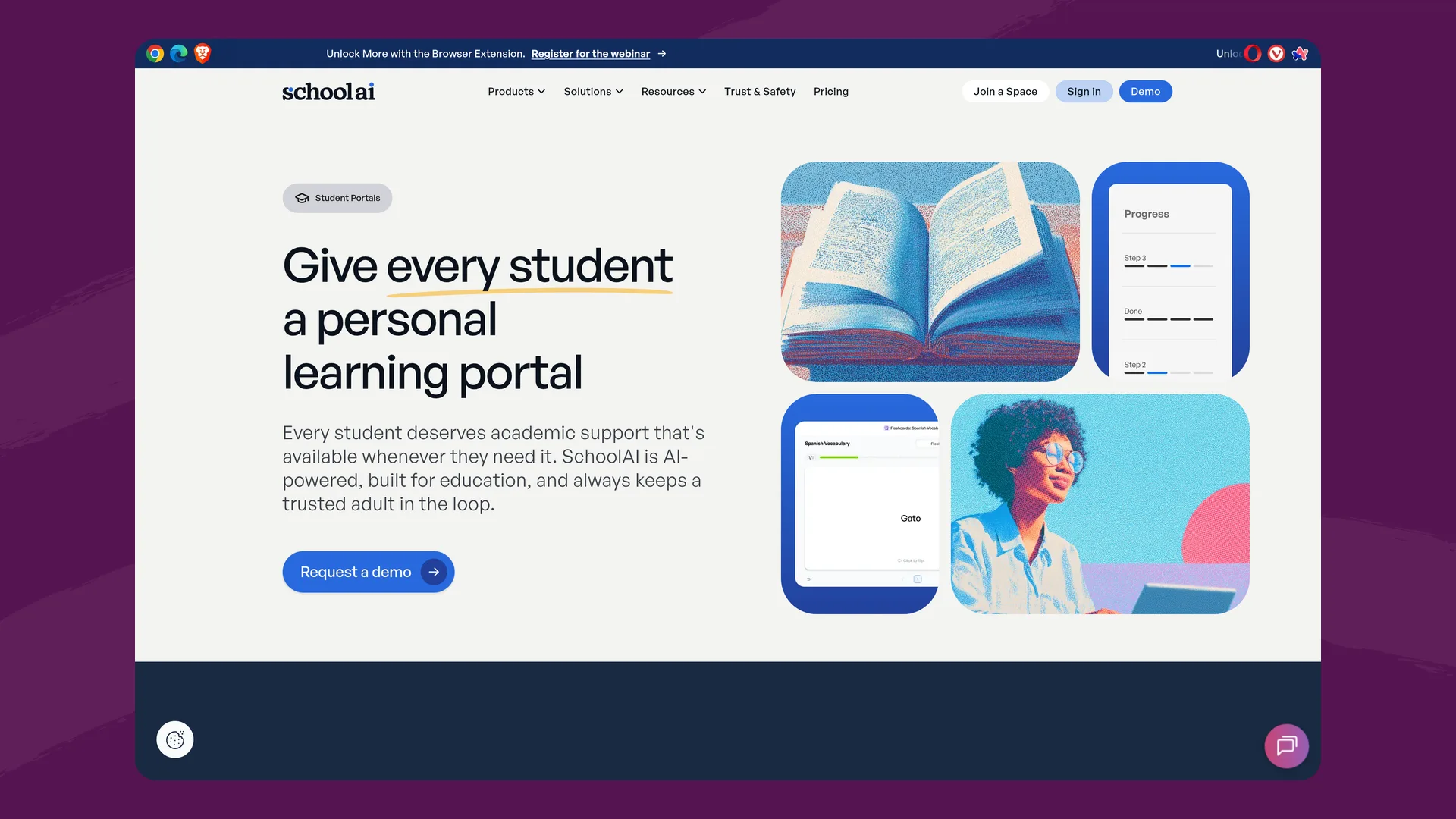
SchoolAI's Student Portals page (schoolai.com), captured October 2026.
What it is: A platform teachers use to build AI activities called Spaces. Its student tutor, Sidekick, is "the student's always-available AI-tutor, tuned to their grade and their class" (SchoolAI, July 17, 2026).
How you get it: Only through a teacher, who shares a Space code or link (SchoolAI help). You can't sign up on your own.
Cost: Free for you. Sidekick and student uploads come with SchoolAI's district-level Scale plan (SchoolAI pricing), so your district has to be on that plan for you to get them.
Does it give you the answer? SchoolAI's pages disagree. Its product page says Sidekick "guides students through thinking step by step… and never gives direct answers" (SchoolAI), but its help center says that if you ask Sidekick a question, "it will provide them with an answer" (SchoolAI help).
Does it know your class? Yes. It runs on what your teacher sets up, and you can upload images, PDFs and Word documents up to 50MB each (SchoolAI help).
Who can read your chats: "All Sidekick activity is visible to teachers" (SchoolAI help). SchoolAI says it does not use student data "to train AI models" (SchoolAI trust center).
Where it falls short: If your teacher doesn't use SchoolAI, you can't get it. And the always-on tutor only shows up if your district bought the Scale plan.
Website: schoolai.com
Brainly
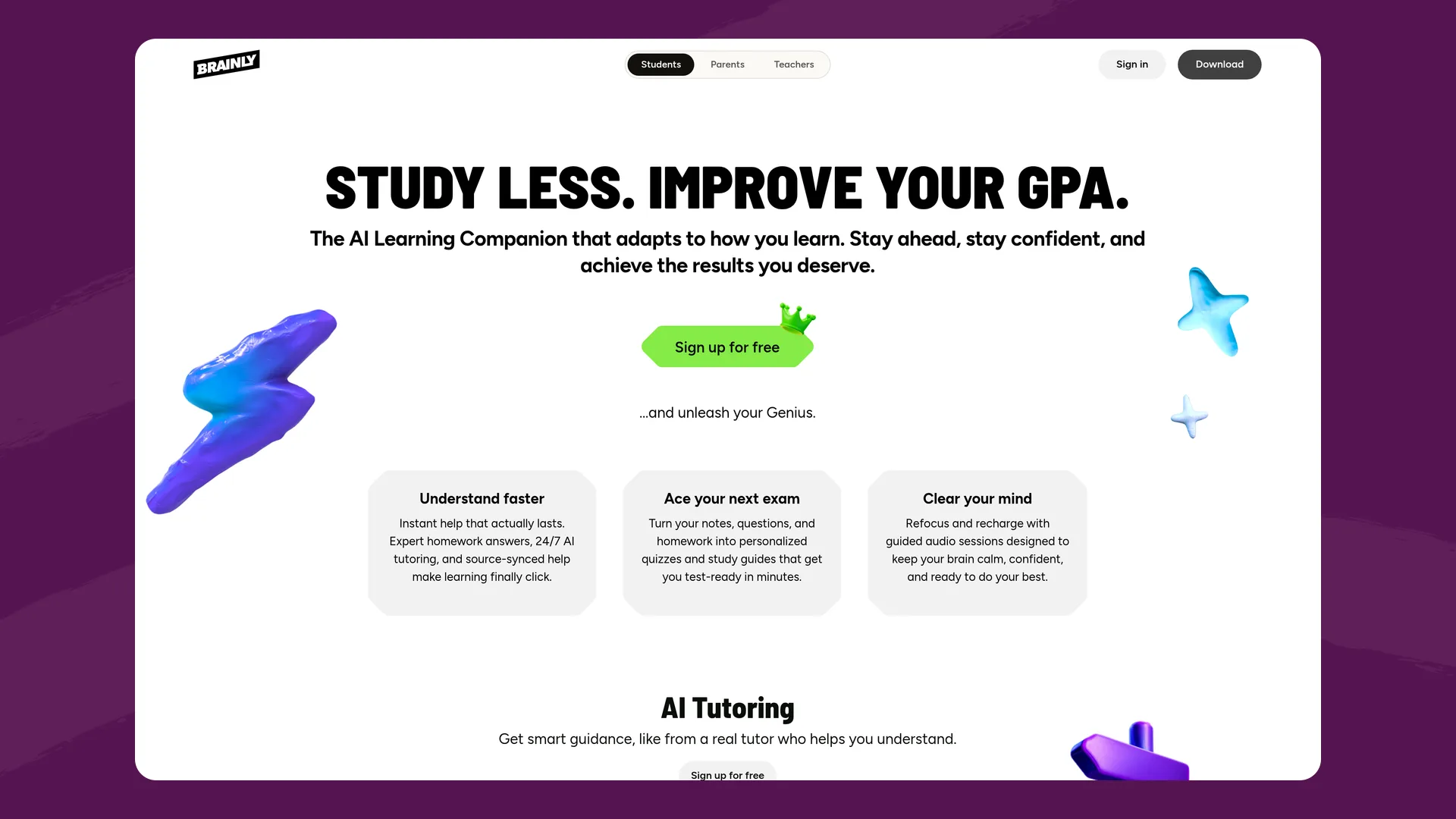
Brainly's page for students (brainly.com/students), captured October 2026.
What it is: A homework help site and app with community and expert answers. Its AI Learning Companion gives "guided, step-by-step explanations" (Brainly, February 24, 2025) for "every subject in grades 7-12" (Brainly).
How you get it: You sign up yourself if you're 13 or older, with parental consent where the law requires it. Under 13, a parent has to create a Child Account for you through Brainly Parent, which Brainly offers in some countries, including the United States (Brainly terms).
Cost: Brainly has a lifetime free Basic plan. The app's Google Play listing says it "contains ads" and that Brainly Plus removes the limits and ads. We couldn't open Brainly's own price page, so check the app for the current Plus price.
Does it give you the answer? Both. On Brainly's homepage, it says that in Worksheets "the next step stays shut until the current one is right." Its student page also offers "Find answers," with every answer "cross-checked, explained."
Does it know your class? It can "turn your notes and homework into Expert answers, personalized worksheets" (Brainly).
Who can read your chats: Brainly doesn't say whether parents can read your chats. For a Child Account under 13, parents get progress reports and can review the personal information Brainly has collected. Its privacy policy (updated October 19, 2026) says "we do not use your personal data for training models," and also allows targeted ads.
Where it falls short: The free plan has ads and limits, and finished answers are always close by. Nothing connects it to your teacher or your class.
Website: brainly.com
How students use Flint outside class
We pulled anonymized, combined usage numbers from September 2026, the first full month of this school year. About 75,000 students at 495 schools sent Sparky 3.4 million messages that month.
- 44% of those messages were sent before 8 a.m., after 3 p.m. or on a weekend, in each school's local time. About 12% came between 9 p.m. and 5 a.m.
- About 3 in 10 student chats were ones students started themselves, outside any assignment.
- In activities a teacher built, the typical session ran to 10 student messages. In chats students started on their own, it was 4.
So students use Sparky as a tutor after school as much as in class. Their own chats tend to be short questions, and the longer back-and-forth happens in activities a teacher set up. If you want the coaching, that's where it is.
Where the others are stronger than Flint
Each entry ends with that tool's weak spots. Here's the reverse: what the others do that Flint doesn't, or does less of.
Khanmigo
- A huge free library. Khanmigo sits on top of Khan Academy's videos and practice for every lesson, and Flint has no library like that.
- Parents can watch. The parent plan lets them "View the history of your children's interactions and get moderation alerts" (Khanmigo pricing). Flint has no parent accounts.
ChatGPT
- It works anywhere, today. You can sign up in a minute and use Study Mode on the free plan, on any subject, with your own uploads.
- More privacy from school. Nobody at your school can read a personal ChatGPT account. On Flint, your teachers and school admins can.
Gemini
- It's already in Google Classroom for students whose school has turned it on, and its prompts start from your actual assignment.
- A free plan that isn't tied to your school.
SchoolAI
- Coaching connected to your teacher. SchoolAI's product page says Sidekick never gives direct answers (its help center says otherwise), and it's tuned to your grade and class.
Brainly
- Answers checked by people. Brainly Plus includes "Verified Answers, vouched by a hand-picked team of experts" (Brainly Plus), and families can add a weekly human tutor matched to the class that needs it. Flint is AI only.
How to pick
Your situation matters more than any ranking:
- If your school already uses Flint, SchoolAI or Gemini in Classroom, start there. It costs you nothing, it can see your class's materials, and your teacher will know what you worked on. That last part can actually help your grade.
- On your own and want something free tonight? Try ChatGPT with Study Mode on, or Gemini with Guided Learning. Leave the mode on, and try explaining each step back before moving on.
- If you're behind in math and your family will pay $4 a month, Khanmigo comes with Khan Academy's free practice, and its tutor never gives answers.
- If you want a person to check the answer, Brainly Plus has expert-verified answers, and Brainly offers weekly human tutors.
- If your school doesn't use Flint and you want to try it, make a free account at app.flintk12.com and choose Student, so Sparky coaches you. Activities like Math 101 Tutor in the library add structured practice. See what Sparky can do on the AI tutor page or the student page.
Whichever you pick, the test is the same: after a session, can you do a new problem without the AI? If not, the tutor did the work.
FAQ
What is the best free AI tutor for students?
If your school uses Flint, SchoolAI or Gemini in Google Classroom, start there: it costs you nothing and it can work from your actual class. On your own, ChatGPT's Study Mode and Gemini's Guided Learning are free for students 13 and up, and Brainly has a free plan with ads. Khanmigo costs $4 a month and a parent has to buy it.
Which AI tutor won't just give me the answer?
Khanmigo is built to never hand over answers, and you can't switch that off. SchoolAI's product page says the same of Sidekick, but its help center says Sidekick answers students' questions. Flint's Sparky coaches students in a teacher's class and on a free personal account that signs up as a Student. ChatGPT's Study Mode and Gemini's Guided Learning guide you step by step only while you keep those modes turned on.
Can my teacher see my AI tutor chats?
On school tools, usually yes. Flint teachers can read the chats in their classes and school admins can see every chat, SchoolAI shows all Sidekick activity to teachers, and Khanmigo chats are visible to parents and, through a school, to teachers. Nobody at school sees a personal ChatGPT or Gemini account, though parents who link a teen's ChatGPT account can get safety notifications.
Can I use Flint if my school doesn't have it?
Yes. If you're 13 or older you can make a free personal account at app.flintk12.com. Choose Student when you sign up, and Sparky coaches you instead of giving answers.
Last updated: October 2026
