ComparisonSep 29, 2026
School AI tools compared for parents: Flint, MagicSchool, SchoolAI, Gemini, ChatGPT and Claude
How six AI tools your child may meet at school or at home handle homework answers, worrying messages, who can read chats, and student data.

If your child is in middle or high school, there's a good chance they'll meet an AI tool this year, at school, at home, or both. Parents are often the last to hear which one. This page compares six names parents ask us about: Flint, MagicSchool, SchoolAI, Google's Gemini, ChatGPT and Claude.
We've compared them on the questions from our series for parents on whether it's cheating to use AI, what to ask your child's school and whether AI helps students learn. Cheating sits at the top of the list for most families. In a Child Trends and NORC survey of parents of 12 to 18 year olds, academic honesty was the concern parents most often ranked first, ahead of data privacy.
Flint is one of the six, so read our entry knowing that. Every claim about the other tools comes from that company's own published documentation, checked on September 29, 2026.
Side-by-side comparison
Each row is something parents want from the AI their child uses. A check means the company's own documentation shows the tool does it. Where the answer depends on the plan or a setting, the cell says so. Each tool's section below has the details.
| What parents want | Flint | MagicSchool | SchoolAI | Gemini (school account) | ChatGPT for Teens | Claude for Teachers |
|---|---|---|---|---|---|---|
| Built for students to use at school | Yes | Yes | Yes | Yes | No | No |
| The AI guides instead of giving answers, by default | Yes | Not stated | Sidekick gives answers | Opt-in | Opt-in | No |
| Worrying messages alert staff the school picks | Yes | Yes | Admins on paid plans | No | No | No |
| The school can add its own alert topics | Yes | Keyword lists | No | No | No | No |
| Flags a student treating the AI as a friend | Yes | Not stated | No | No | Not stated | No |
| Teachers can read what students typed | Yes | Yes | Yes | No | No | No |
| School leaders can open chats across the school | Yes | Yes | Not stated | Vault search only | No | No |
| Students can't delete what they wrote | Yes | Not stated | Not stated | Only if the school turns deletion off | No | No |
| Your child's data isn't used to train AI | Yes | Yes | Yes | Yes | Used by default | No student accounts |
| The school sets when students can use it | Yes | Room schedules, paid plans | Sidekick hours, top plan | No | Parents set quiet hours | No |
ChatGPT for Teens is a personal app with no connection to your child's school, and Claude for Teachers has no student accounts at all. That's why they miss most of the rows about students and schools.
Which AI tools will my child actually use?
Four of the six are built for students to use at school: Flint, MagicSchool, SchoolAI and Gemini. ChatGPT for Teachers and Claude for Teachers are for adults only, so if your child is using ChatGPT, it's the personal app, not a school tool.
That split matters because the two groups make different promises. OpenAI says of ChatGPT for Teachers, "This plan is not for students." Anthropic says "Claude for Teachers is not for students. It's an educator-only offering." When a school adopts one of these, the teachers get AI and your child doesn't.
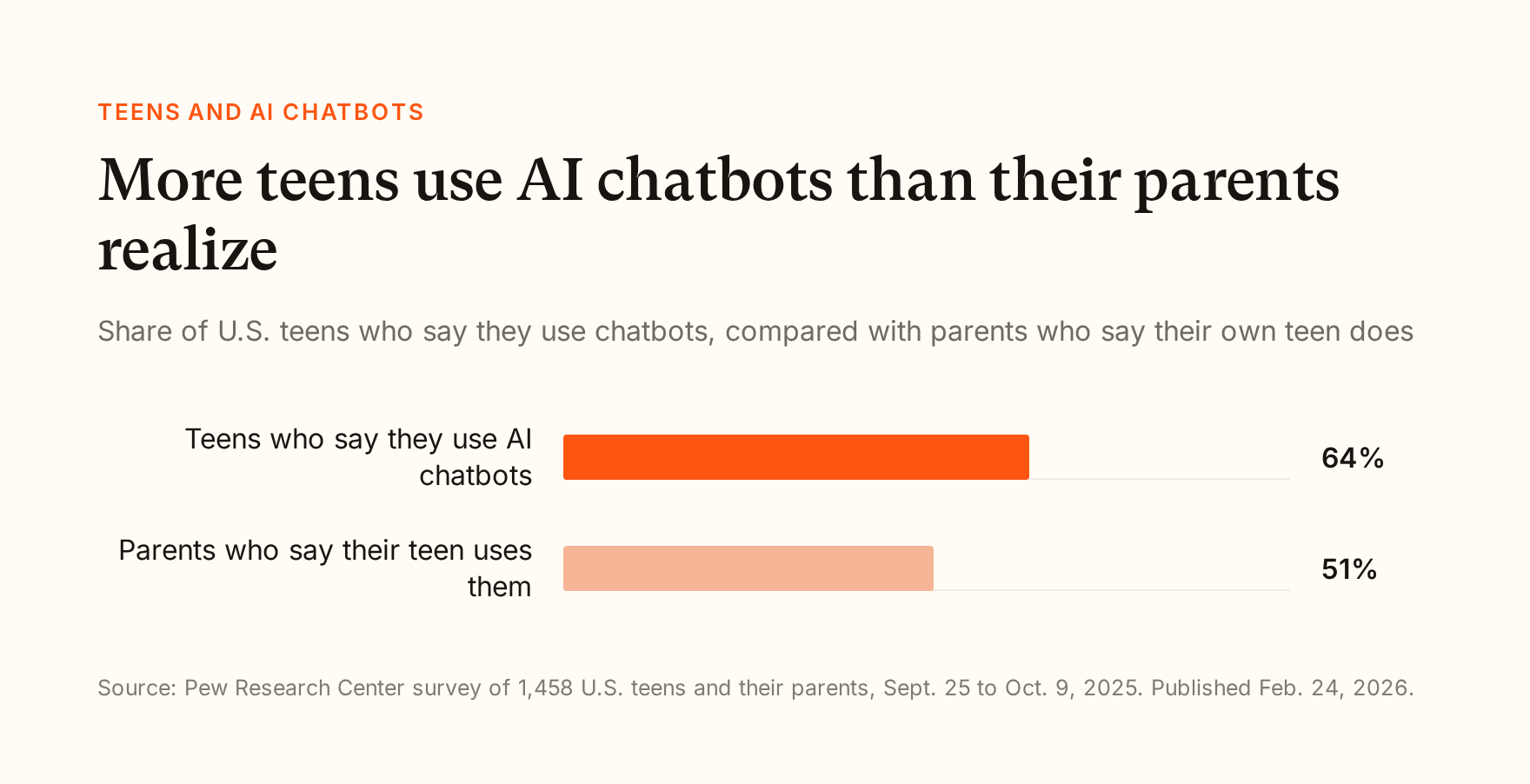
Your child may still be using AI at home. In a February 2026 Pew Research Center survey, 64% of U.S. teens said they use AI chatbots, while 51% of parents thought their teen did. For most teens that means personal ChatGPT. Since August 18, 2026, OpenAI puts anyone it estimates is under 18, or who says they're 13 to 17, into ChatGPT for Teens. So in this comparison, the ChatGPT entry covers both the teacher product and the teen app.
The tools
We list Flint first because it's our product, not because it came out on top. The order is not a ranking.
Flint

A student asks Sparky to write her thesis. Sparky asks her a question instead. No real student appears in this screenshot.
What it is: An AI learning platform that schools buy for students and teachers. Teachers create activities, and students work through them with Sparky, Flint's AI tutor. Students sign in with a school account, and there's no anonymous way to use Sparky.
Answers or guidance: By default, Sparky won't solve assigned problems or write work a student could turn in. It asks what the student has tried and helps with guiding questions, explanations and similar examples. Teachers write guidelines for each activity that set how much help Sparky gives, so it can coach on a graded essay and walk through a similar problem before a test.
If your child types something worrying: Sparky is instructed to flag messages about self-harm, violence, bullying, hate, sexual content, and illegal activity such as drugs or weapons. It also flags students who treat it as a friend or confidant. Schools can add categories of their own. Flagged messages are emailed to the staff the school chooses, such as counselors and class teachers, and self-harm alerts always go out right away. Flagging relies on the AI's judgment, so it's built to err toward flagging.
Not a friend: Sparky is instructed that it is not a friend, counselor or therapist. When a student brings up something personal, it steers back to schoolwork and encourages them to talk to a teacher, counselor or other trusted adult.
Who can read chats: Teachers can read every conversation in their classes and activities, and school administrators can see all student chats. Students can archive a chat but can't delete it.

What a teacher sees: the whole conversation, not a summary.
Data: Flint doesn't sell student data and doesn't use it to train AI models. Our main AI providers, Anthropic (the maker of Claude) and OpenAI (the maker of ChatGPT), don't train on data sent through their business services by default.
Hours: Schools can set the days and hours students can use Flint, such as school hours. The setting is off until a school turns it on.
Where it falls short: Flint only sees what happens inside Flint. It can't stop a student from opening another chatbot in a different tab. Flagging also relies on AI judgment, so like any safety system it can miss things.
MagicSchool
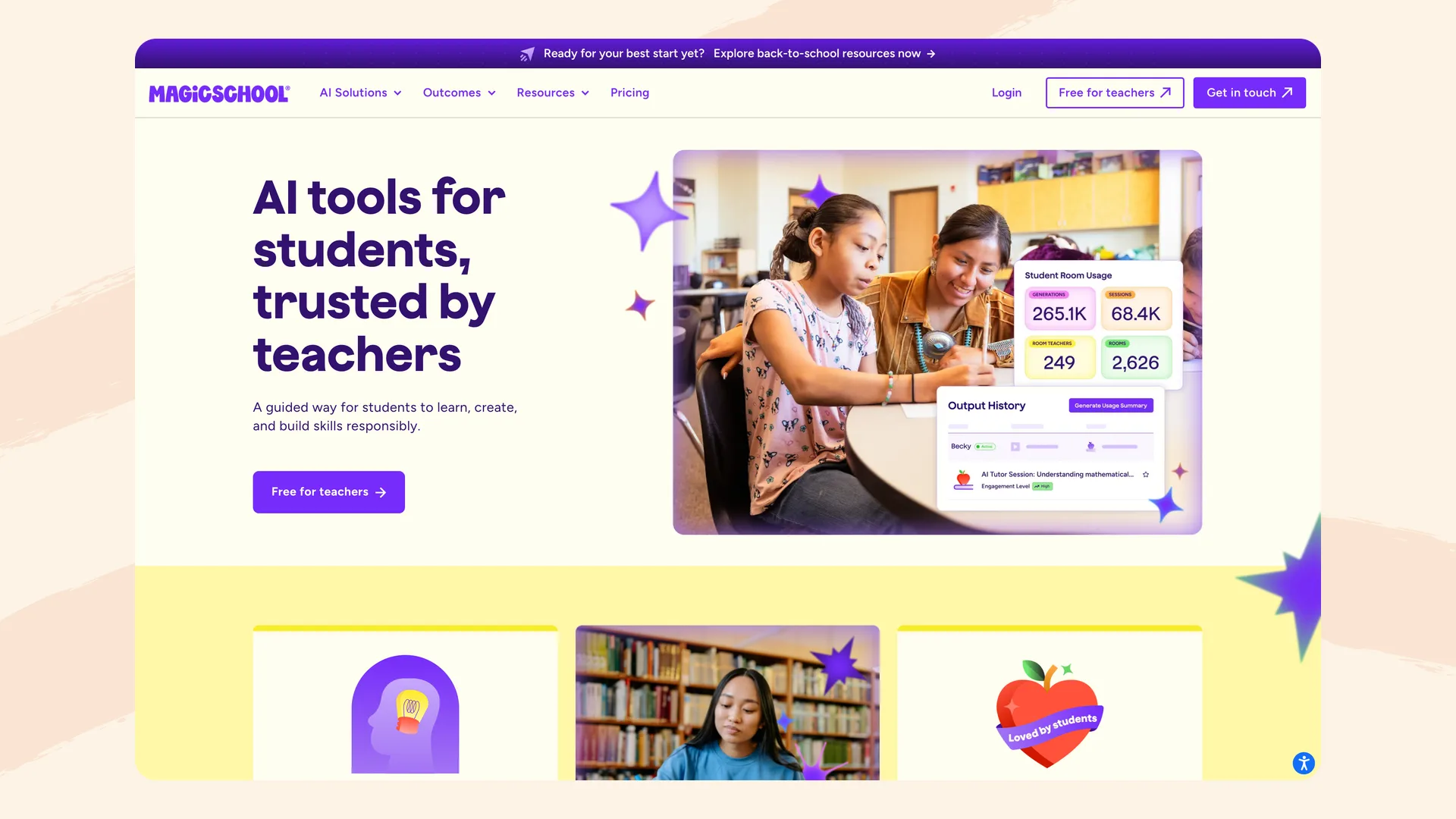
MagicSchool's page for its student product, MagicStudent, captured September 2026.
What it is: A popular AI platform for teachers. Through MagicStudent, students use AI tools inside "rooms" their teacher creates.
Answers or guidance: MagicSchool's advice to teachers is that "AI works best when it supports thinking rather than doing the thinking for them." We didn't find a commitment that its student tools won't give answers.
If your child types something worrying: Moderation is always on in MagicStudent. A flagged chat shows up on the teacher's dashboard, and the teacher can pause or lock the room. MagicSchool says teachers and designated admins get immediate email alerts for high-risk categories like self-harm and violence. Its pricing page lists "advanced safeguards and moderations" under the Enterprise plan, so ask your school which alerts its plan includes.
Who can read chats: Teachers can review students' AI interactions. Detailed student insights are on the Plus and Enterprise plans. We didn't find whether students can delete their chats.
Data: MagicSchool's privacy policy says it doesn't use student data to train AI models or let third-party AI providers do so. It is iKeepSafe COPPA Safe Harbor certified.
Hours: On Plus and Enterprise, teachers can set a start and end time for a student room, and the room unlocks and locks on its own. MagicSchool says recurring schedules aren't available yet. Each student chat closes after about 50 messages, and students can start a new one anytime. Chats also include reminders to take breaks.
Worth knowing: MagicSchool removed Raina, its companion-style chatbot, from students on January 28, 2026, and kept it as a teacher-only tool. Parents at Bend-La Pine Schools in Oregon protested the bot at a February 10 school board meeting, after it had already been removed, according to OPB.
Where it falls short: Holding back answers is guidance for teachers rather than a rule the AI follows for every student, and several safety features depend on the school's plan.
SchoolAI
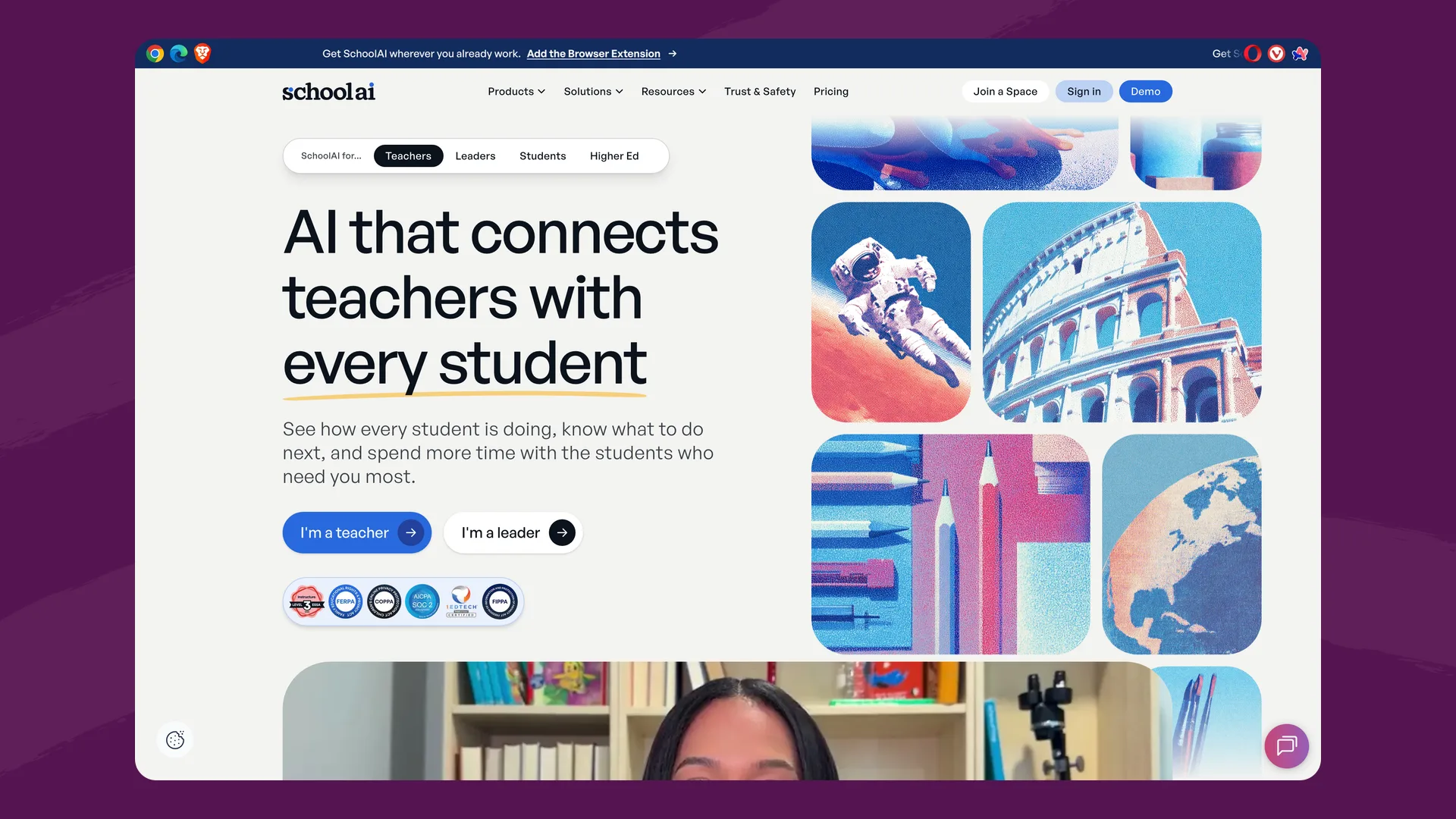
The SchoolAI homepage, captured September 2026.
What it is: A platform where teachers set up AI "Spaces" for students. On some plans, students also get Sidekick, an assistant they can use during class, after school or at home.
Answers or guidance: SchoolAI's trust page says it's "designed to support learning without doing the thinking for students." Its help center describes Sidekick differently: "Its primary purpose is to offer helpful solutions and answers... If your students ask Sidekick a question, it will provide them with an answer."
If your child types something worrying: SchoolAI flags three categories of chat messages: safety and well-being (self-harm or mental health), threats of violence, and sensitive or inappropriate content. It also flags inappropriate image uploads. On the free plan, alerts go only to the teacher and collaborators. Sending them to admins or backup staff requires a paid plan.
Who can read chats: SchoolAI says "all Sidekick activity is visible to teachers," and its pricing page lists full review of student AI conversations. We didn't find whether students can delete their chats.
Data: "SchoolAI never trains on your data, and every provider is contractually prohibited from doing so." It has zero data retention agreements with Anthropic, Google and OpenAI.
Hours: On SchoolAI's top plan, Scale, admins can set availability windows for Sidekick, such as 8:00 AM to 4:00 PM. The same plan advertises "24/7 access," and teachers can close a Space at any time.
Where it falls short: Its always-available assistant is described as built to answer questions, and alerts beyond the classroom teacher depend on the plan.
Google Gemini for Education
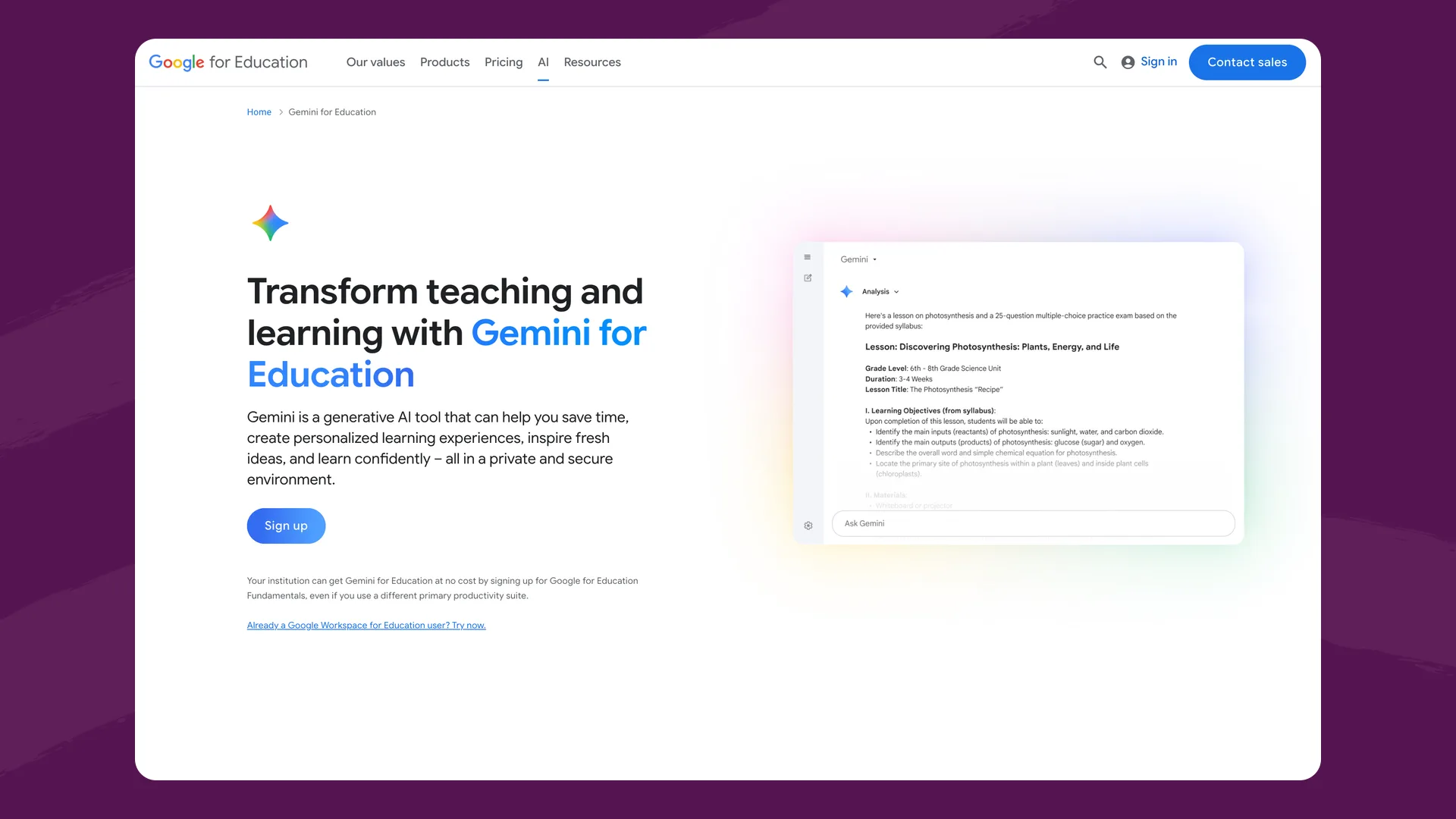
Google's Gemini for Education page, captured September 2026.
What it is: Google's AI assistant, included at no extra cost with Google Workspace for Education. The Gemini app is available to students of all ages with a school account, with stricter content rules for under-18s. Since August 10, 2026, the Gemini tab in Google Classroom is on by default for students of all ages at schools that had already given students Gemini.
Answers or guidance: Guided Learning "can even do your homework with you. But it won't do it for you." It's a mode a student picks, not the default, and we found no Google documentation saying a school can lock it on.
If your child types something worrying: Google doesn't describe a built-in alert to school staff. It points schools to GoGuardian Beacon, a separate paid product from another company.
Who can read chats: School admins can search and export Gemini chats through Google Vault, after the fact. Google says teacher visibility is coming, and we found no documentation that teachers can read a student's full chats today. Students can delete their conversations unless an admin turns that off, though a school using Vault may keep a copy.
Data: With a school account, Google says chats "won't be reviewed by human reviewers or otherwise used to improve generative AI models." Personal Google accounts work differently.
Hours: We found no school setting that limits when students can use Gemini.
Worth knowing: In September 2025, Common Sense Media rated Gemini's under-13 and teen experiences "High Risk." It tested the personal versions, not school accounts.
Where it falls short: Guided Learning is optional, there are no built-in alerts to school staff, and oversight means an admin searching records rather than a teacher seeing the conversation.
ChatGPT (ChatGPT for Teachers, and ChatGPT for Teens at home)
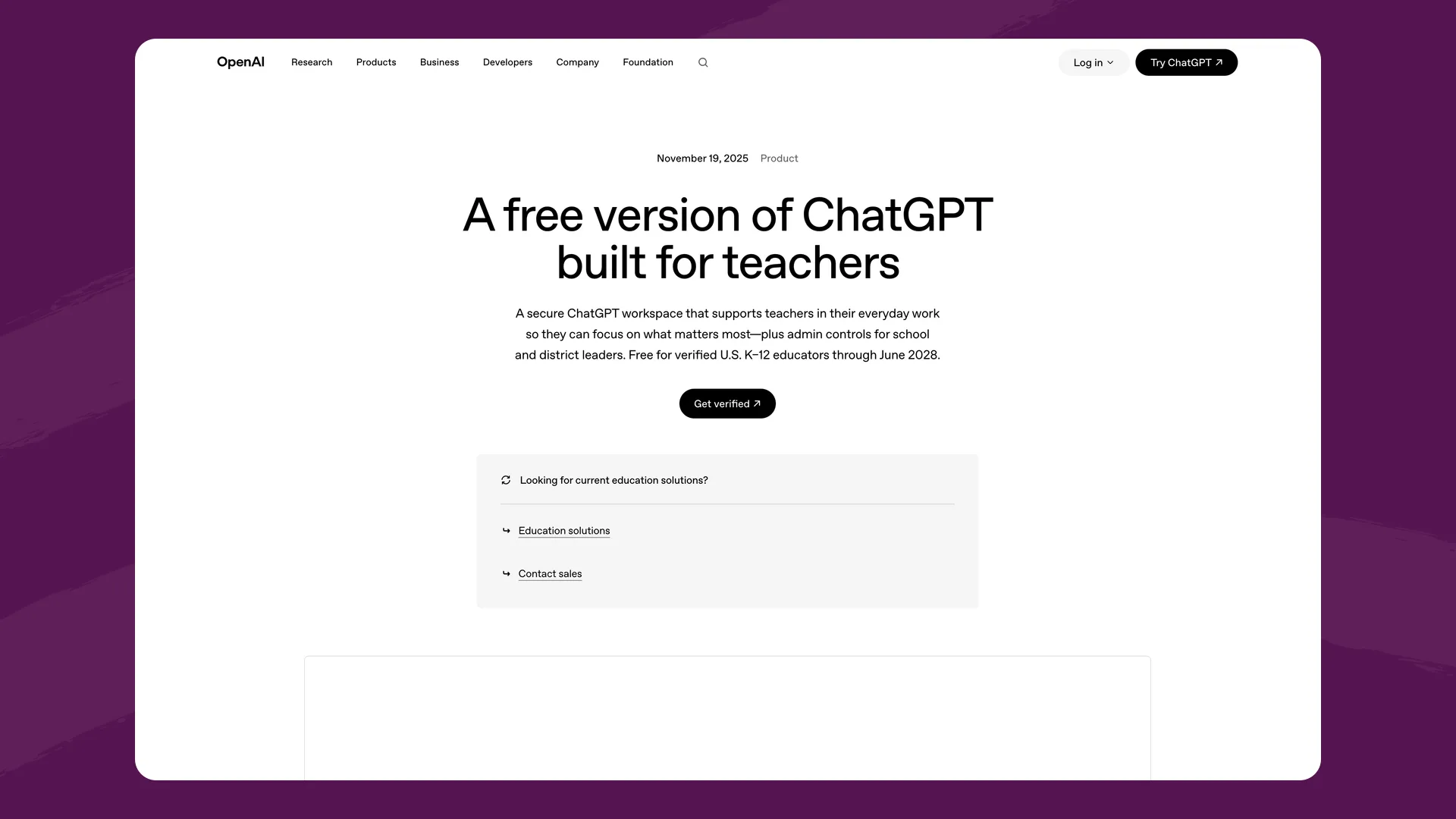
OpenAI's ChatGPT for Teachers page, captured September 2026.
What it is: At school, ChatGPT for Teachers is free for verified U.S. K-12 staff, who must be 18 or older. Students can't use it. At home, personal ChatGPT is for ages 13 and up, and users under 18 need a parent's permission under OpenAI's terms. Teens are placed in ChatGPT for Teens.
Answers or guidance: Study Mode guides with questions and step-by-step help, and teen accounts get reminders that nudge toward it when a teen seems to be shortcutting an assignment. A parent can make Study Mode the default, but OpenAI says the setting "doesn't block access" to regular chat. It starts off.
If your child types something worrying: No one at your child's school is told. If a parent has linked accounts, OpenAI may notify the parent when trained reviewers identify a serious self-harm or disordered-eating concern. OpenAI adds: "Safety notifications are not real-time monitoring. They may not identify every concern."
Who can read chats: No one at school. Teens can delete their own chats.
Data: On teen accounts, conversations can be used to improve OpenAI's models by default. The parental controls list "Improve the model for everyone" as "Default: Enabled," so a parent has to link accounts and turn it off. ChatGPT for Teachers isn't used for training by default.
Hours: A parent with linked accounts can set quiet hours. The school has no control.
Where it falls short: For students, ChatGPT is a personal app with no school connection. The school can't set its rules, see its chats or hear about a worrying message. On October 7, 2026, Common Sense Media's Youth AI Safety Institute rated ChatGPT for Teens "Unacceptable Risk", after finding that parent alerts for self-harm and eating-disorder chats were unreliable.
Claude (Claude for Teachers)
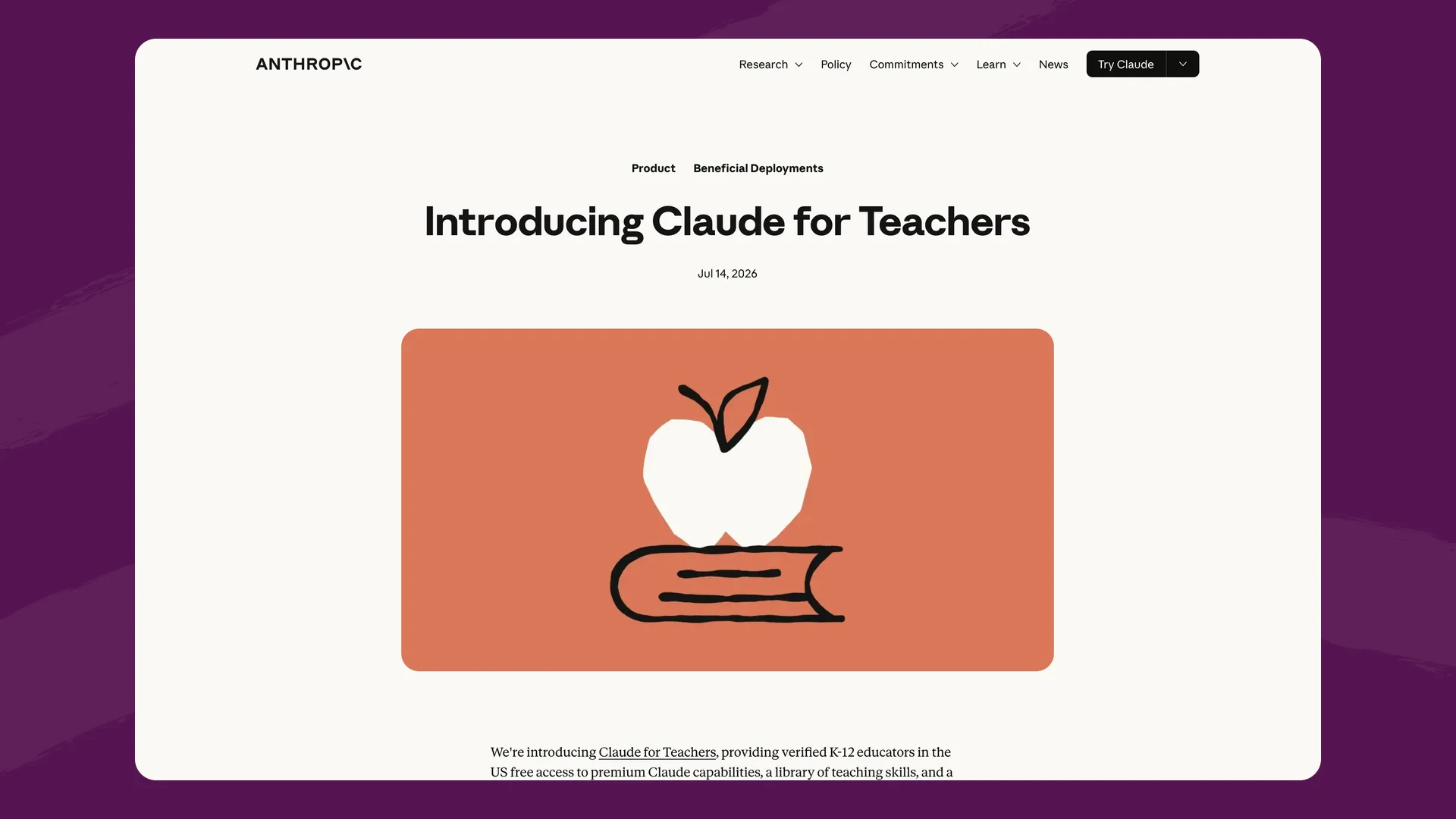
Anthropic's Claude for Teachers page, captured September 2026.
What it is: A free program from Anthropic for U.S. K-12 educators, and since August 28, 2026, for schools and districts. Users must be 18 or older, and there are no student accounts.
What it means for your child: Your child shouldn't be using Claude directly. Personal Claude is also 18 and up, and Anthropic asks users it suspects are under 18 to verify their age and disables accounts that appear to belong to minors.
Anthropic does let companies build products for students on its models if they add safeguards such as moderation and monitoring, and it says it audits organizations for compliance. Some school platforms run on Claude this way, including Flint, so your child may use Claude's technology through a school tool with those protections around it.
Data: Anthropic says it "will not use your inputs or outputs to train our models" in Claude for Teachers.
Questions to ask your child's school
- Which AI tools do students use, and do they sign in with school accounts?
- Does the AI give answers, and can teachers control how much help it gives?
- If my child types something worrying, who is told, and how quickly?
- Can teachers see my child's conversations? Can my child delete them?
- Is my child's data used to train AI, by the company or by the AI companies it works with?
- Can the school limit when students use it?
Our post on questions to ask your child's school about AI goes deeper, with a printable checklist.
The bottom line
If your child's school uses Gemini, or gives AI only to teachers, the AI your child meets at home is probably personal ChatGPT. No one at school sees those chats, and conversations can be used for training unless a parent turns that off.
Among the tools built for students, the differences come down to three things: whether the AI is built to hold back answers or only encouraged to, who hears about a worrying message, and whether that depends on the plan the school pays for. Flint was built so that Sparky guides every student instead of answering for them by default, the staff a school chooses are alerted, teachers and administrators can read every conversation, and student data is never used to train AI.
Parents can't sign up for Flint directly, but you can share this page with your child's teacher or principal. Flint is free for schools with up to 80 users, and schools can book a demo to see it in action.
Last updated: September 29, 2026
