Oct 13, 2026
October 2026: Quizzes and tests, spreadsheets, and an AI literacy course for teachers
Flint's October 2026 updates add quizzes and tests that Sparky grades, spreadsheets, resource sharing, a free AI literacy course for teachers, and dark mode.
This month brings quizzes and tests in Flint, a new AI literacy course for teachers, spreadsheets, sharing for the resources you make, and more. Here's what's new.
Give quizzes and tests in Flint
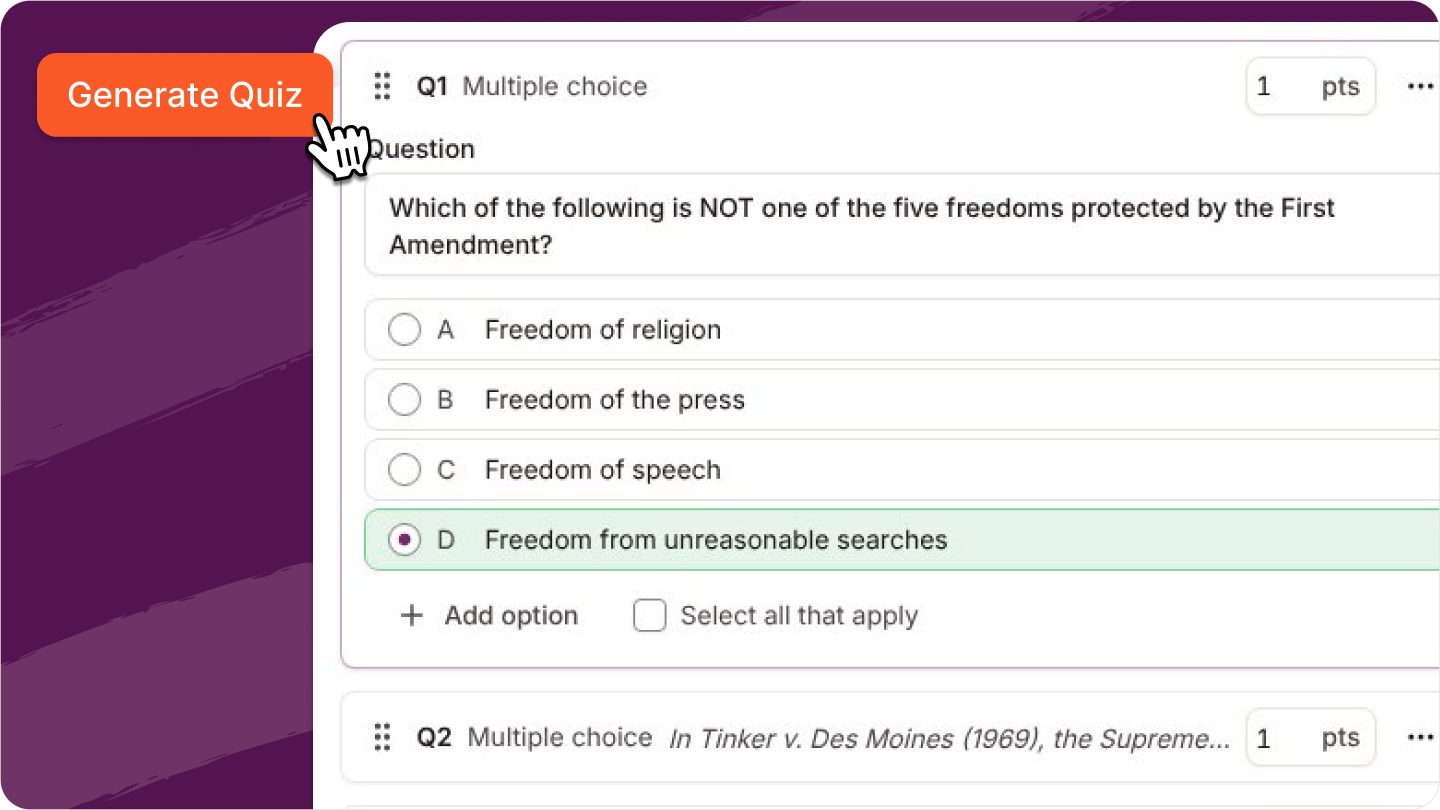
You can now build and give assessments in Flint. Upload your own questions or have Sparky write them, and mix multiple choice and free response. Students take the assessment with Sparky's chat hidden, and Sparky grades each submission using your grading guide.
Work with spreadsheets without leaving Flint
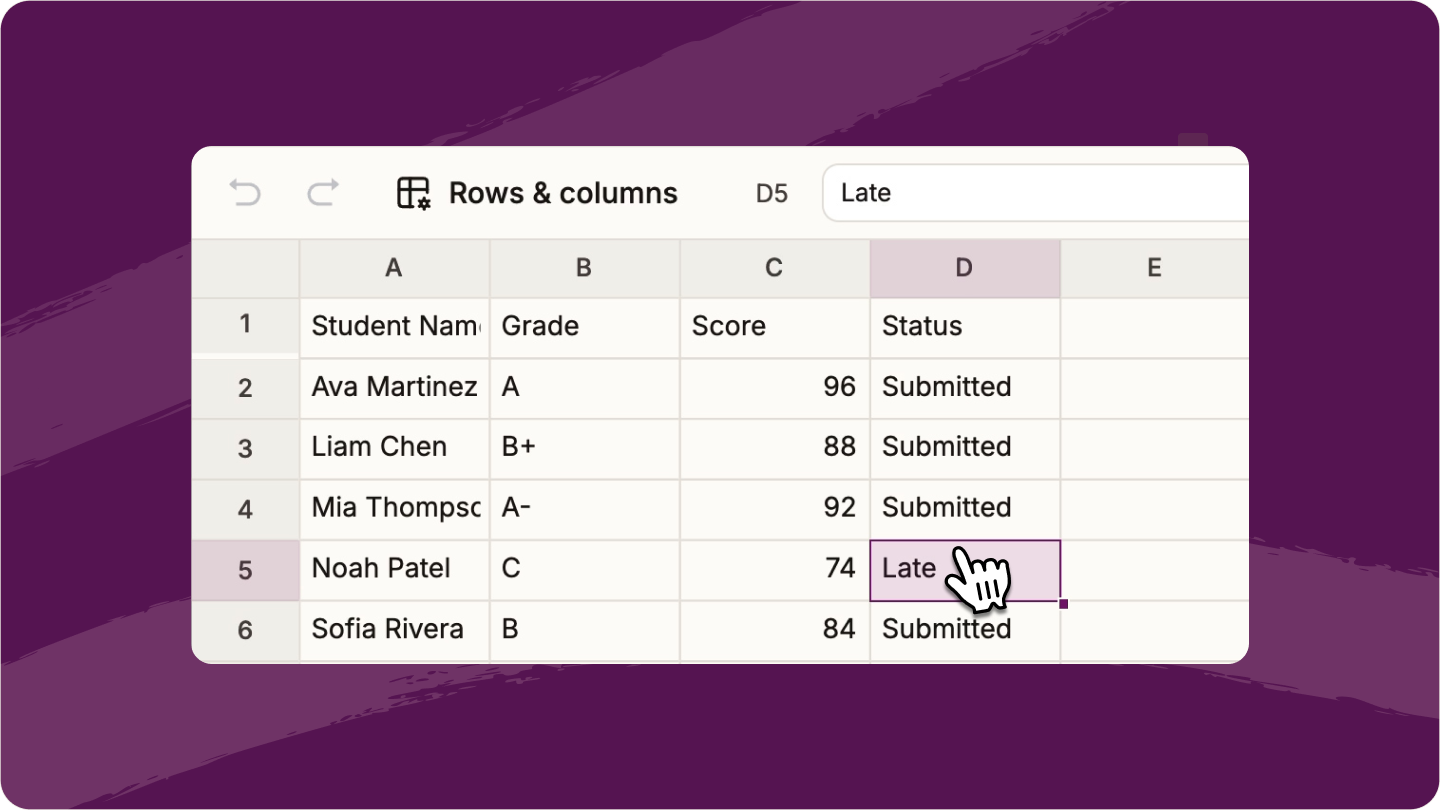
Ask Sparky for a spreadsheet and it appears in the content panel, or attach an Excel or CSV file and Sparky turns it into one you can edit. Edit cells, write formulas with function suggestions as you type, and download it as an Excel or CSV file.
More ways to create classroom content
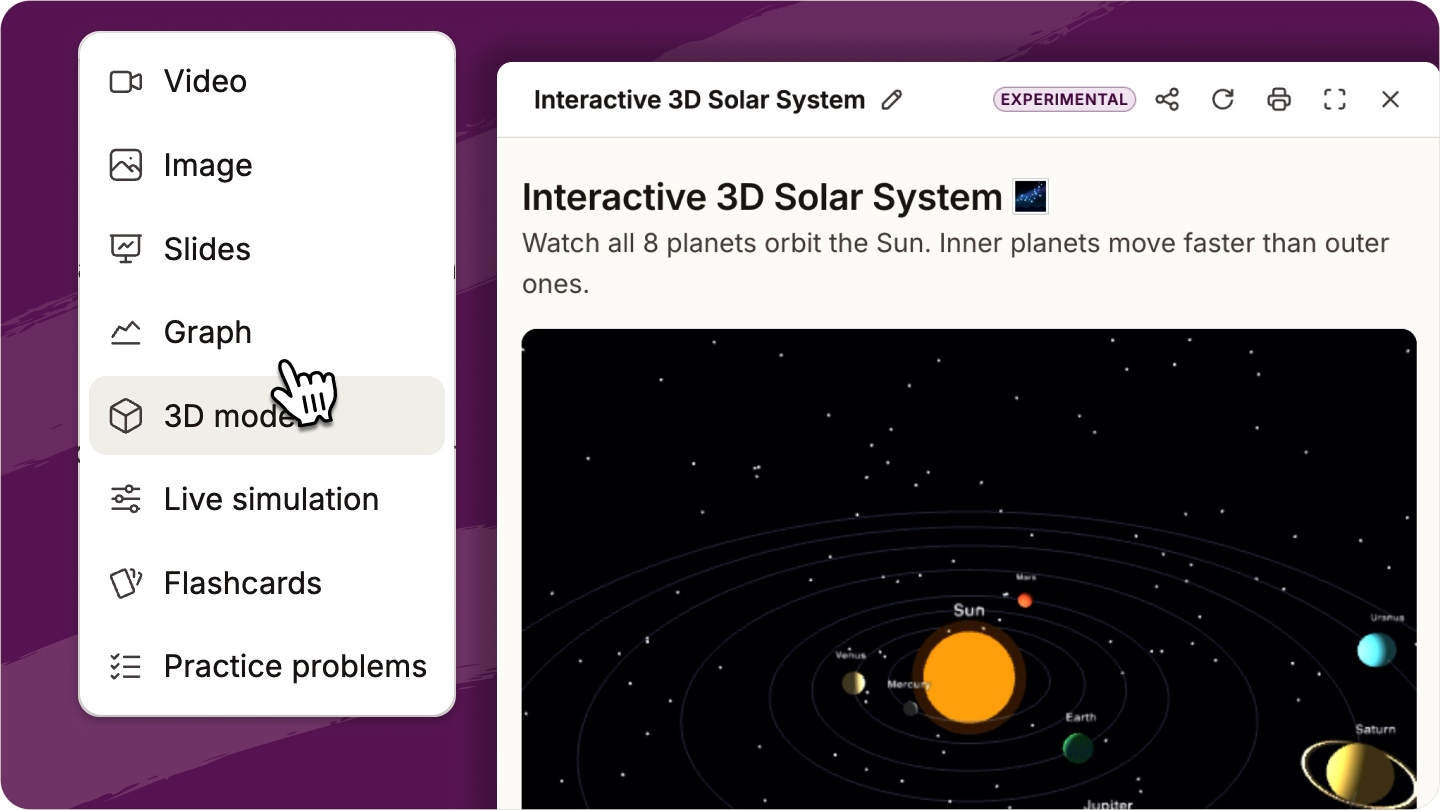
Click the wand icon in your chat box to create videos, images, slides, graphs, 3D models, live simulations, flashcards, or practice problems.
Share resources you've made
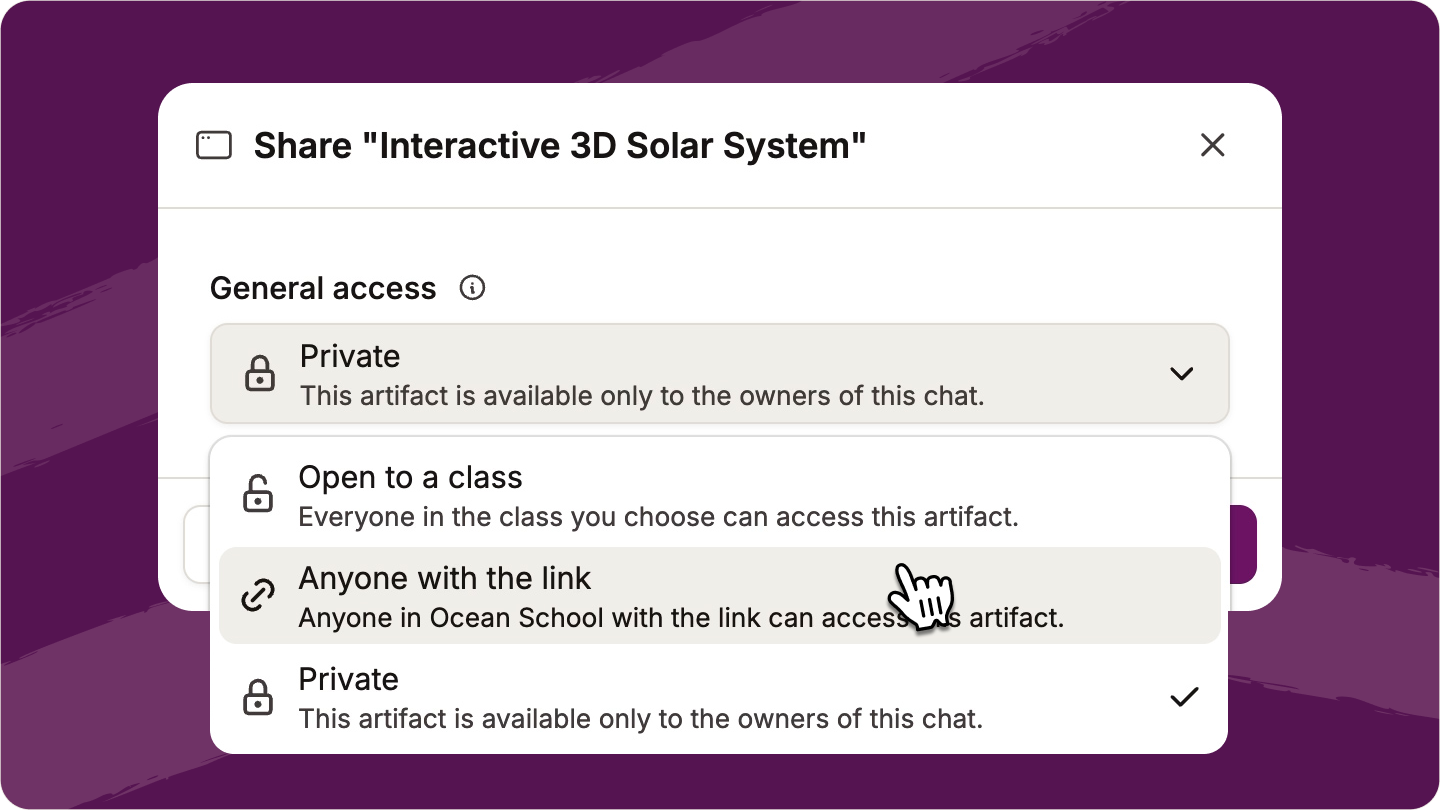
Made a video, document, slide deck, or any other resource you want to share with other teachers or your students? Click the Share button to open it to a class or to anyone at your school with the link.
Take the AI literacy course inside Flint
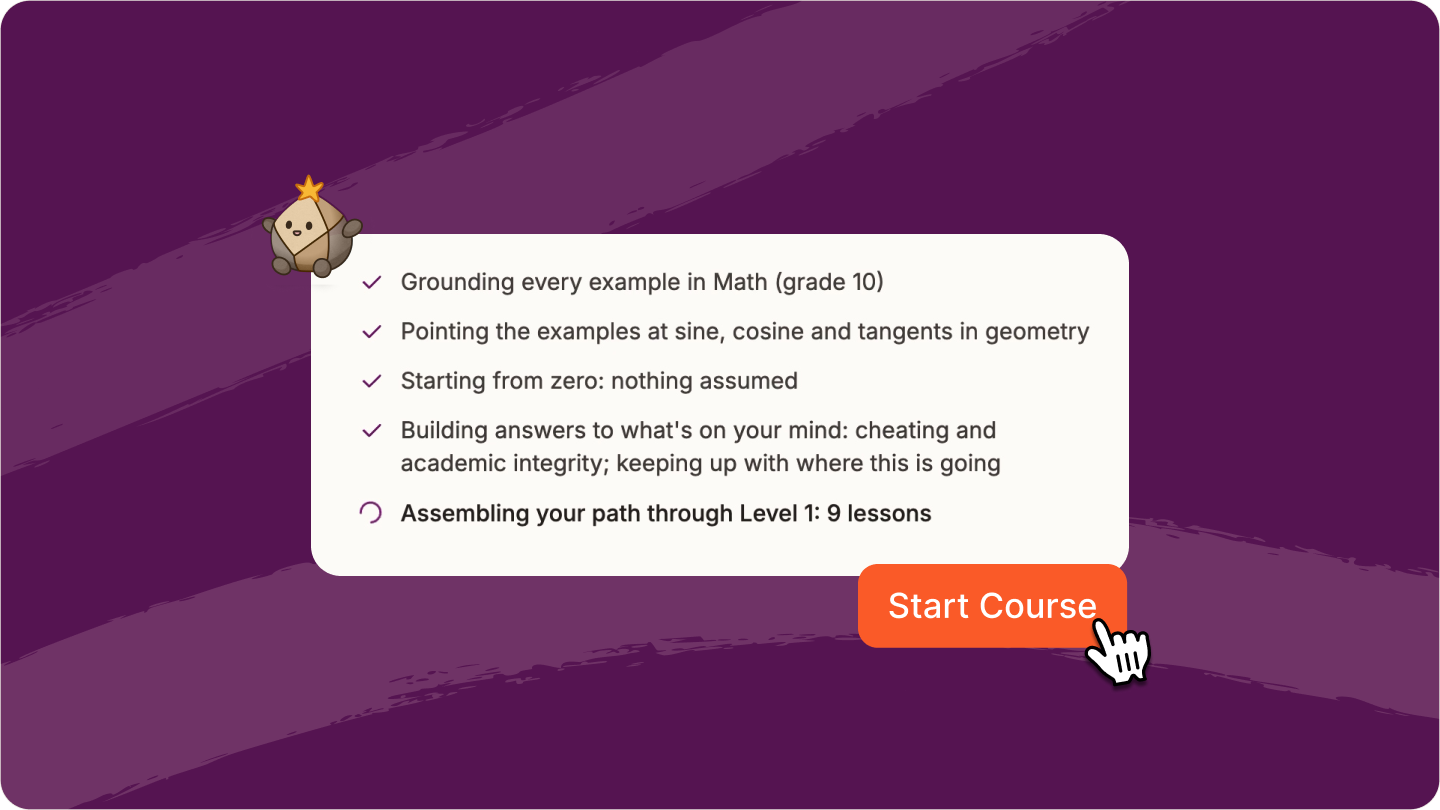
Welcome to AI Literacy for Teachers 2.0. The interactive, two-level course is personalized to what you teach, your skill level, and your concerns about AI in the classroom.
Dark mode in Flint
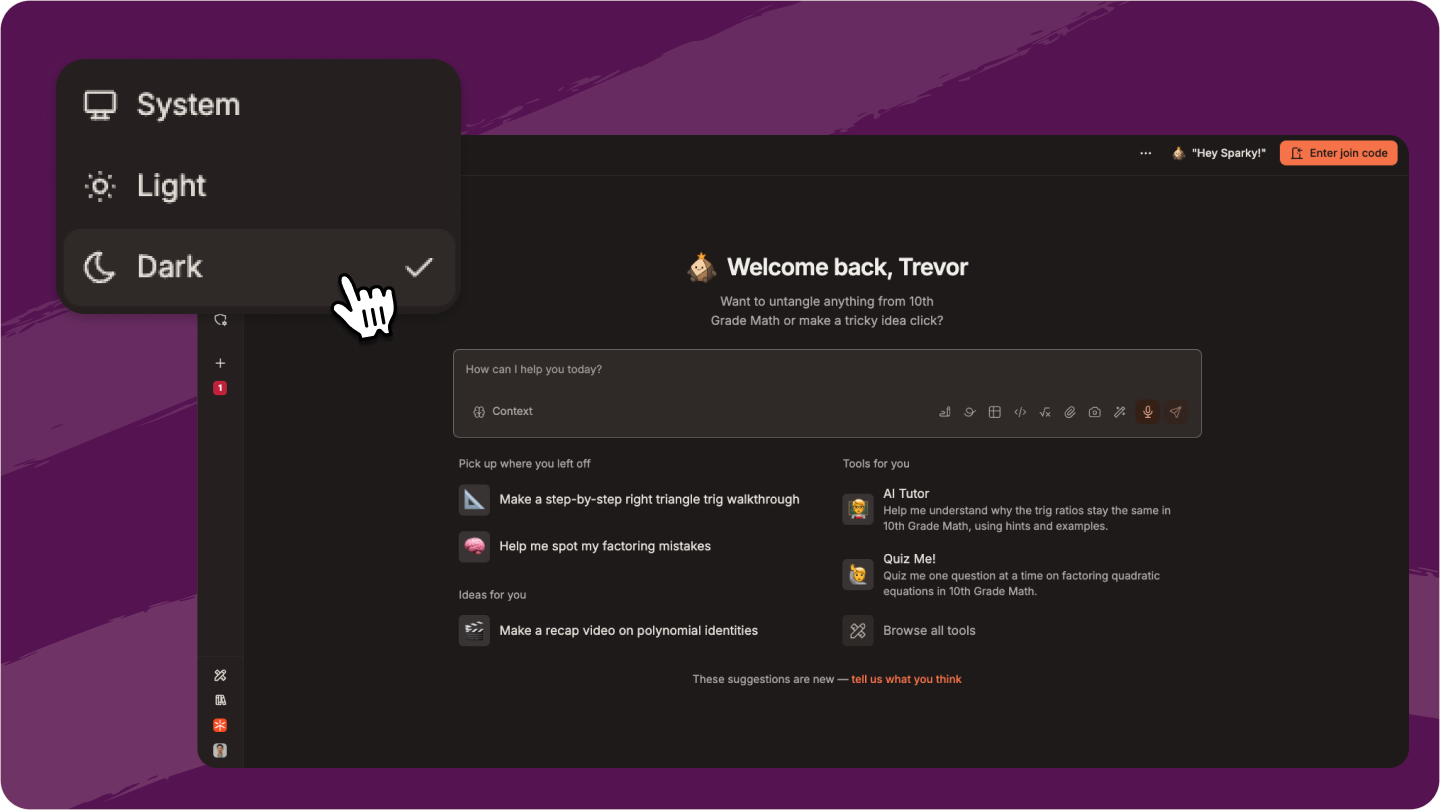
Welcome to the dark side. You can now use Flint in light or dark mode: click your profile in the sidebar, then Theme.
Sparky follows your school's AI policy
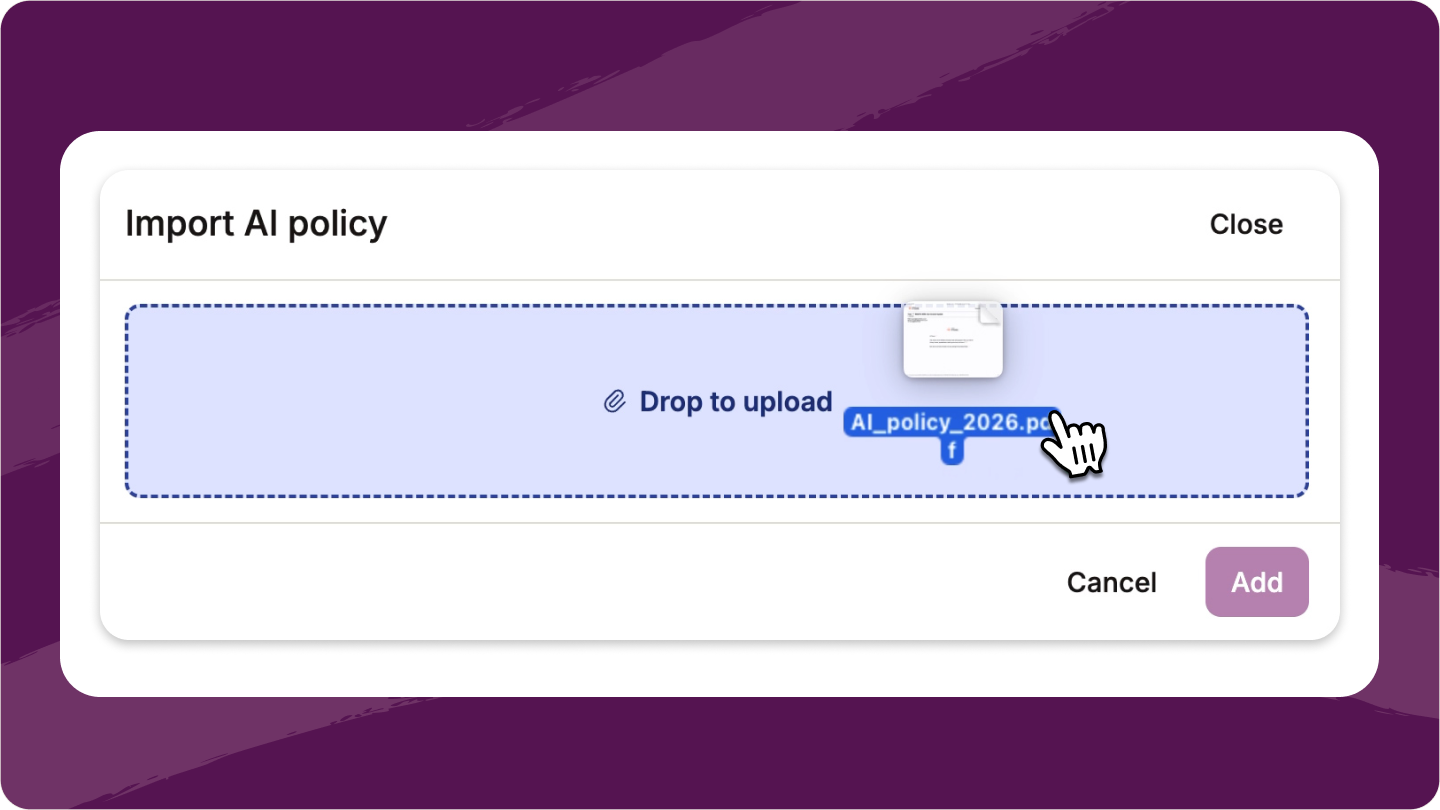
Admins can upload the school's AI policy in School settings → AI Policy. Sparky reads it in every chat, so when a student asks "Am I allowed to use AI on this essay?", Sparky answers from your school's own rules.
Get moderation alerts when you want them
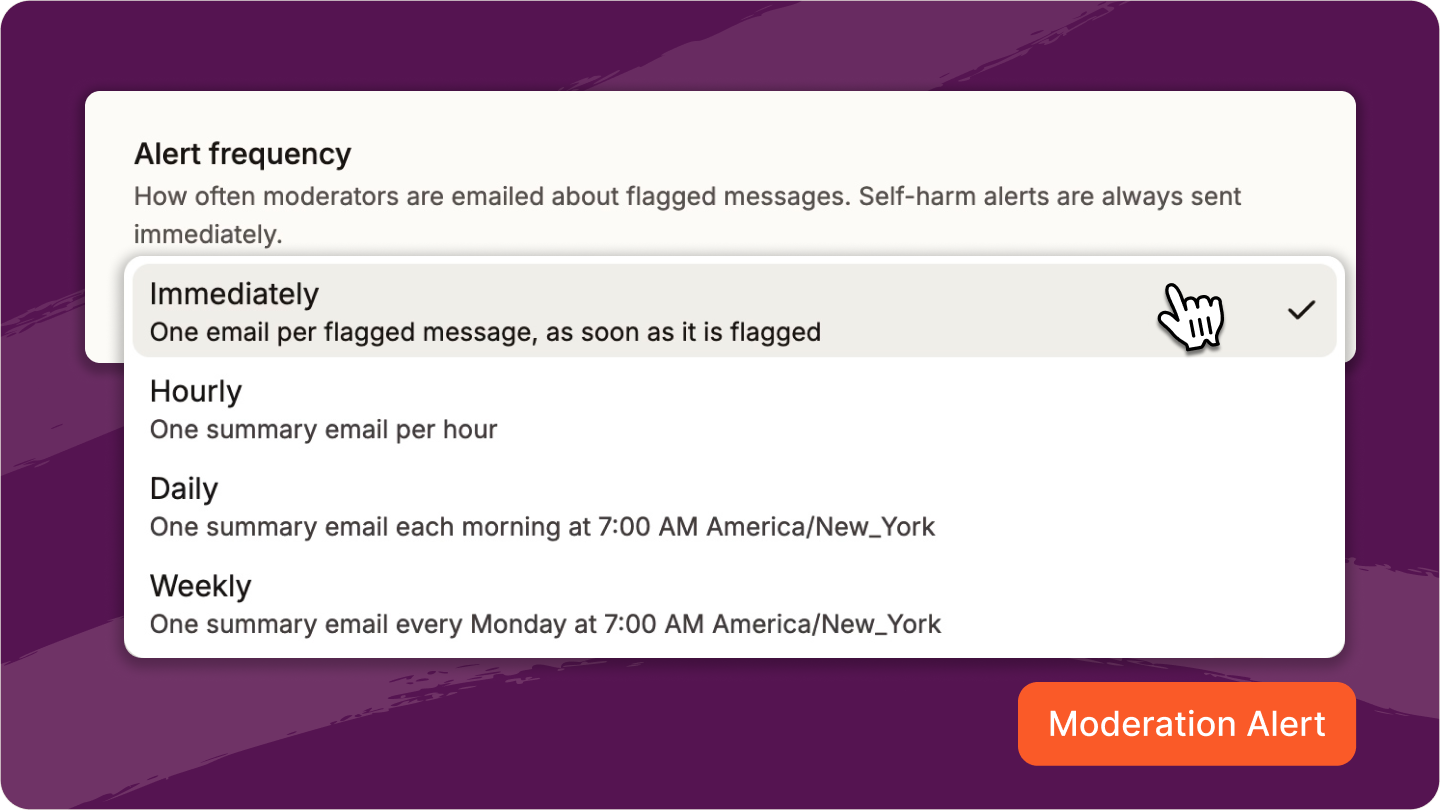
Admins choose whether moderation alerts arrive immediately, hourly, daily, or weekly, for the whole school or for each moderator or class. Self-harm alerts always arrive immediately.
Flint is easier to use for more students
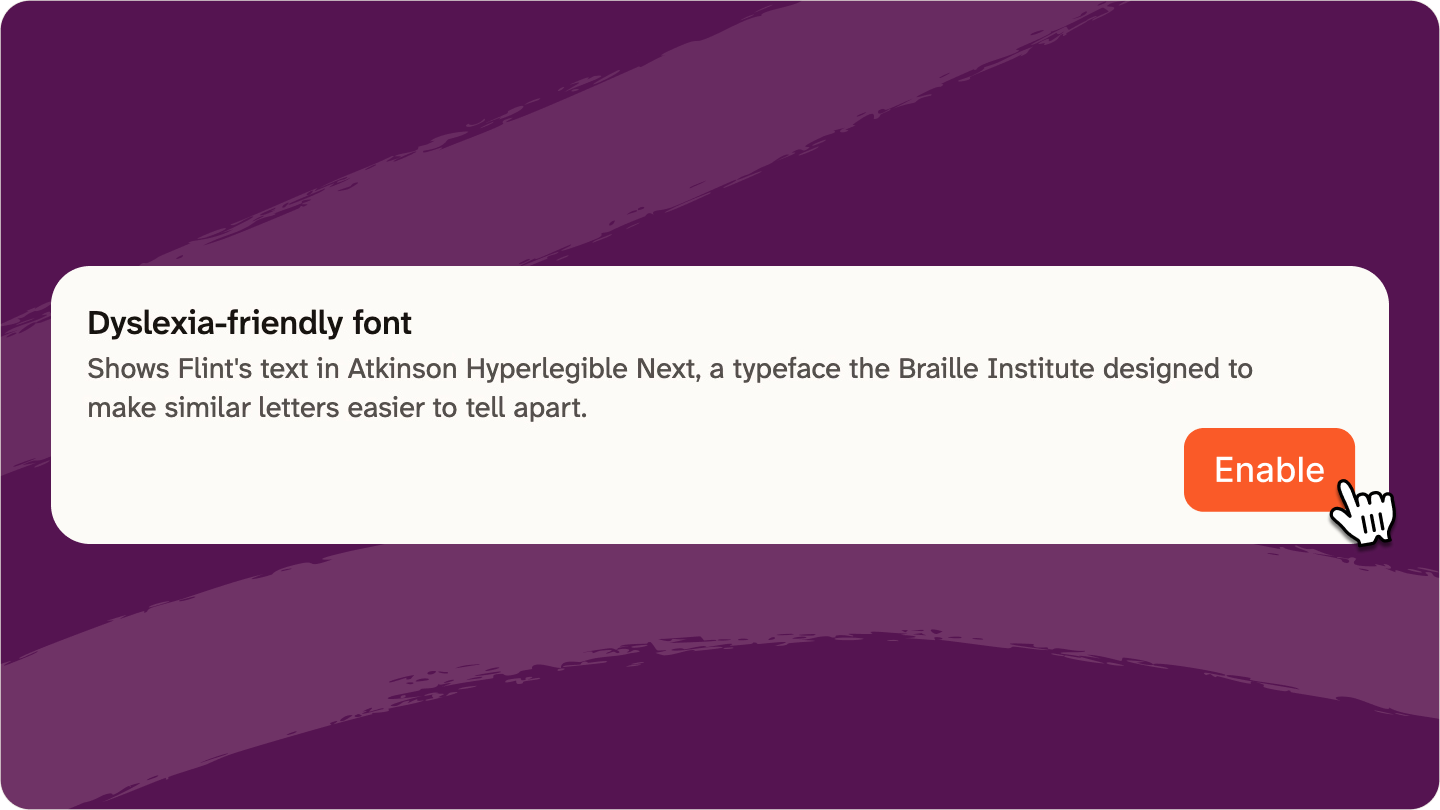
Students can turn on a dyslexia-friendly font in Accessibility settings, and it follows them to any device they sign in on. Flint is also easier to use with a keyboard or a screen reader, and on whiteboards, keyboard users can now resize and rotate shapes.
Additional updates
- Save documents as PDF, and resize images in documents by dragging them.
- Downloaded slide decks use text sizes that read on a classroom projector, and speaker notes go in PowerPoint's notes panel.
- Flint checks your SIS twice a day and applies small roster changes on its own.
- Admins choose what comes in from the SIS with a live preview, and can fix wrong roles and grade levels during import.
- The Flint help center is now at app.flintk12.com/help.


